How to Secure Your Wi-Fi Network Using WPA2
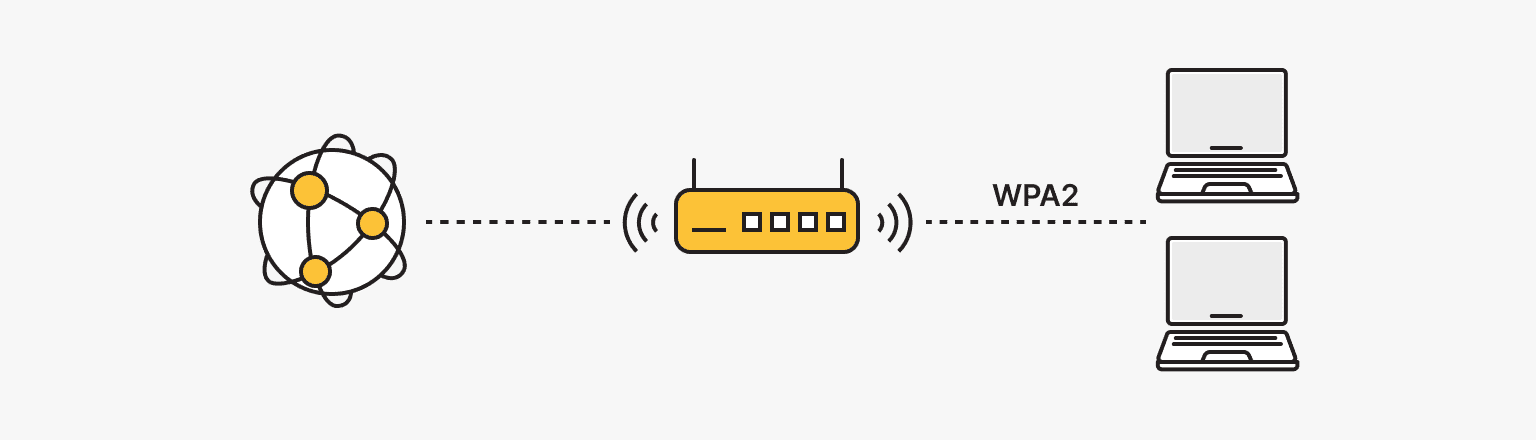
Ensuring your Wi-Fi network is secure is crucial in today's digital age. With the increasing number of threats to your network, it's essential to take proactive measures to protect your Wi-Fi network. In this article, we will guide you through the process of securing your wireless network using WPA2, a widely used Wi-Fi security protocol.
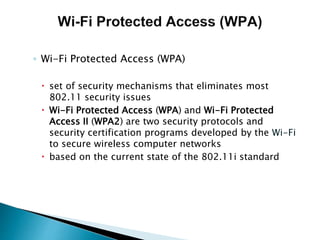
Understanding WPA2 (Wi-Fi Protected Access 2)
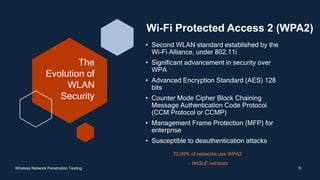
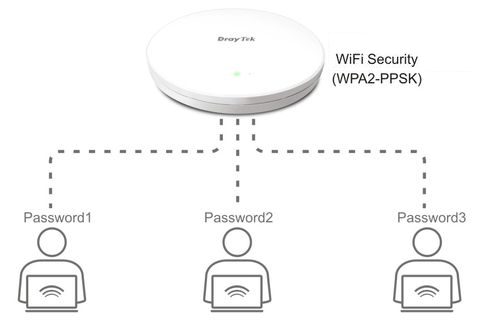
WPA2 is a robust security protocol designed to secure wireless networks. It's an encryption technology used to protect your Wi-Fi data from unauthorized access. WPA2 uses the Advanced Encryption Standard (AES) in combination with the Cipher Block Chaining Message Authentication Code (CCMP) to provide secure data transmission.
Why Securing Your Wi-Fi Network is Crucial
Securing your Wi-Fi network is essential to prevent hackers from accessing your personal data. With WPA2, your network is encrypted, making it difficult for hackers to intercept and decode your data. Avoiding unsecured networks and updating your router's firmware regularly can help prevent common web attacks.

Configuring Your Router for WPA2
To configure your router for WPA2, follow these steps:
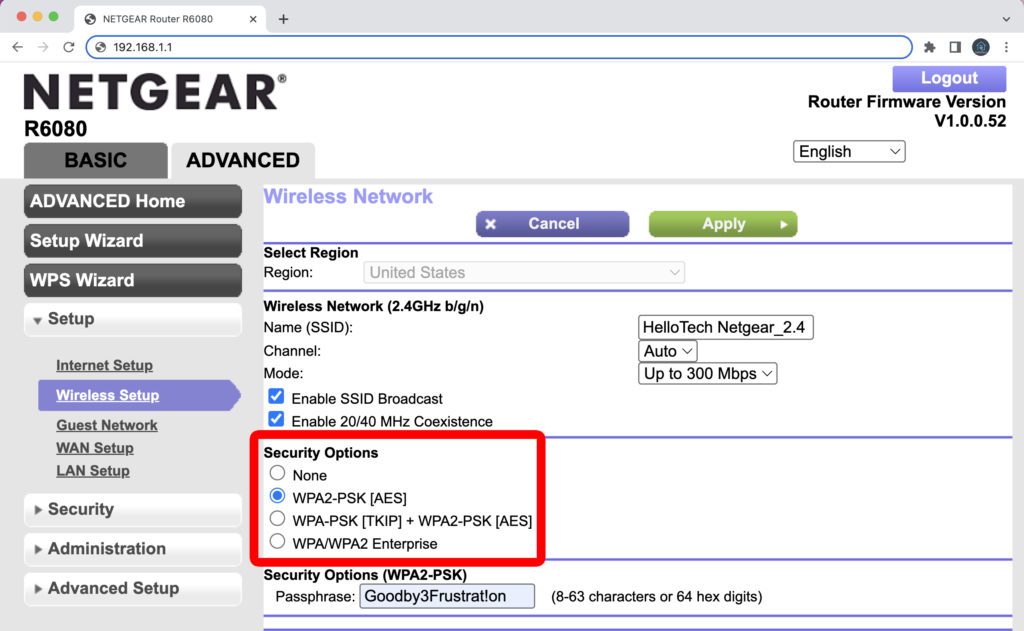
- Open your router's web-based interface by typing in its IP address (usually 192.168.0.1 or 192.168.1.1) in your web browser.
- Log in using your router's credentials (username and password).
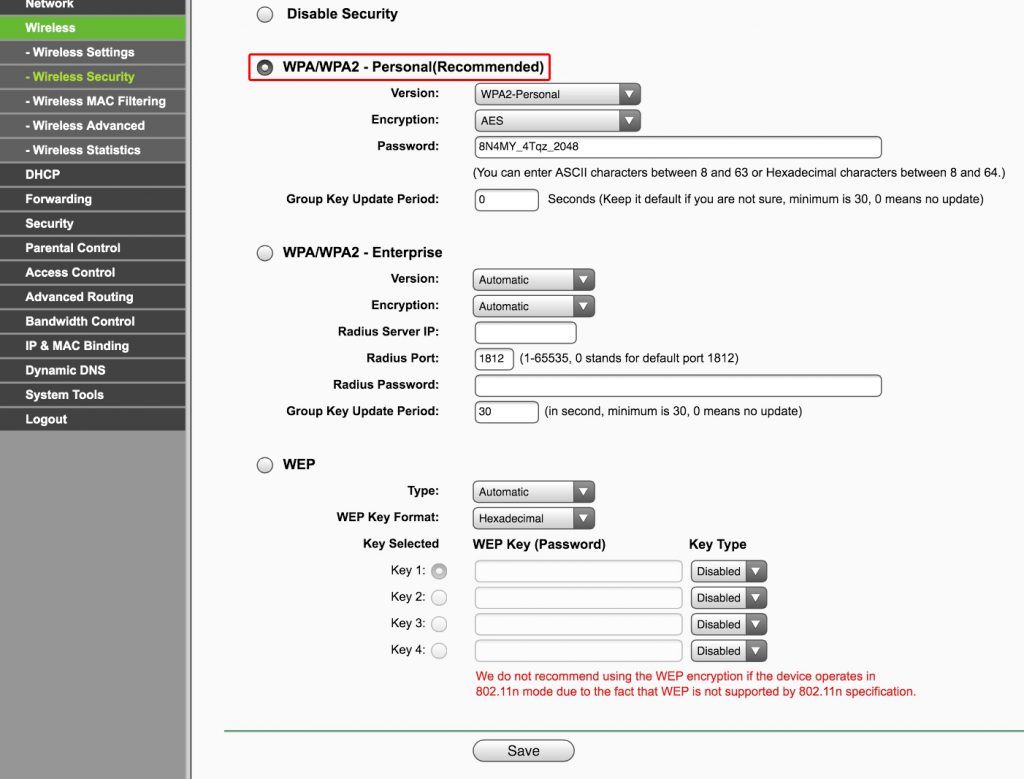
- Navigate to the Wireless Settings or Wi-Fi Settings section.
- Enable WPA2 as the encryption method and set a strong and unique passphraseword.
- Configure your router's channel width and Wi-Fi mode to ensure the best coverage for your network.
Here are some methods to help you secure your Wi-Fi network using WPA2:
- Use a strong and unique passwordphrase for your network, making it difficult for hackers to breach your network.
- Update your router's firmware regularly to ensure you have the latest security patches and updates.
- Change your router's default name (SSID) to a unique name that's not easily identifiable (or guessable).
- Disable your network's WPS (Wi-Fi Protected Setup) feature to prevent unauthorized access.
- Consider setting up a guest network for visitors to minimize access to your primary network.
Conclusion
Securing your Wi-Fi network using WPA2 is a simple yet effective way to protect your personal data from cyber threats. By following these steps and methods, you can ensure your network is secure and enjoy a safer online experience. Regularly monitor your network's security by checking for firmware updates, disabling WPS, and considering guest networks.
Additional Tips
For additional information regarding Wi-Fi security, consider the information below:
- Enabling your two-factor authentication (2FA) on your router.
- Discovering the ideal Wi-Fi frequency for your network.

_is_selected_from_the_toggle_option.png?revision=2&size=bestfit&width=375&height=524 "Securing Your Wireless Network: A Step-by-Step Guide to Setting Your ...")