How to Secure Your Social Media Account Information Online
With the increasing number of social media users, the risk of cyber threats and online vulnerabilities has also risen. Social media accounts have become a primary target for hackers, and it's essential to stay one step ahead by following the latest in cybersecurity protocol. In this article, we'll provide you with 10 tips on how to secure your social media account information online, including creating strong passwords, enabling MFA, and regular monitoring.
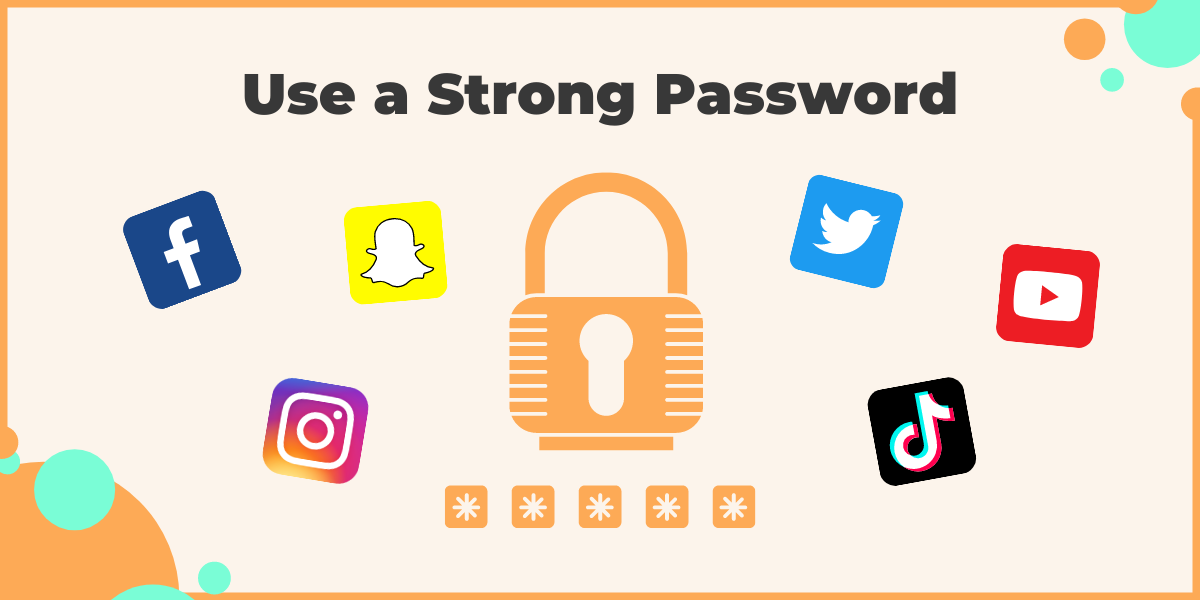
1. Use Strong and Unique Passwords
Using weak and repetitive passwords can make your social media accounts vulnerable to hacking. Create a strong and unique password for each of your social media accounts by combining uppercase and lowercase letters, numbers, and special characters. Avoid using easily guessable information such as your name, birthdate, or common words.
- Use a password manager to generate and store unique passwords for each account.
- Change your passwords regularly, ideally every 60-90 days.
- Avoid using the same password for multiple accounts.
2. Enable Two-Factor Authentication (2FA)
Two-factor authentication adds an extra layer of security to your social media accounts by requiring a second form of verification, such as a code sent to your phone or a biometric scan. Enable 2FA on all your social media accounts to prevent unauthorized access.
- Check if your social media platform offers 2FA and enable it immediately.
- Use a authenticator app like Google Authenticator or Authy to generate 2FA codes.
- Make sure to store your 2FA codes securely, such as in a password manager.
3. Keep Your Social Media Accounts Up-to-Date
Regularly update your social media accounts to ensure you have the latest security features and patches. This will help prevent vulnerabilities and protect your account information.
- Check your social media accounts regularly for updates and new features.
- Update your accounts immediately if you notice any suspicious activity or security vulnerabilities.
- Be cautious of phishing emails or messages that may trick you into updating your account information.
4. Be Cautious of Public Wi-Fi
Public Wi-Fi networks can be vulnerable to hacking, and it's best to avoid using them to access your social media accounts. If you must use public Wi-Fi, make sure to use a virtual private network (VPN) to encrypt your internet traffic.

- Avoid using public Wi-Fi to access your social media accounts.
- Use a VPN to encrypt your internet traffic when using public Wi-Fi.
- Keep your VPN software up-to-date and use a reputable provider.
5. Monitor Your Account Activity
Regularly monitor your social media account activity to detect any suspicious behavior or unauthorized access. This will help you respond quickly to any potential security threats.
- Check your account activity regularly, such as daily or weekly.
- Look for any suspicious activity, such as login attempts from unknown devices or locations.
- Report any suspicious activity to your social media platform immediately.
6. Use Secure Browsing Habits
Use secure browsing habits to protect your social media accounts from hacking. Avoid clicking on suspicious links or downloading attachments from unknown sources.
- Avoid clicking on suspicious links or downloading attachments from unknown sources.
- Use a reputable antivirus software to scan your device for malware.
- Keep your browser and operating system up-to-date with the latest security patches.
7. Use a Password Manager
Password managers can help you generate and store unique passwords for each of your social media accounts. This will make it easier to manage your passwords and reduce the risk of password reuse.
- Use a reputable password manager like LastPass or 1Password.
- Generate and store unique passwords for each social media account.
- Use a password manager to autofill your login credentials.
8. Avoid Sharing Personal Information
Avoid sharing personal information on social media, such as your address, phone number, or financial information. This will help prevent identity theft and protect your account information.