Home Network Security for Beginners: A Comprehensive Guide
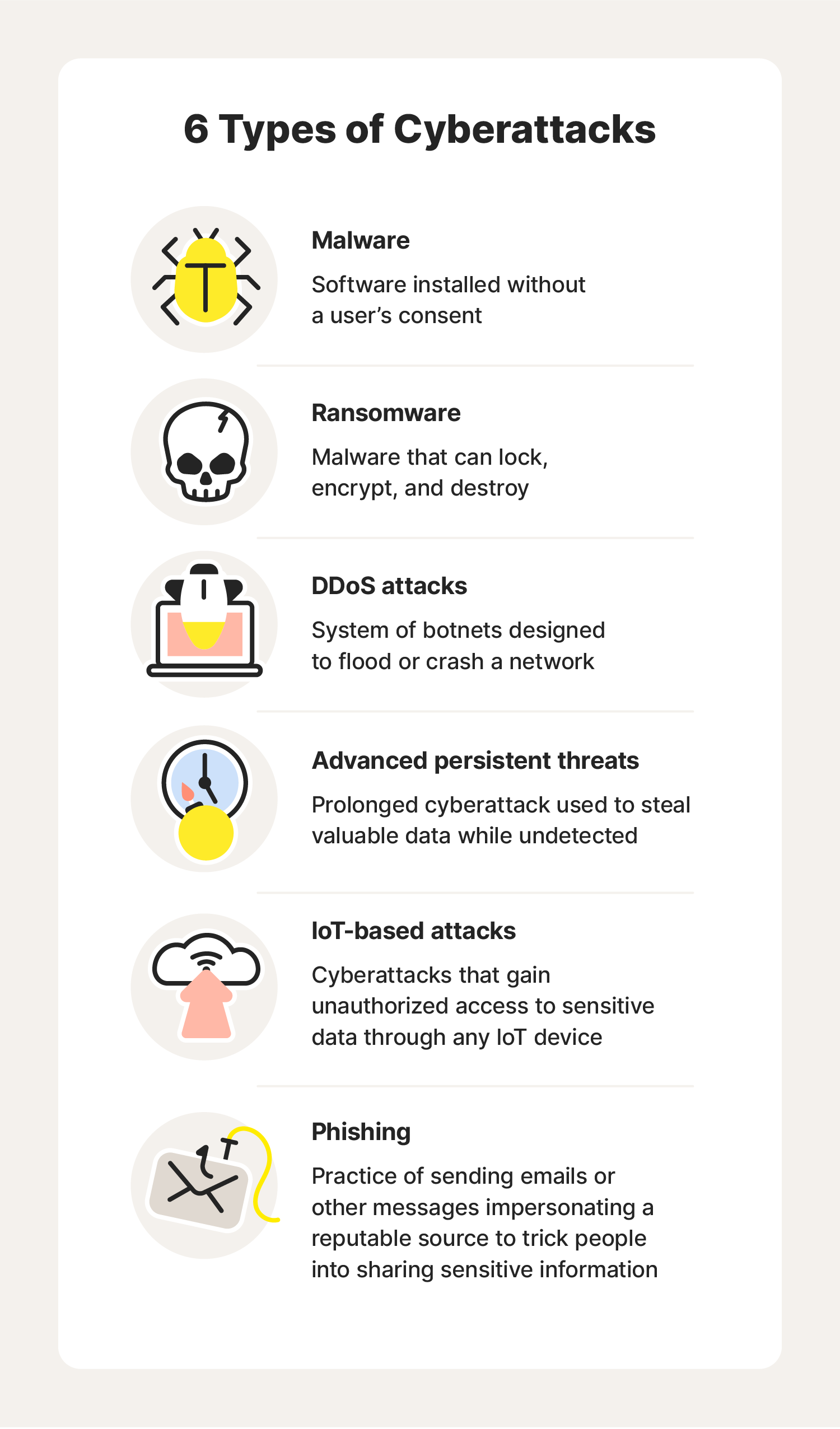
As the world becomes increasingly reliant on technology, home network security for beginners is a crucial aspect of protecting your personal and sensitive data. A secure home network is essential for preventing unwanted access, hacking, and cyber threats. In this article, we'll explore the basics of home network security, provide tips for setting up a reliable home network, and highlight key features to consider when securing your home network.
Why is Home Network Security Important?
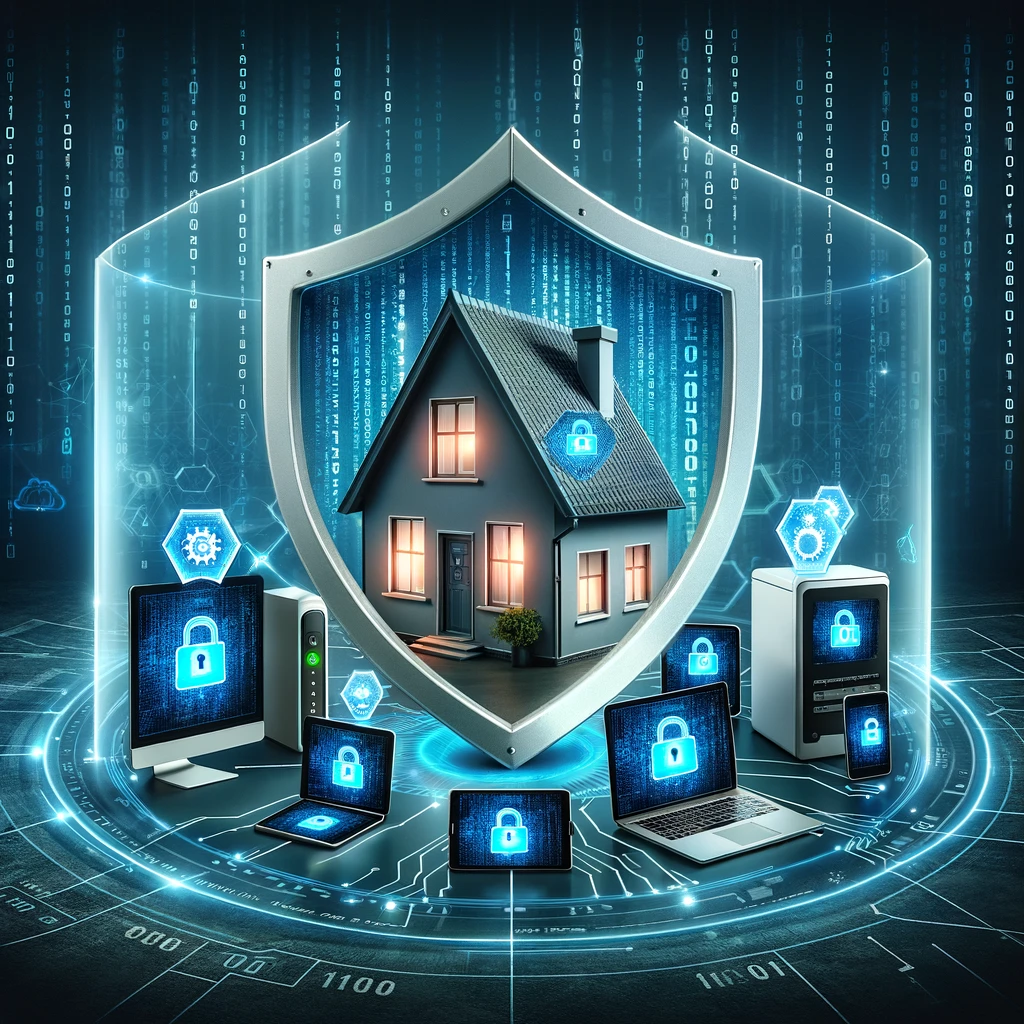
Home network security is vital for protecting your home and devices from cyber threats. A secure home network prevents hackers from accessing your personal data, devised information, and financial details. A robust home network security system also protects your smart home devices from vulnerabilities, such as router attacks. Smart home devices, like door locks, security cameras, and thermostat, can be compromised by a vulnerable home network, leading to potential security breaches.
Planning Your Home Network
Before setting up your home network, it's essential to plan your network to get the best use out of it. Consider the devices you'll connect to your network, the number of devices, and the bandwidth requirements. You should also choose a suitable location for your router, keeping it away from walls and other obstacles to ensure a strong signal.
- Map out your home network, identifying the devices that will connect to the network.
- Determine the network speed and bandwidth requirements.
- Choose a suitable location for your router.
Setting Up Your Router
Setting up your router correctly is crucial for a secure and reliable home network. You'll need to configure the router's security features, set up a strong network name (SSID) and password, and enable the quality of service (QoS) feature to prioritize critical applications.
- Configure the router's security settings, including WPA2 encryption.
- Set up a strong network name (SSID) and password.
- Enable the quality of service (QoS) feature to prioritize critical applications.
Protecting Your Network

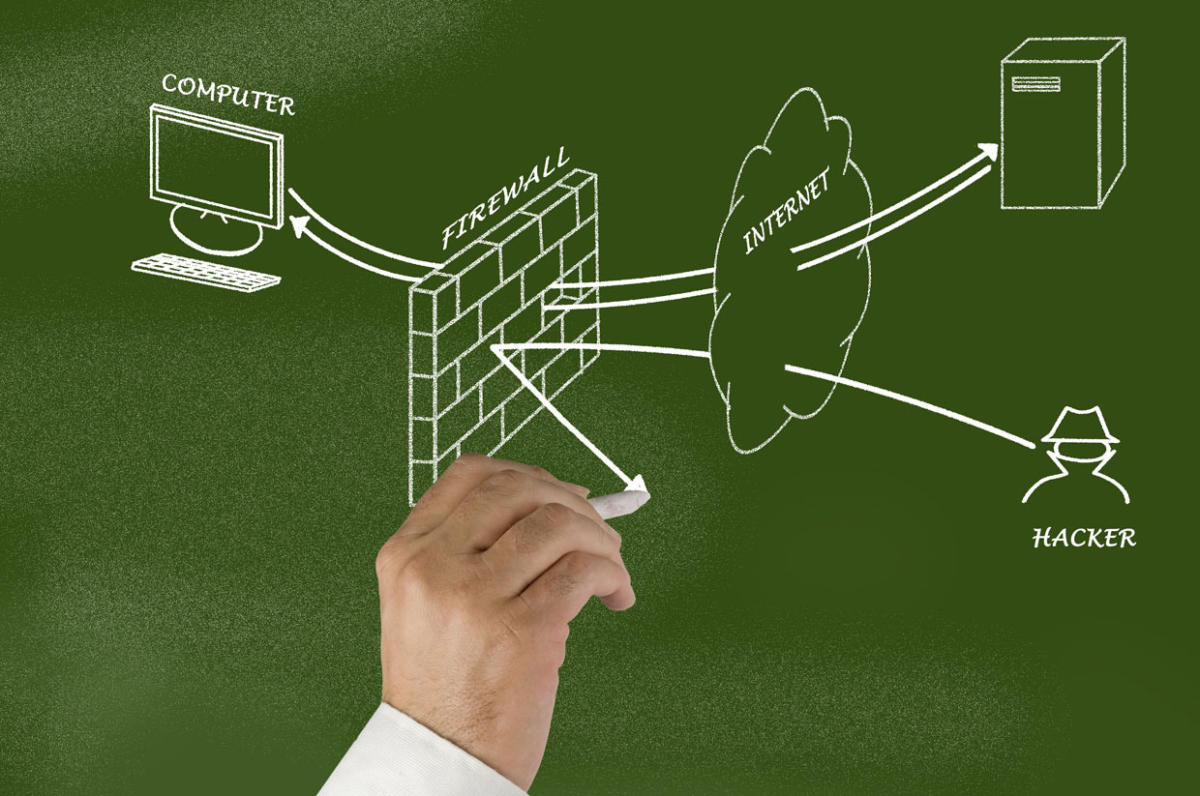
Protecting your network from unauthorized access, hacking, and cyber threats is essential. You can set up a guest network for visitors, enable network segmentation to limit the impact of a security breach, and use firewalls and antivirus software to detect and prevent potential threats.
- Set up a guest network for visitors.
- Enable network segmentation to limit the impact of a security breach.
- Use firewalls and antivirus software to detect and prevent potential threats.
Best Practices for Home Network Security for Beginners
Home network security for beginners requires careful planning, setting up the router correctly, and configuring security features. Here are some best practices to consider:
- Use strong and unique passwords for all devices and networks.
- Enable WPA2 encryption for wireless networks.
- Use firewalls and antivirus software to detect and prevent potential threats.
- Regularly update and patch your router's firmware.
- Use a reputable and secure DNS service.
Conclusion
Home network security for beginners is a vital aspect of protecting your home and devices from cyber threats. By understanding the importance of home network security, planning your network, setting up your router, and configuring security features, you can create a robust home network that prevents unwanted access and hacking. Remember to use strong and unique passwords, enable WPA2 encryption, and use firewalls and antivirus software to detect and prevent potential threats.
Additional Resources
For more information on home network security for beginners, check out the following resources:
- Home Network Security for Beginners: A Comprehensive Guide
- Setting Up Your Home Network for Beginners
- Home Network Security: A Beginner's Guide to Protecting Your Home and Devices
- Home Router Security: Tips for Creating a Secure Home Network