Facebook Account Security Hacks: Protecting Your Online Identity
As a Facebook user, you entrust the social media platform with your personal information, photos, and relationships. But with the increasing number of cyber attacks and hacking attempts, it's essential to take proactive measures to protect your Facebook account from being compromised.
Common Threats to Facebook Account Security
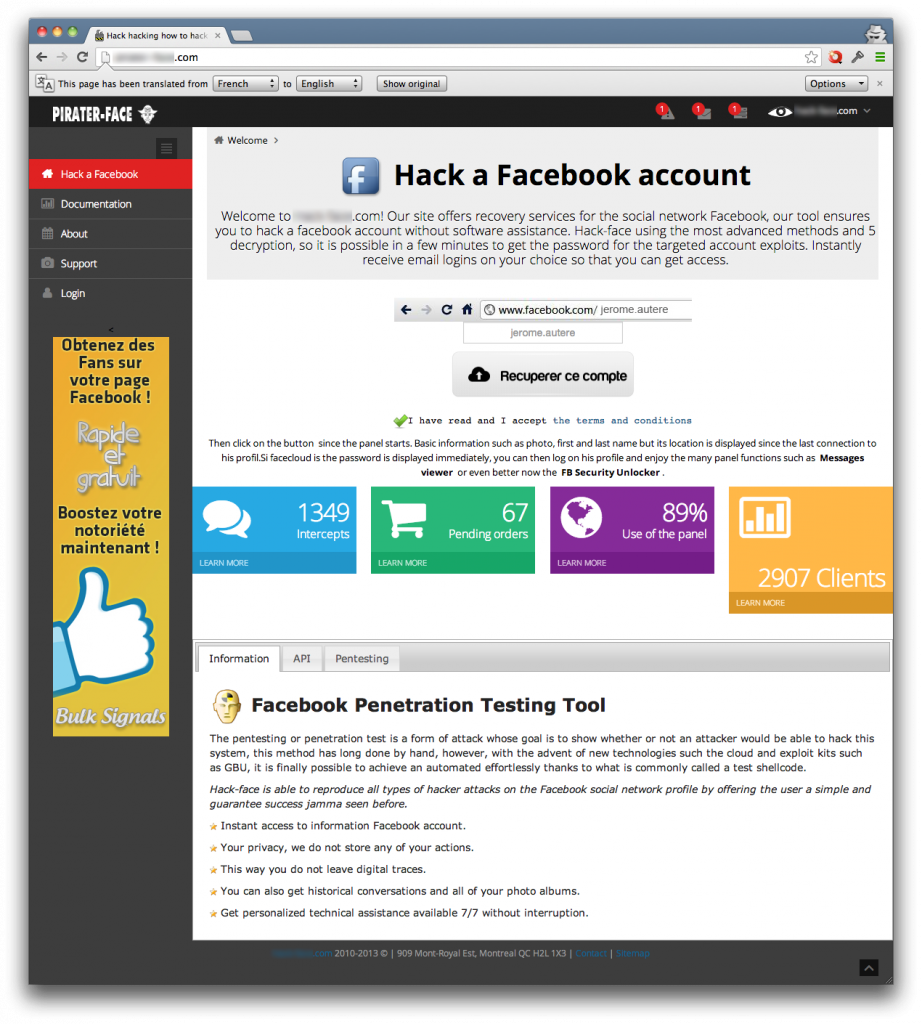
Facebook accounts are under constant attack by malicious actors seeking to steal login information, infect devices with malware, or even gain control over an account or device. To stay ahead of potential threats, it's crucial to understand how hackers operate and what they look for when attempting to breach an account.
- Phishing attacks: Emails or messages sent to trick users into revealing sensitive information, such as login credentials or financial details.
- Malware: Software designed to harm or exploit a device, allowing hackers to gain unauthorized access to an account.
- Data leaks: Unauthorized access to sensitive information, such as emails, phone numbers, or addresses, often taken from compromised databases or websites.
Signs of a Compromised Facebook Account
Before you can recover your Facebook account, you need to recognize the warning signs of a potential hack. These may include:
- Unexpected changes to your name, profile picture, email, or phone number.
- Unfamiliar messages, posts, or friend requests from unknown individuals.
- Security notifications from Meta regarding password or two-factor authentication changes.
- Unknown device sessions.
- Changes in your account settings or activity logs.
Facebook Account Security Hacks: Prevention and Recovery
While these signs can be unsettling, there's hope for recovery and renewed account security. Here are some steps to follow:

Step 1: Secure Your Account
- Enable two-factor authentication to add an extra layer of security.
- Use a unique and complex password, and consider using a password manager.
- Regularly review your account settings and log activity for any suspicious activity.
- Avoid using public computers or public Wi-Fi networks to access your account.
Step 2: Monitor Your Account
- Check your account frequently for any unexpected changes or activity.
- Monitor your email and phone number for any suspicious messages or calls.
- Keep an eye out for unfamiliar friend requests or messages from unknown individuals.
Step 3: Recover Your Account
If you suspect your account has been compromised, follow these steps to recover access:
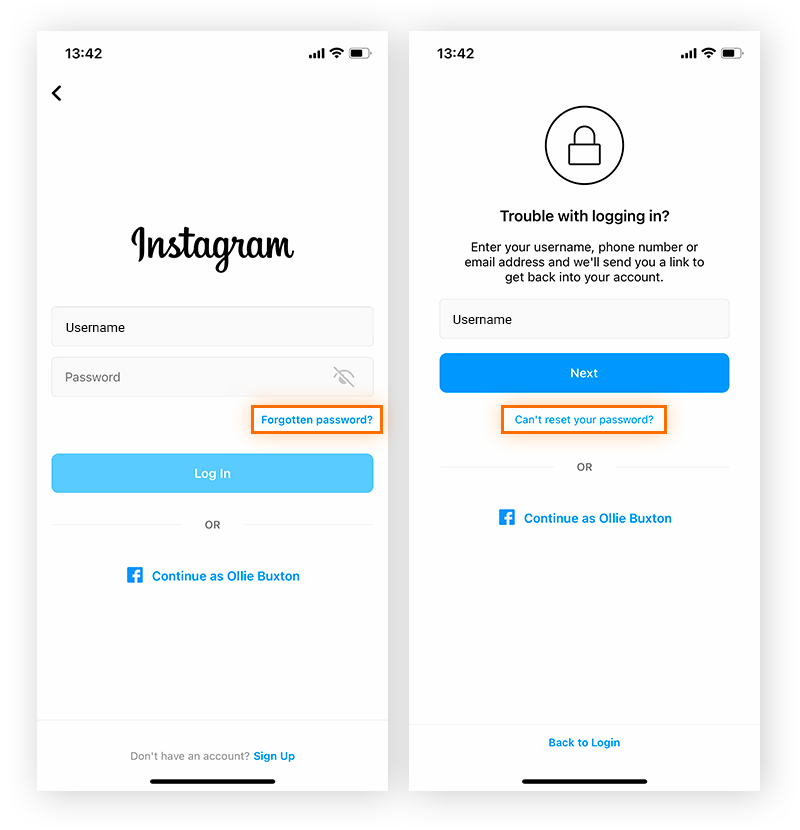
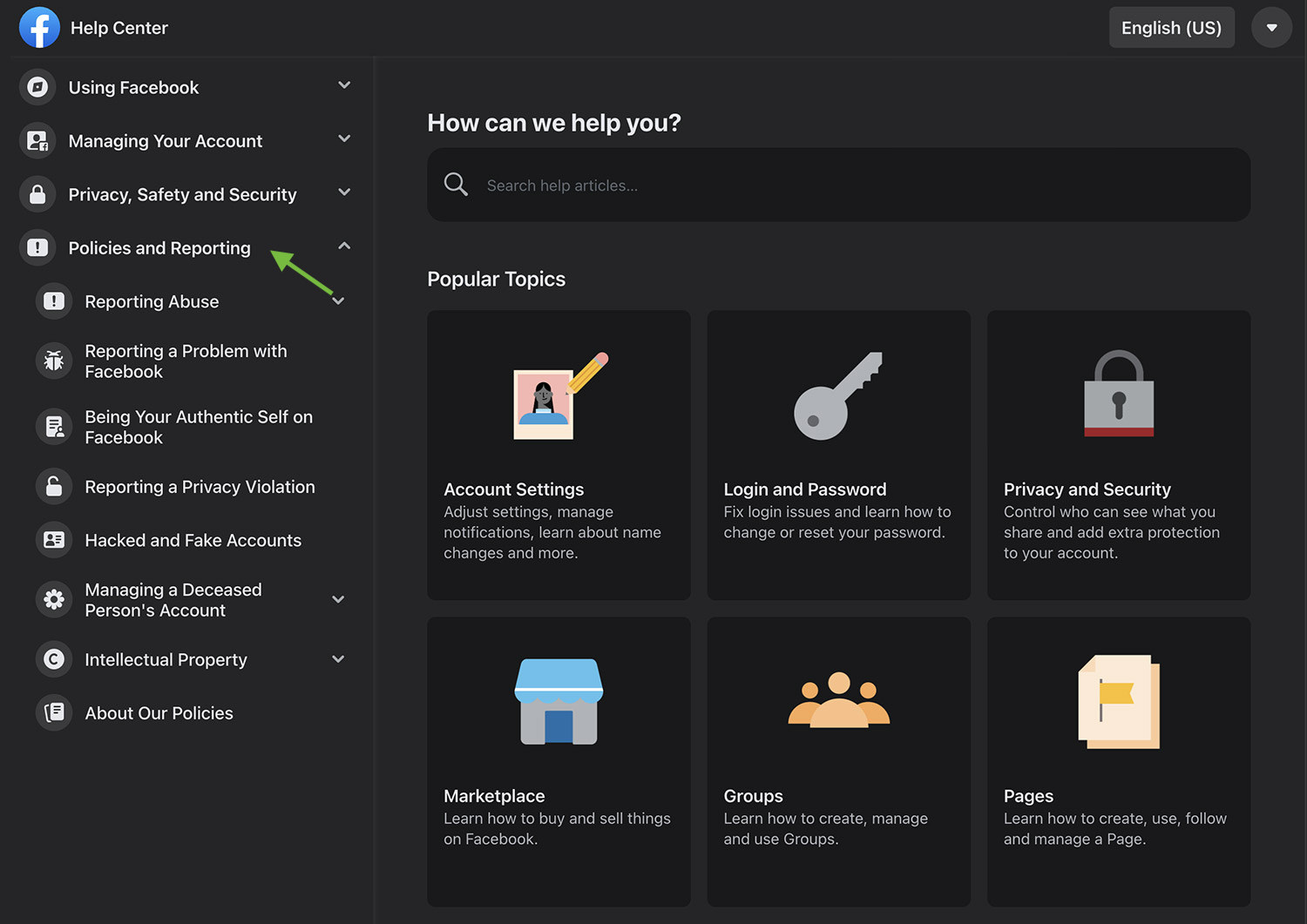
- Visit the Facebook Help Center or the Instagram Help Center for guidance.
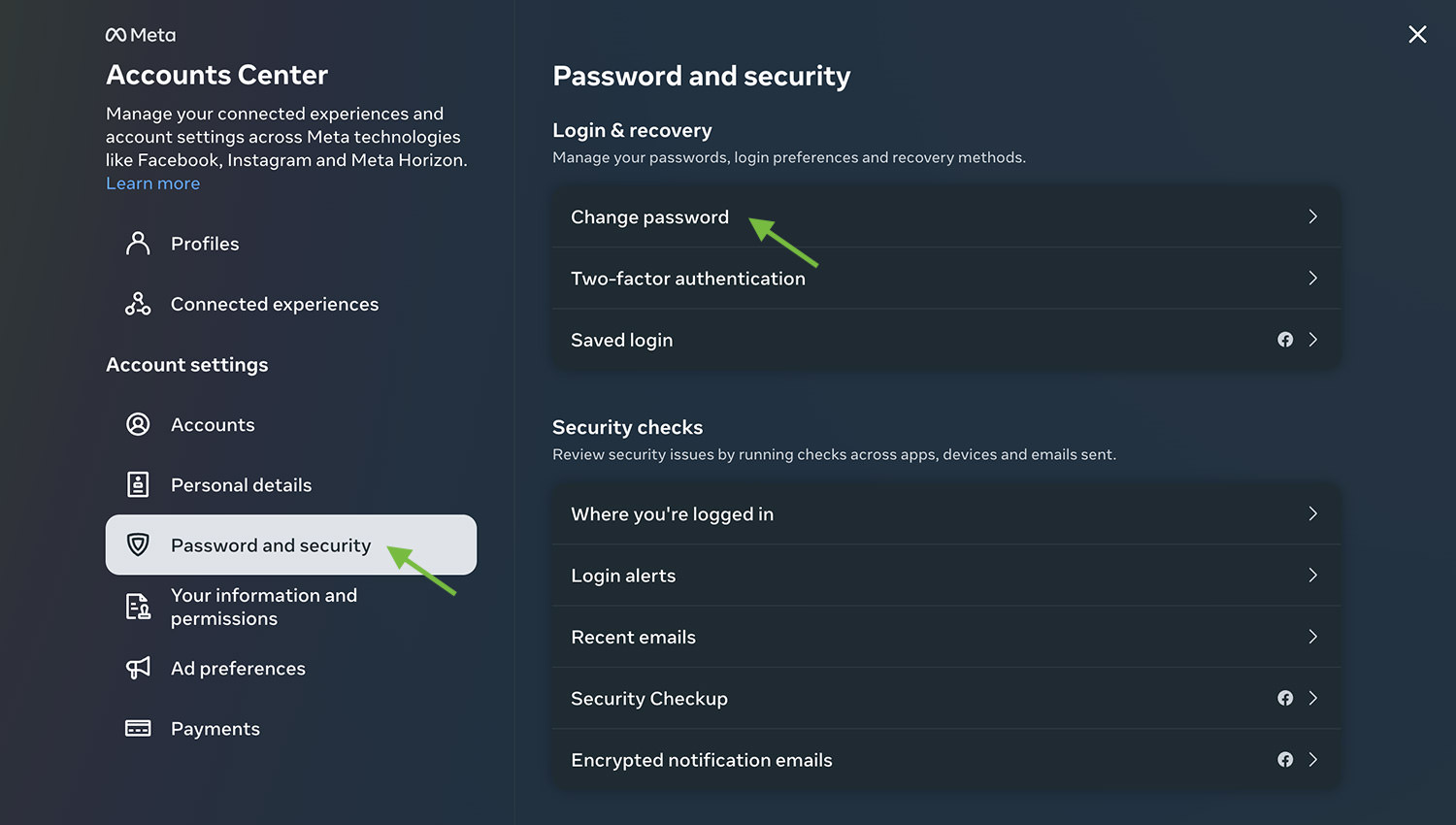
- Change your password and review recent login activity.
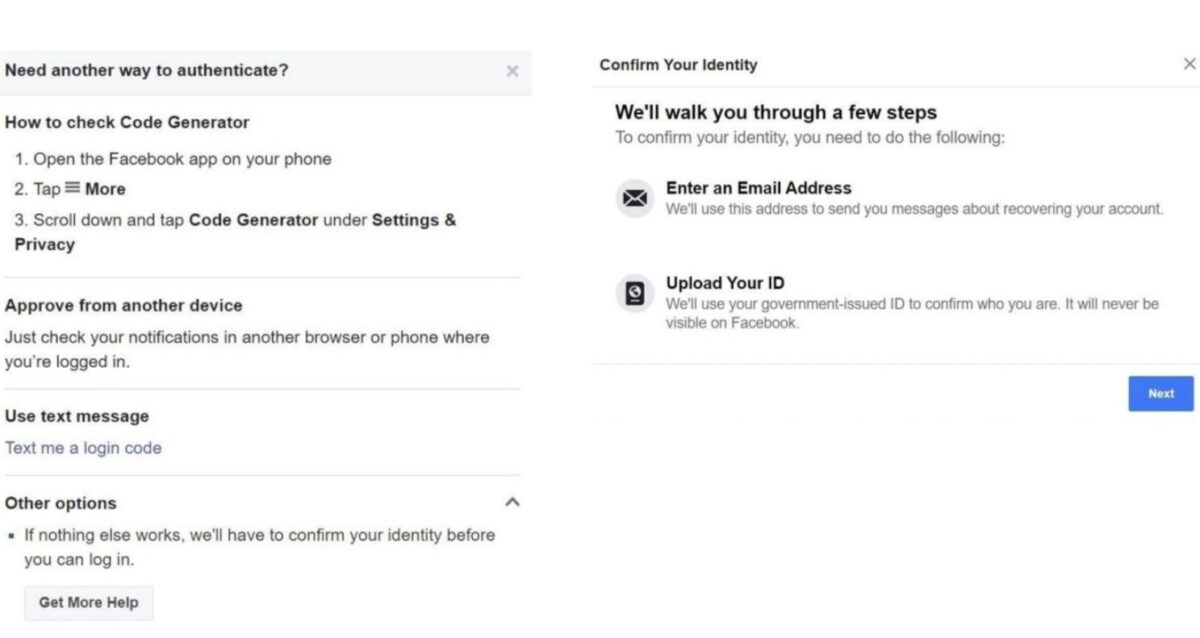
- Consider using identity verification to regain access to your account.
- Report any suspicious activity or account compromise to Facebook support.
Conclusion
Facebook account security is a continuous process that requires vigilance and proactive measures. By understanding common threats, recognizing signs of a compromised account, and following prevention and recovery steps, you can protect your online identity and maintain a secure Facebook presence.