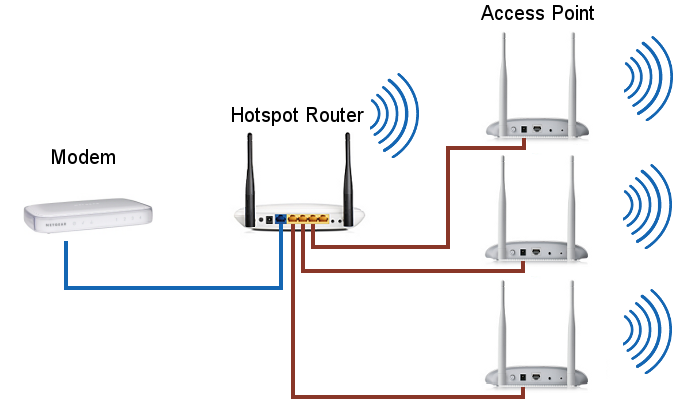
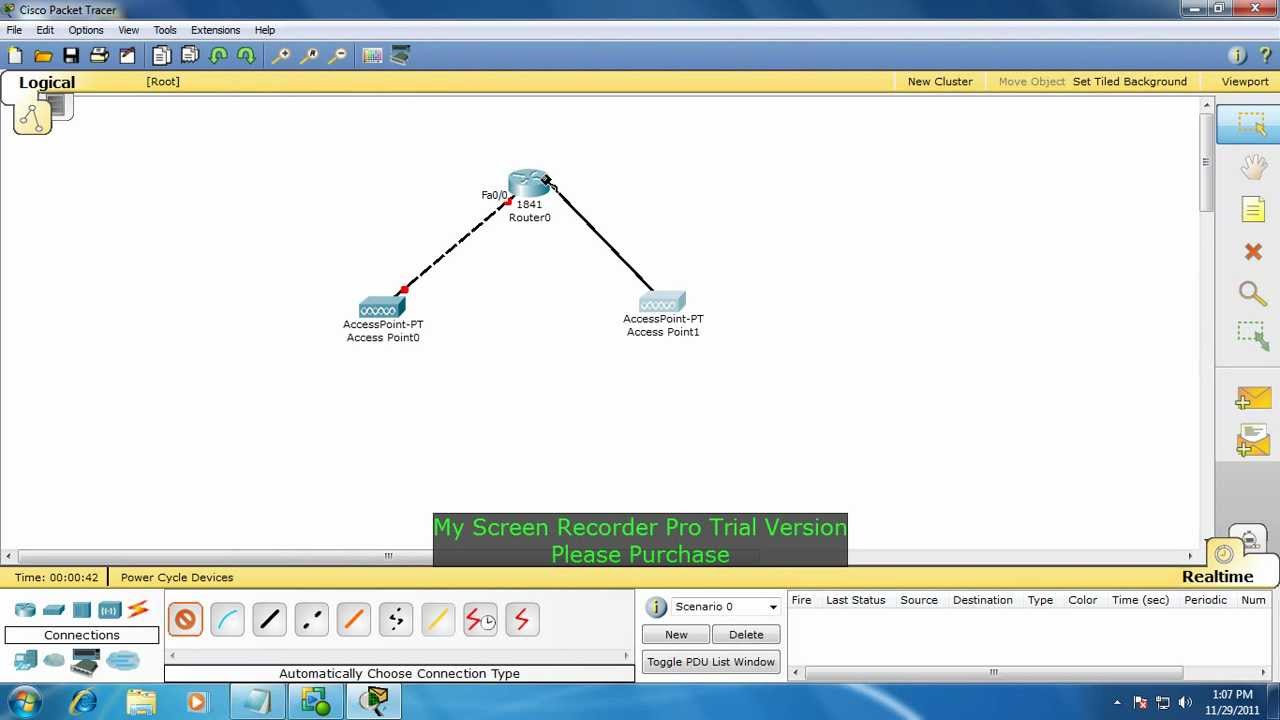
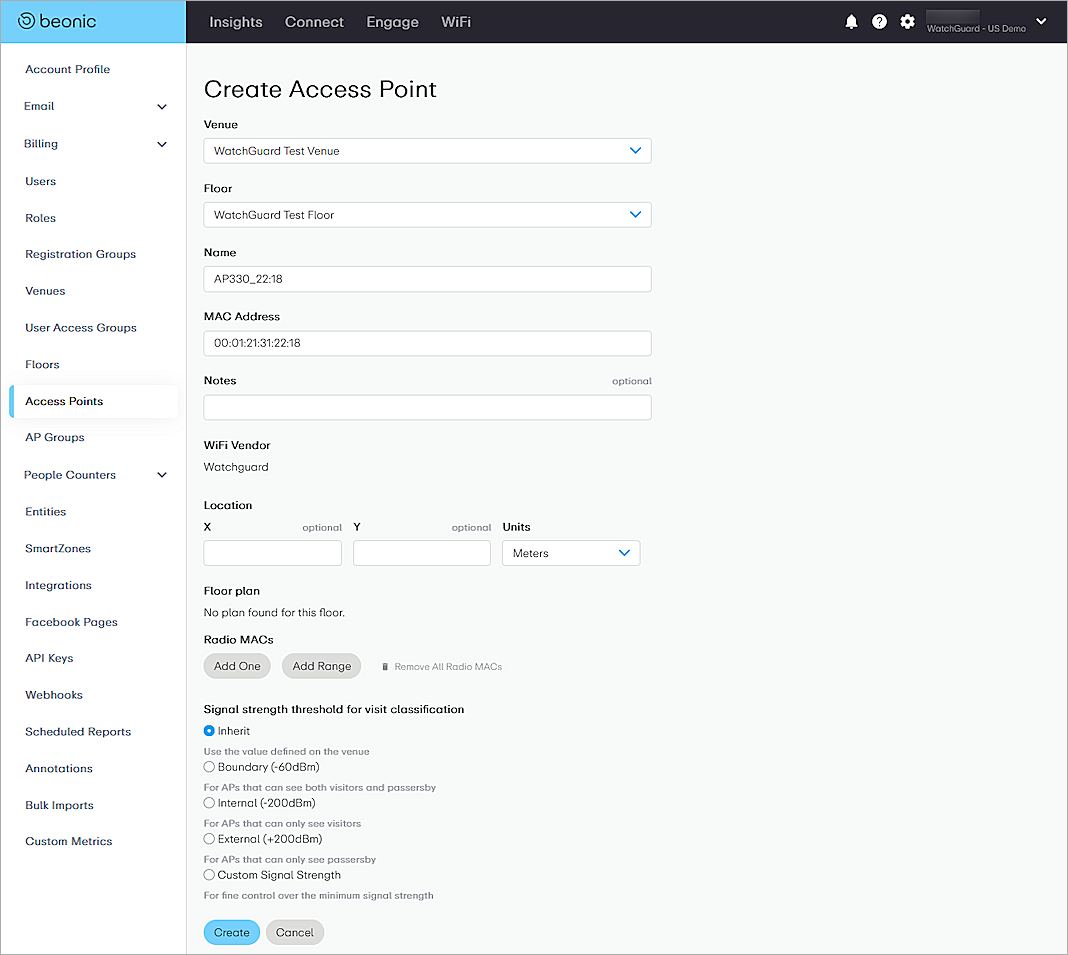
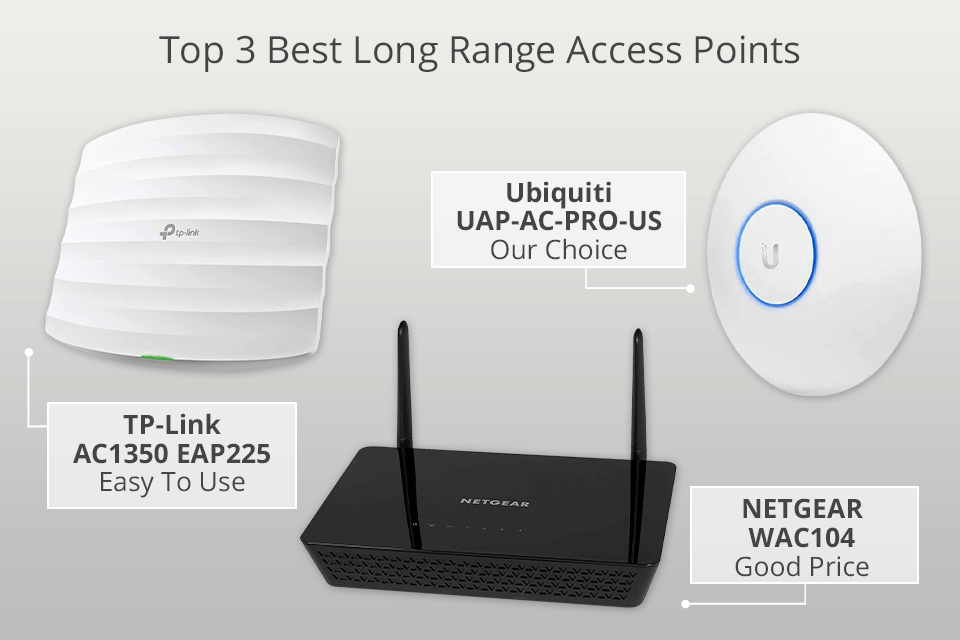
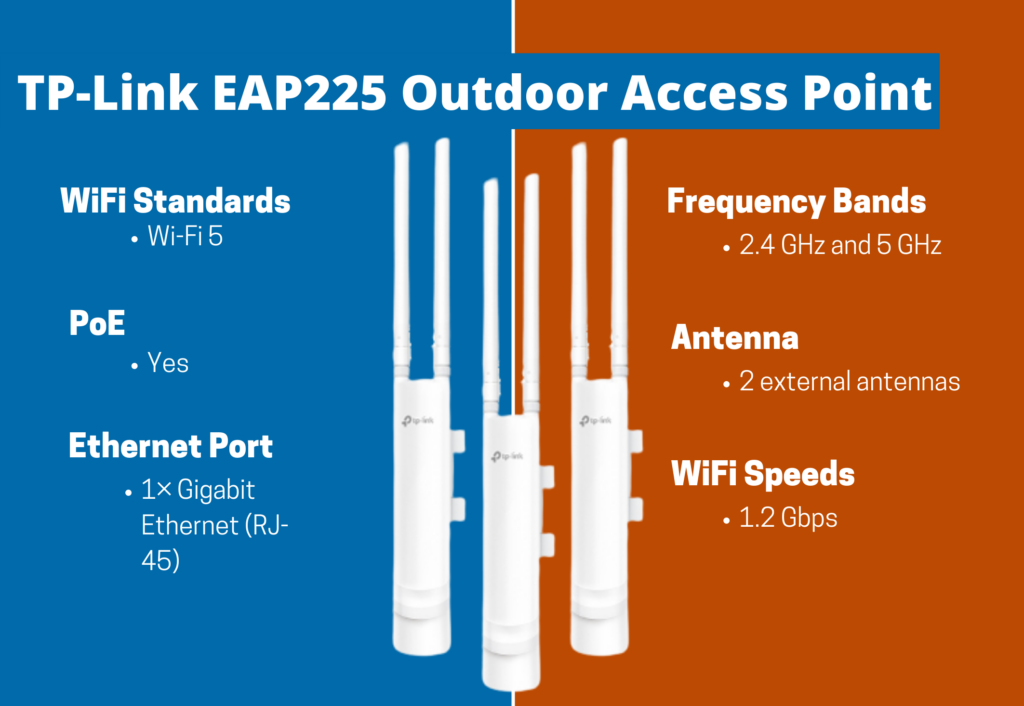
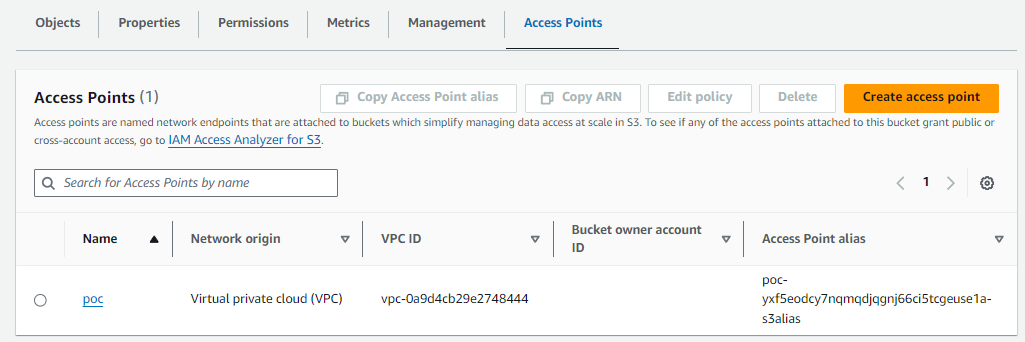
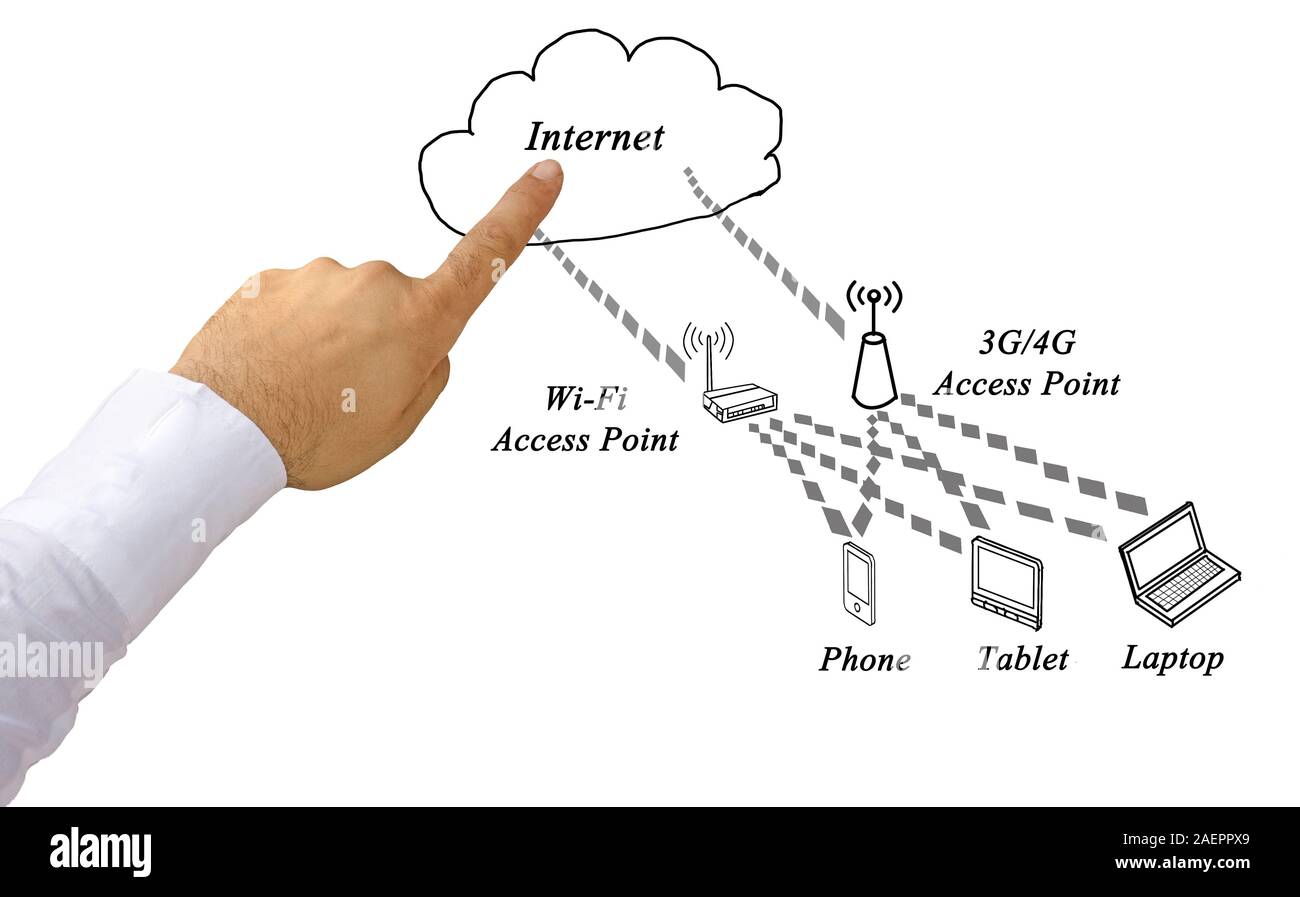
## Create an Access Point: Extending Your Network Coverage Are you struggling with a weak Wi-Fi signal in your home or office? Do you need to extend your network coverage to cater to an increasing number of devices? If yes, then you've come to the right place. Creating an access point (AP) is a simple yet effective solution to extend your network coverage, and in this article, we'll guide you through the process. ### What is an Access Point? An access point, also known as a wireless access point (WAP), is a networking device that allows wireless devices to connect to a wired Ethernet network. It extends the network coverage by providing a wireless connection to a specific area, usually through a wired link to a router or switch. In simple terms, an access point creates a wireless network within a building or a specific area, allowing devices to connect and access the internet without the need for cables. ### Why Create an Access Point? There are several reasons why you might want to create an access point: * **Extend network coverage**: Access points help to extend the network coverage to areas that are not reachable by the existing Wireless Access Point (WAP). * **Increase internet access**: By creating an access point, you can increase the number of devices that can access the internet within your network. * **Improve productivity**: Access points can improve productivity by providing a stable and reliable internet connection to your devices. ### Configuring an Access Point To configure an access point, you'll need to follow these steps: * **Connect the access point**: Connect the access point to a wired Ethernet network using a Category 5 (Cat5) cable. * **Set the access point's IP address**: Set the IP address of the access point to a static IP address within the same subnet as the router. * **Configure the access point's SSID**: Configure the access point's SSID (network name) to match the SSID of the router. * **Set the access point's wireless channel**: Set the access point's wireless channel to match the wireless channel of the router. * **Configure the access point's security settings**: Configure the access point's security settings to match the security settings of the router. ### Tips for Creating an Access Point Here are some tips to keep in mind when creating an access point: * **Use a strong and secure password**: Use a strong and secure password to secure the access point and prevent unauthorized access. * **Change the default SSID**: Change the default SSID of the access point to prevent unauthorized access. * **Use WPA2 encryption**: Use WPA2 encryption to secure the wireless connection and prevent unauthorized access. * **Regularly update the access point's firmware**: Regularly update the access point's firmware to ensure that it has the latest security patches and features. ## Conclusion Creating an access point is a simple yet effective solution to extend your network coverage and improve productivity. By following the steps outlined in this article, you can configure an access point and improve your wireless network coverage. Remember to use a strong and secure password, change the default SSID, use WPA2 encryption, and regularly update the access point's firmware to ensure that it has the latest security patches and features.
What are Access Points?
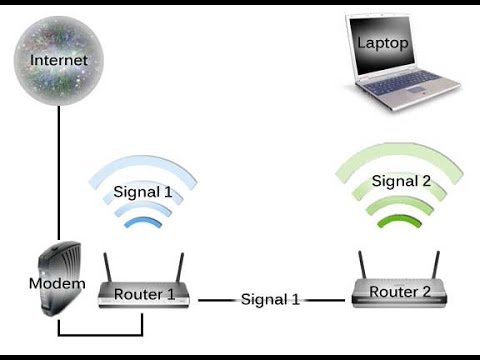
An access point (AP) is a network device that allows wireless devices to connect to a wired Ethernet network. It provides a wireless network within a building or a specific area, extending the reach of the existing network without the need for cables. An access point allows Wi-Fi devices such as laptops, mobile phones, and tablets to join the network, but instead of connecting to the main router, they connect to the access point.