Setting Up Voicemail for Personal Use: A Comprehensive Guide
In today's fast-paced digital age, having a reliable and properly set-up voicemail system is crucial for effective communication. Whether you're a busy professional, an entrepreneur, or simply someone who wants to stay connected with friends and family, voicemail remains an essential tool for managing incoming calls and messages. In this article, we will walk you through the process of setting up voicemail on various devices, including Android, iPhone, and more.Why Setting Up Voicemail is Essential
With the rise of mobile devices and instant connectivity, it's easy to take voicemail for granted. However, this feature remains a vital means of communication when we're unable to answer calls. By setting up voicemail, you can ensure that important calls don't go unanswered, and you can respond to messages at your convenience.Setting Up Voicemail on Android Devices
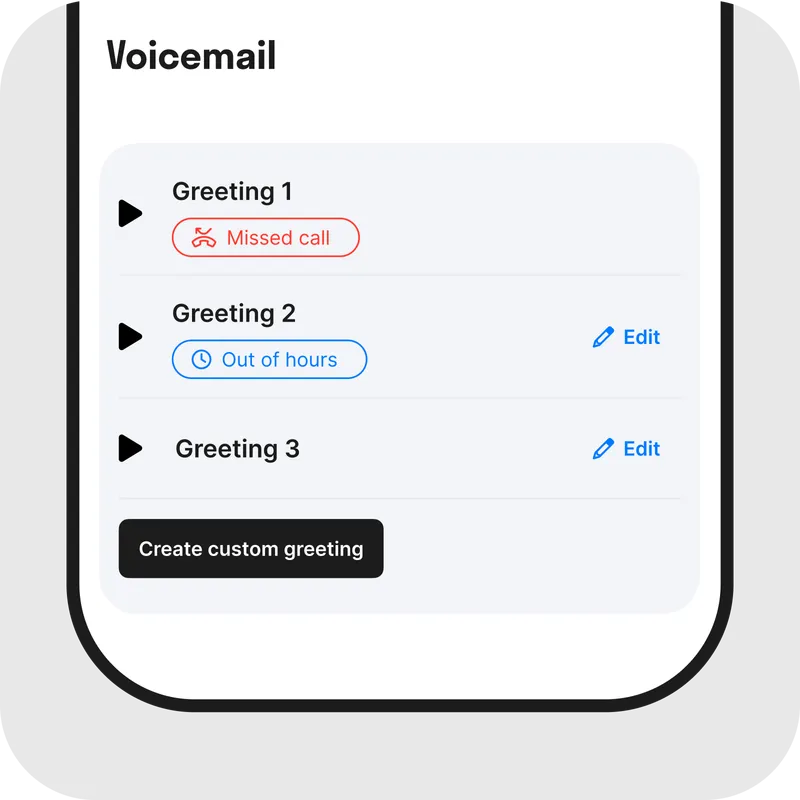
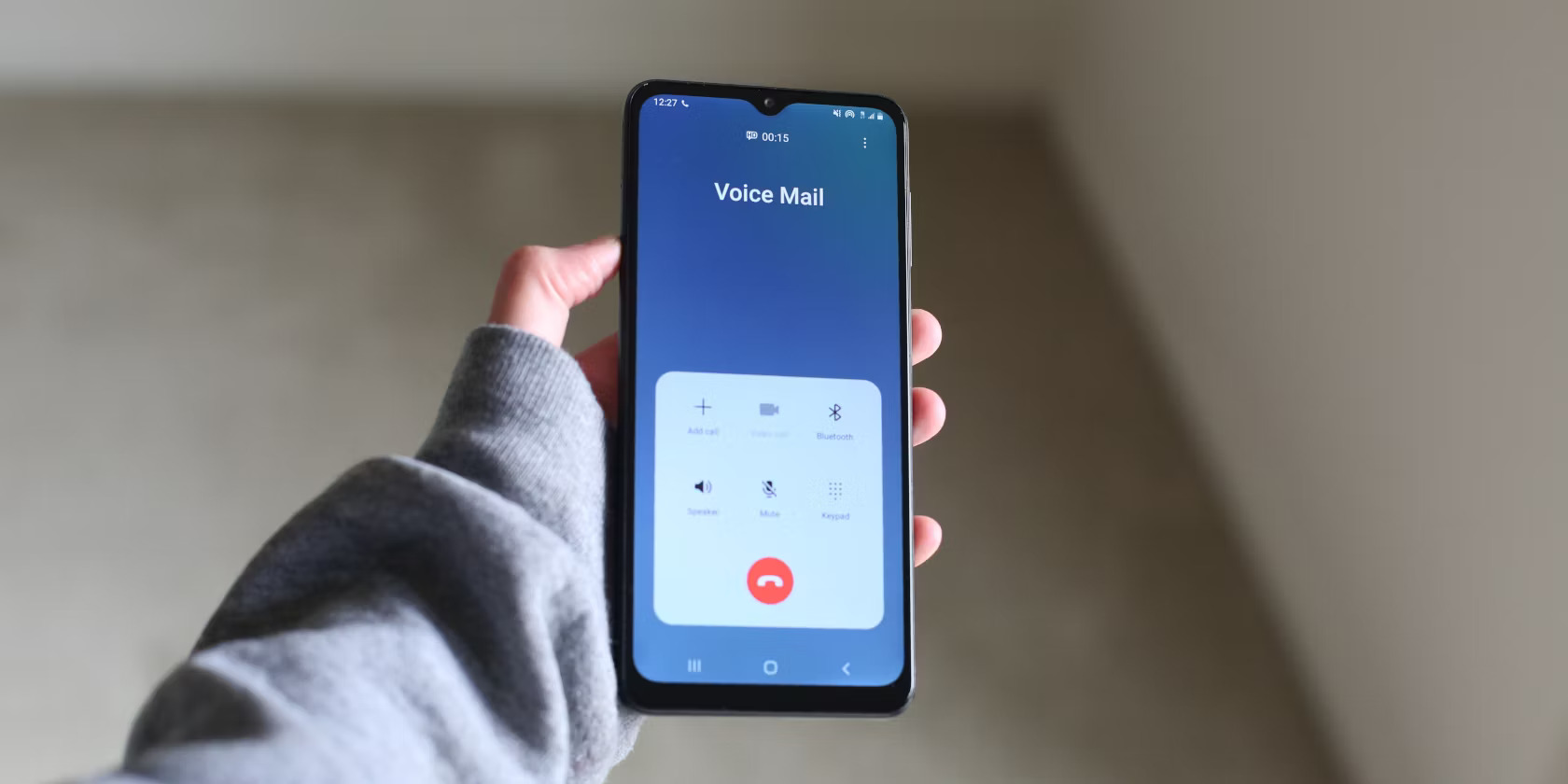
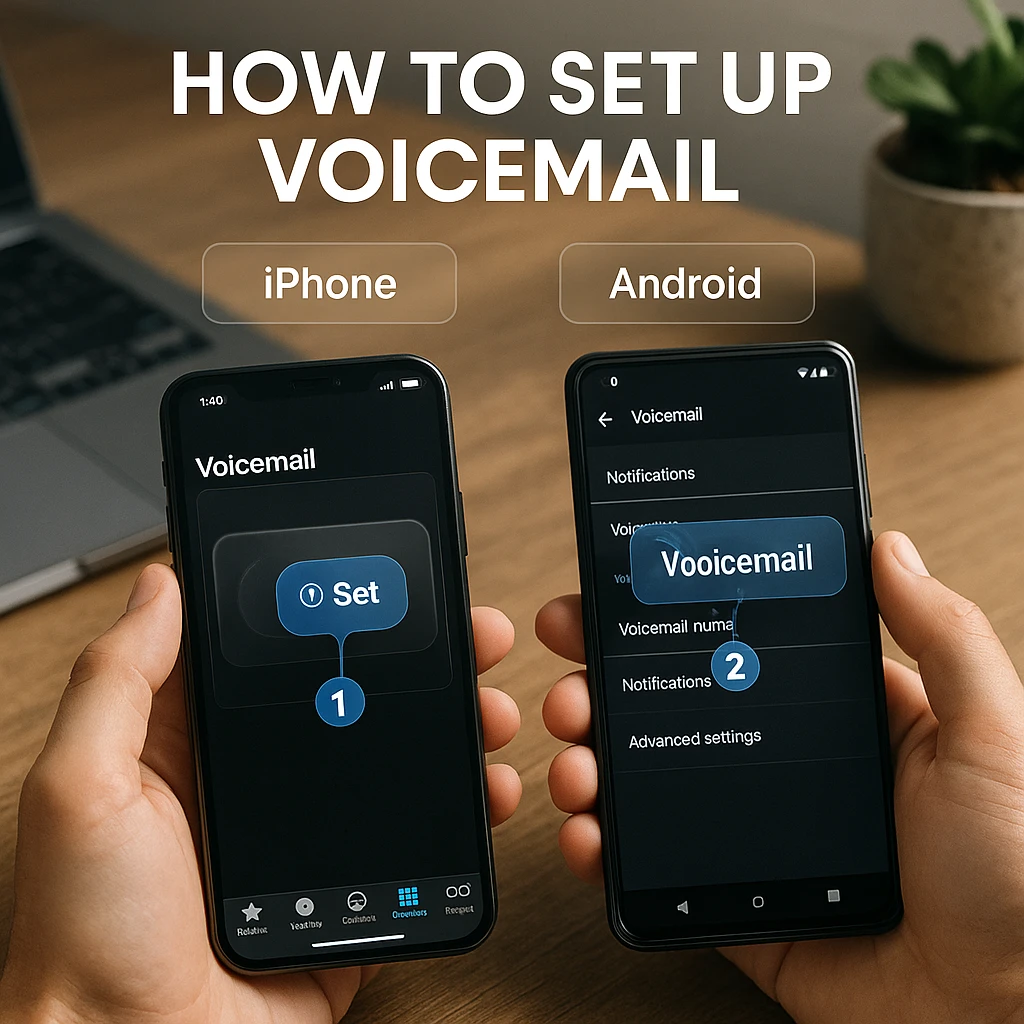
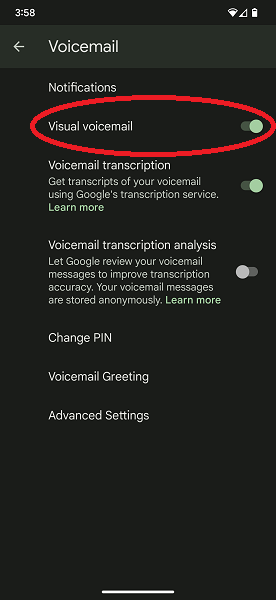
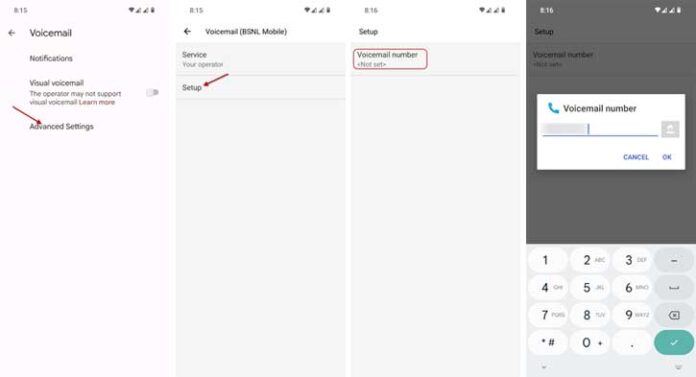
If you're using an Android device, you can set up voicemail using the Google Phone app. Here's a step-by-step guide: 1. Open the Google Phone app on your Android device. 2. Tap on the three-dot menu icon and select "Settings." 3. Scroll down and select "Voicemail." 4. Tap on "Set up voicemail." 5. Follow the on-screen instructions to create a voicemail password and record a custom greeting.Setting Up Voicemail on iPhone Devices
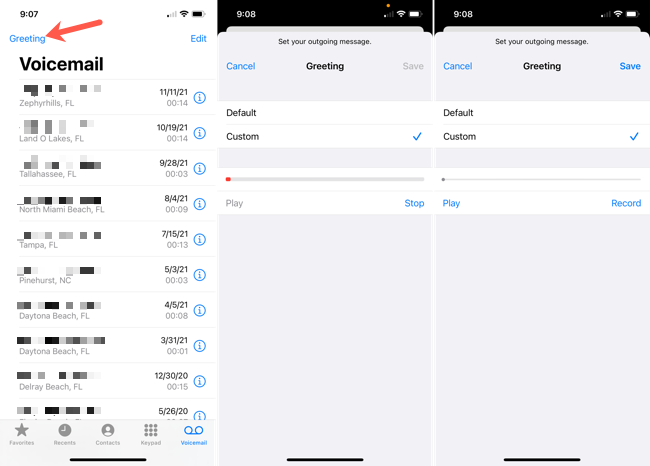
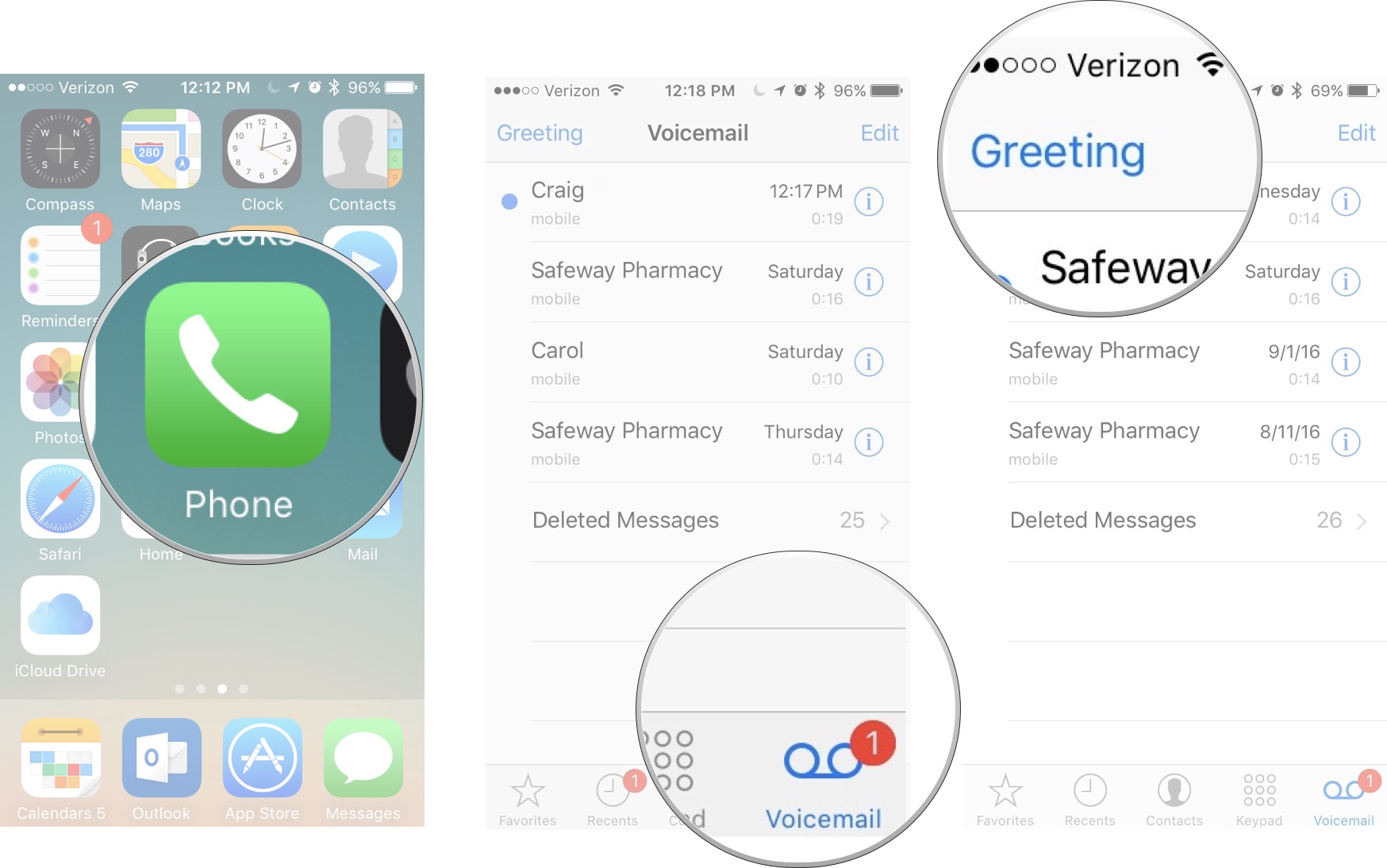
To set up voicemail on your iPhone, follow these steps: 1. Open the Phone app on your iPhone. 2. Tap on the voicemail tab. 3. Tap on the "Voicemail" option. 4. Tap on "Set up now." 5. Create a voicemail password and record a custom greeting.Setting Up Voicemail on Other Devices