Protecting Your Data from Malware: A Comprehensive Guide
Introduction
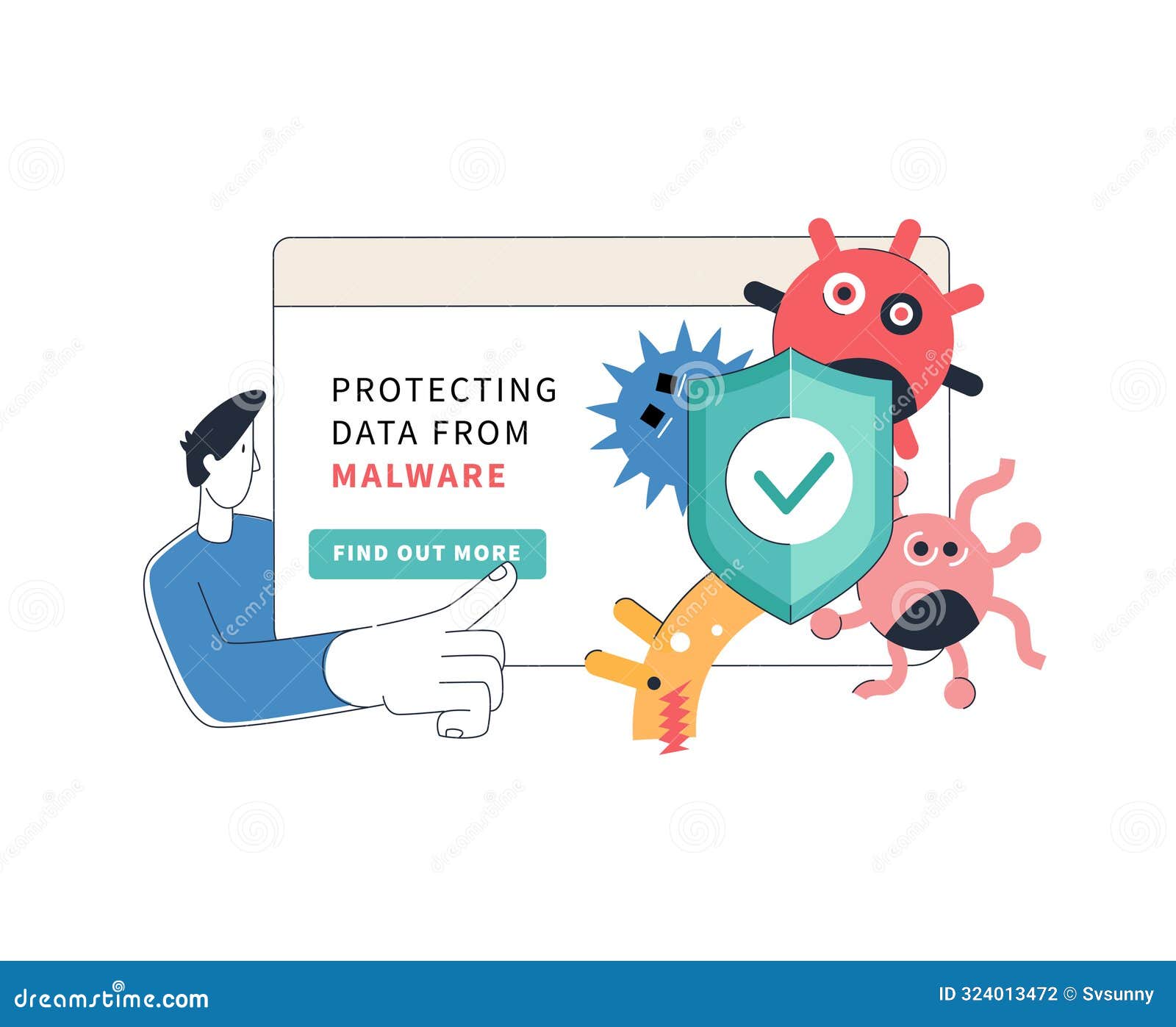
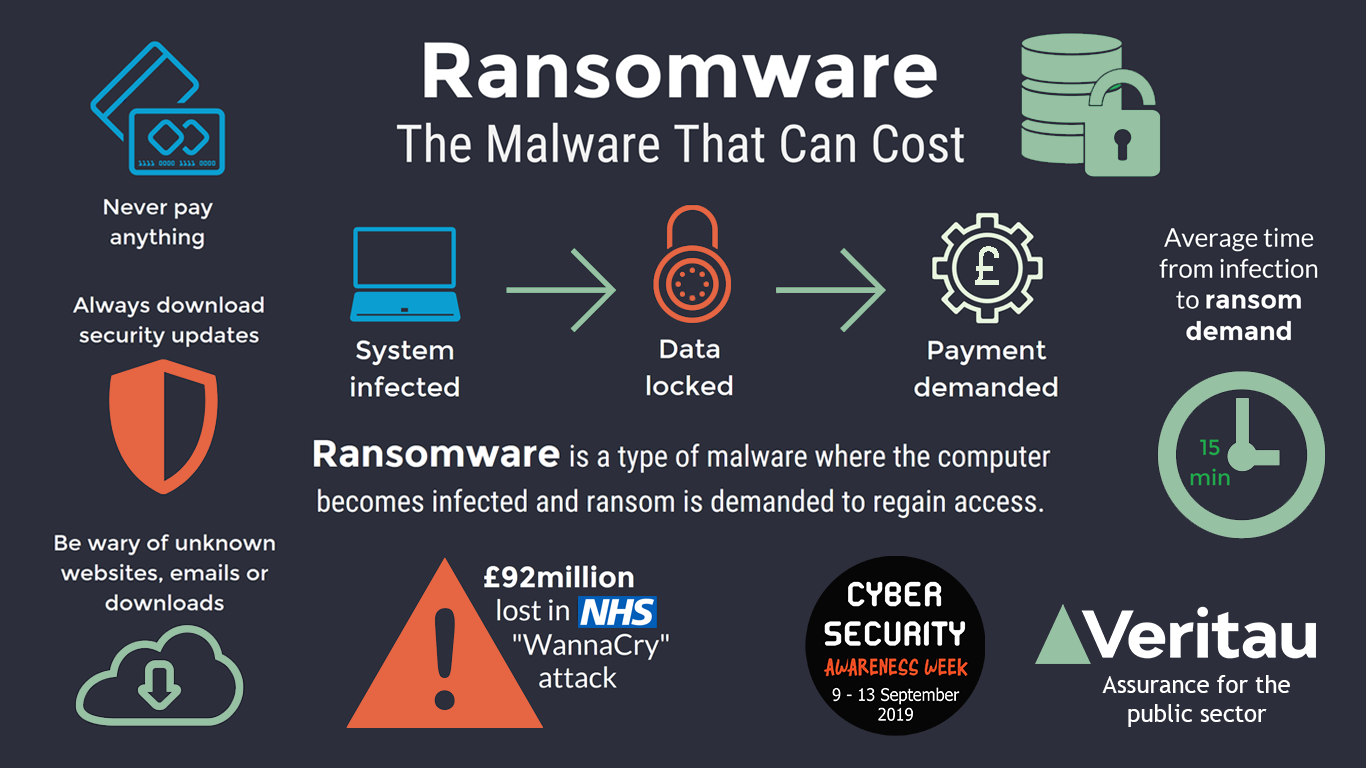
Malware, short for "malicious software," is a type of computer program designed to infect a legitimate user's computer and inflict harm on it in multiple ways. It can steal, encrypt, or delete your data, alter or hijack core computer functions, and spy on your computer activity without your knowledge or permission. To ensure your safety, it's essential to know how to recognize and protect yourself from malware threats. In this article, we'll provide you with essential malware prevention tips that every user should know.Understanding Malware
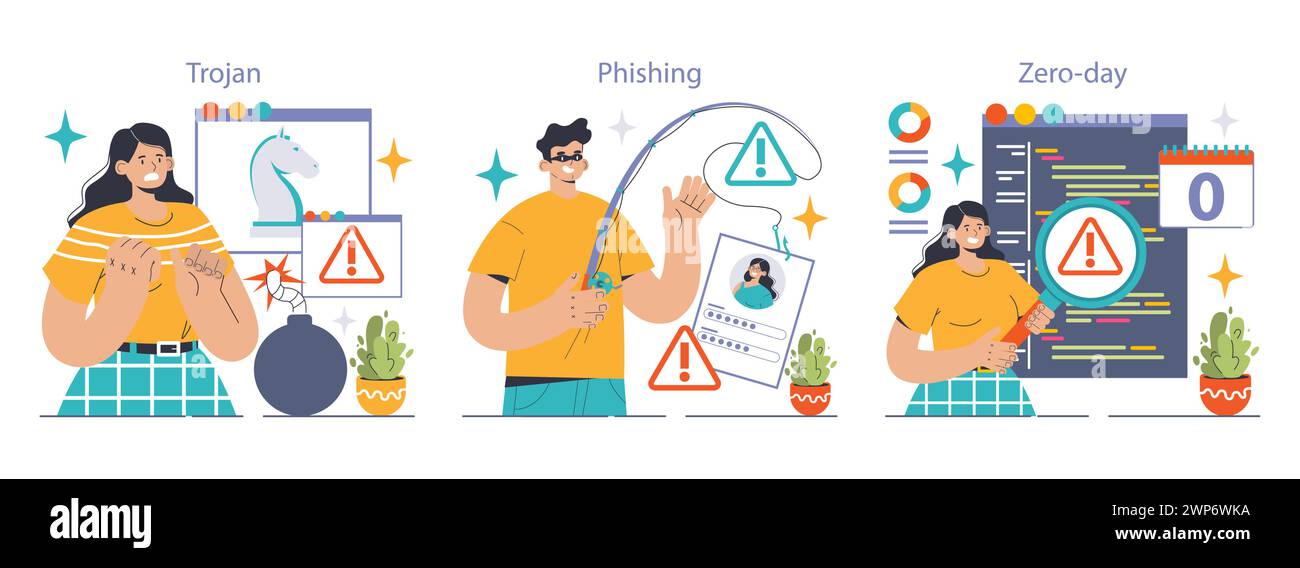
Malware can infect computers and devices in several ways and comes in various forms, including viruses, worms, Trojans, spyware, and more. It's vital to understand how malware operates and the various methods it uses to compromise your personal data. Malware can:- Steal sensitive information, such as passwords and credit card numbers
- Encrypt or delete your data, making it inaccessible or lost
- Alter or hijack core computer functions, causing instability and crashes
- Spy on your computer activity without your knowledge or permission
Preventing Malware Infections
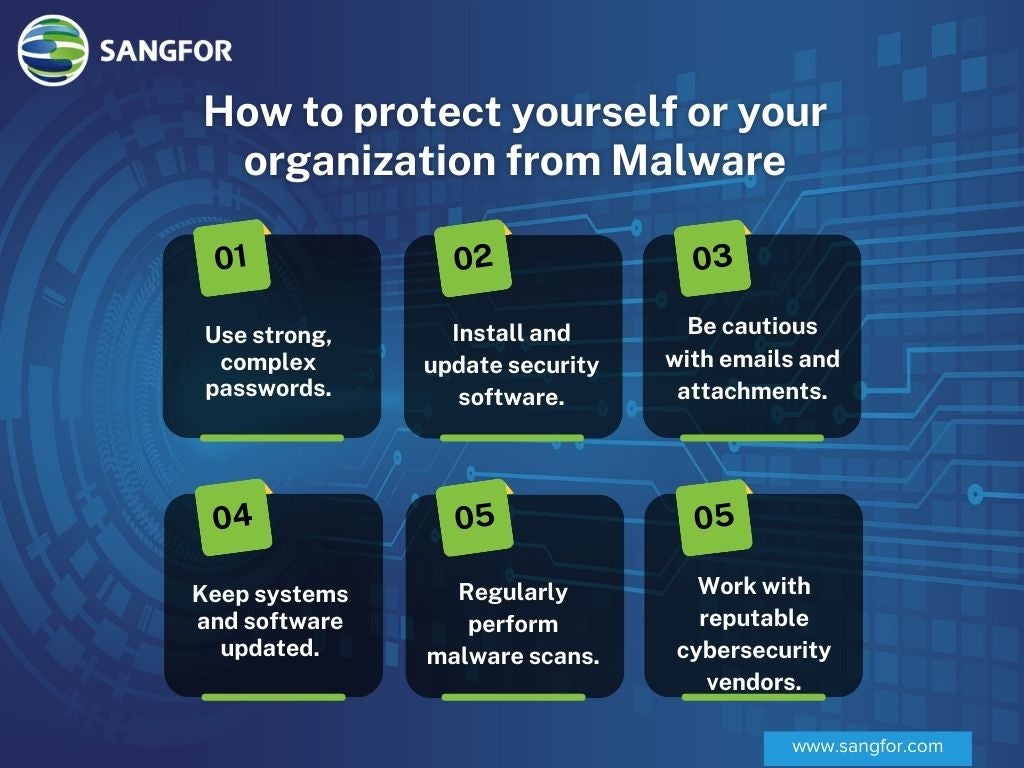
To avoid malware infections, follow these best practices:- Keep your operating system, software, and applications up to date with the latest security patches
- Use antivirus software, such as Microsoft Defender Antivirus, to scan your device for malware
- Be cautious when clicking on links or downloading attachments from unknown sources
- Use strong passwords and enable two-factor authentication (2FA) whenever possible
- Back up your data regularly to prevent losses in case of a malware attack
Protecting Your Data from Malware
- Use encryption to protect sensitive information, such as passwords and credit card numbers
- Implement a firewall to block unauthorized access to your device
- Use secure online payment methods, such as PayPal or credit cards
- Be cautious when using public Wi-Fi networks and avoid transmitting sensitive information
- Regularly update your operating system, software, and applications to ensure you have the latest security patches
Removing Malware from Your Device
If your device is already infected with malware, follow these steps to remove it:- Disconnect from the internet to prevent further spreading of the malware
- Restart your device in safe mode to prevent the malware from launching
- Use antivirus software to scan your device for malware and remove any detected threats
- Update your operating system, software, and applications to ensure you have the latest security patches
- Restore your device to its previous state before the malware attack
Conclusion
Protecting your data from malware is crucial in today's cybersecurity landscape. By understanding the types of malware, preventing malware infections, and safeguarding your personal data, you can significantly reduce the risk of malware-related attacks. Remember to stay informed, stay vigilant, and take necessary precautions to protect yourself from malware threats.Additional Resources
For further information on cybersecurity and malware prevention, visit reputable sources such as:- Microsoft Malware Protection
- Norton Malware Removal
- Avast Antivirus Software