Motherboard Component Replacement: A Comprehensive Guide
Replacing a motherboard can be a daunting task, especially for those who are not familiar with computer hardware. However, with the right guidance and tools, it can be a relatively straightforward process. In this article, we will provide a step-by-step guide on how to replace a motherboard, as well as some essential tips and precautions to keep in mind.
Why Replace a Motherboard?
There are several reasons why you may need to replace a motherboard. Some common reasons include:
- Faulty or damaged components
- Outdated hardware
- Power supply issues
- BiOS or UEFI updates
Preparation is Key
Before starting the replacement process, make sure you have the following:
- A replacement motherboard that is compatible with your computer's components
- A screwdriver set and other necessary tools
- A soft, static-free cloth to handle components
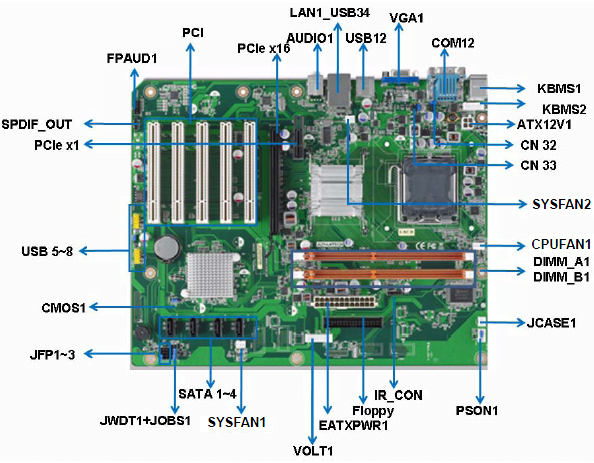
- A diagram or manual for your motherboard
Disconnecting Cables and Expansion Cards
Begin by disconnecting all cables and expansion cards from the old motherboard. This includes:
- Power cables
- Data cables
- Expansion cards (such as graphics cards or sound cards)
Be careful not to damage any of the cables or components as you disconnect them.
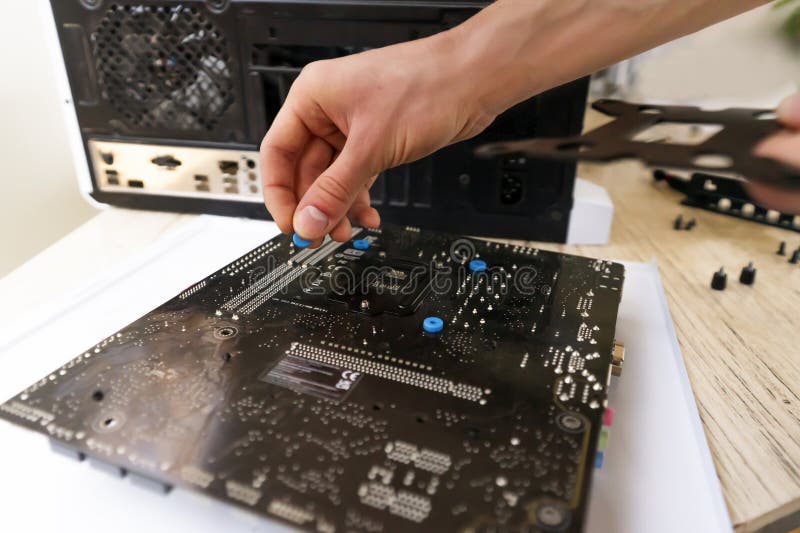
Removing the Old Motherboard
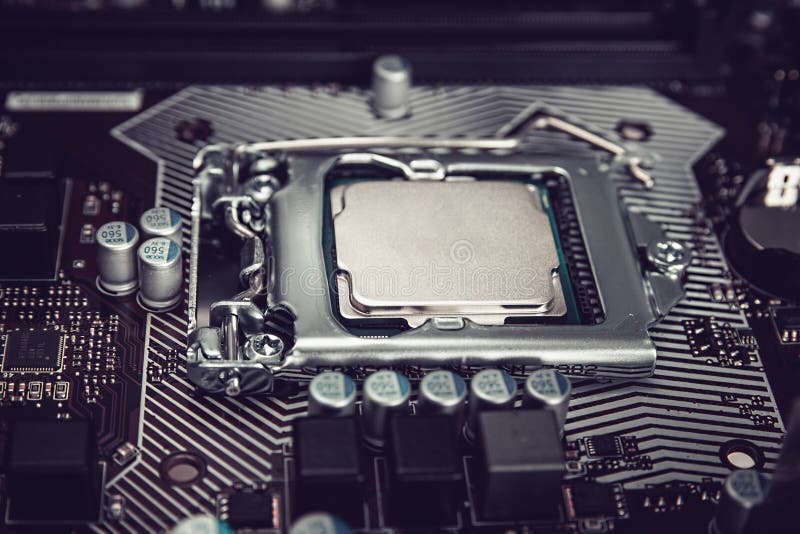
Next, remove the old motherboard from the computer case. This may involve:
- Removing screws or clips that hold the motherboard in place
- Carefully lifting the motherboard out of the case
Take note of any connectors or cables that need to be disconnected before removing the motherboard.
Installing the New Motherboard
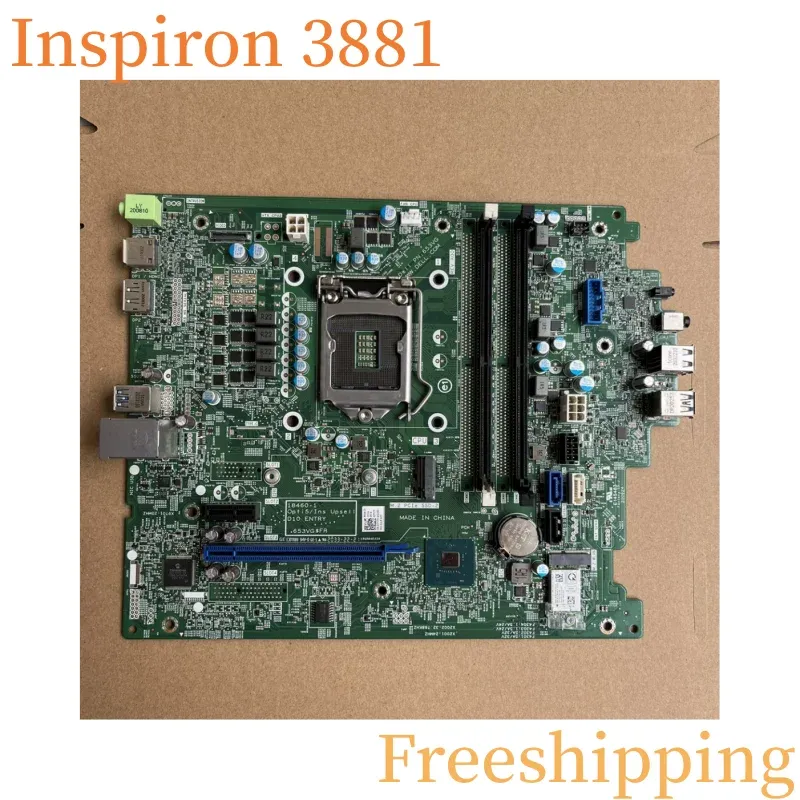
Once the old motherboard is removed, it's time to install the new one. Make sure to:

- Align the new motherboard with the mounting holes in the case
- Screw the motherboard into place securely
- Connect all cables and expansion cards to the new motherboard
Connecting Power and Data Cables
Make sure to connect all power and data cables to the new motherboard. This includes:
- Power cables from the power supply unit (PSU)
- Data cables from peripherals such as keyboards and mice
Double-check that all cables are securely connected to avoid any issues.
Final Check
Before turning on the computer, perform a final check to ensure that:
- All cables are securely connected
- The new motherboard is properly seated
- All components are properly connected
Once you've completed these steps, your computer should be up and running with the new motherboard.
Conclusion
Motherboard component replacement can be a challenging task, but with the right guidance and tools, it can be a relatively straightforward process. By following the steps outlined in this article, you should be able to successfully replace your motherboard and get your computer up and running again.
Additional Tips and Precautions
When replacing a motherboard, it's essential to take certain precautions to avoid damaging components or causing other issues. Some additional tips and precautions include:
- Ground yourself to prevent static electricity damage
- Use a soft, static-free cloth to handle components
- Avoid touching sensitive components or circuitry
- Follow the manufacturer's instructions for installation and configuration
By following these tips and precautions, you can ensure a successful motherboard replacement and minimize the risk of damage or other issues.
Final Thoughts
Motherboard component replacement is a crucial aspect of computer maintenance and repair. By understanding the process and taking the necessary precautions, you can ensure that your computer runs smoothly and efficiently. Remember to always follow the manufacturer's instructions and take your time when replacing a motherboard to avoid any issues.