Everything You Need to Know About Motherboard Capacitor Repair and Upgrade
Motherboards are the backbone of any computer system, housing crucial components that enable communication and power supply to various parts of the computer. One of the essential components on a motherboard is the capacitor, which filters, regulates, and stores electrical energy. However, capacitors can deteriorate over time, causing system instability, shutdowns, or even complete failure. In this article, we will discuss the importance of motherboard capacitors, common symptoms of capacitor failure, and the steps to repair or upgrade them.
What are Motherboard Capacitors?
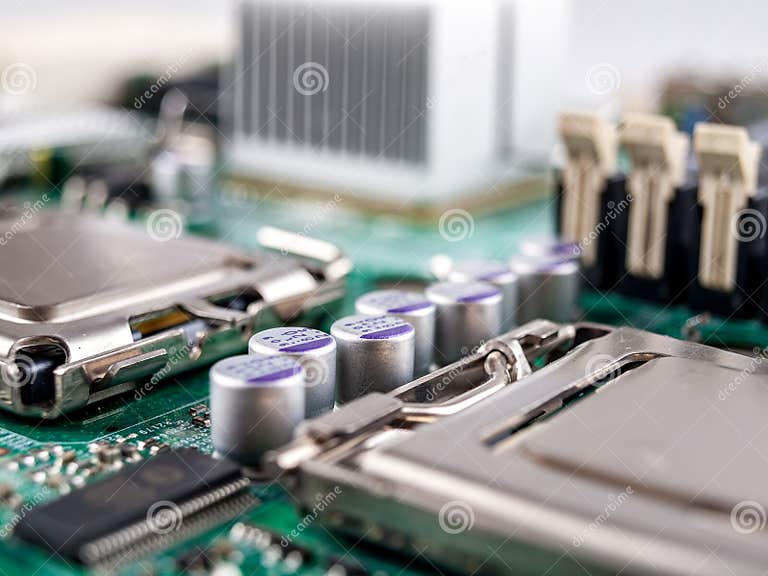
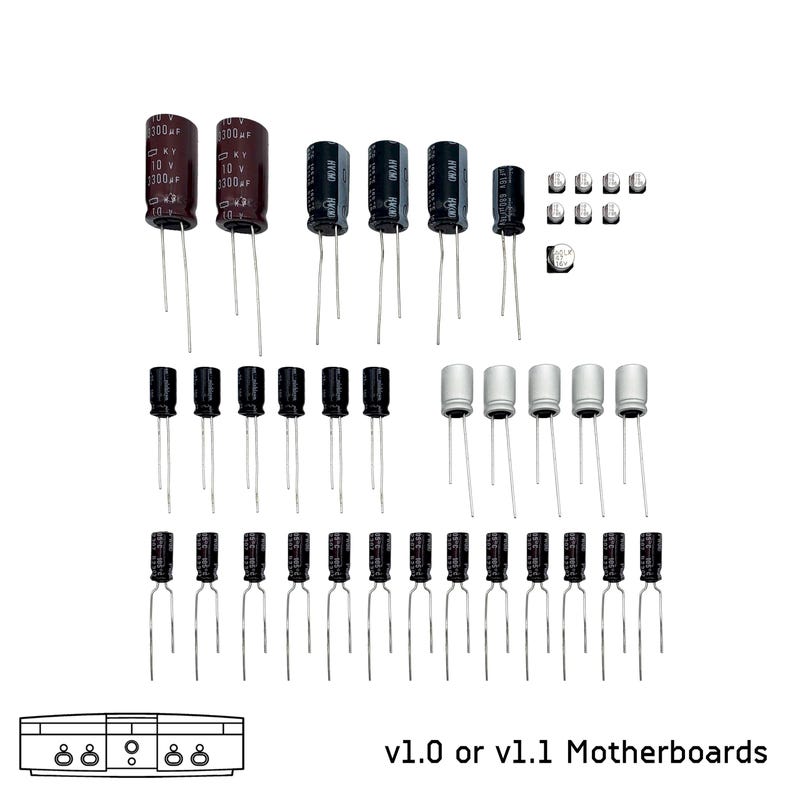
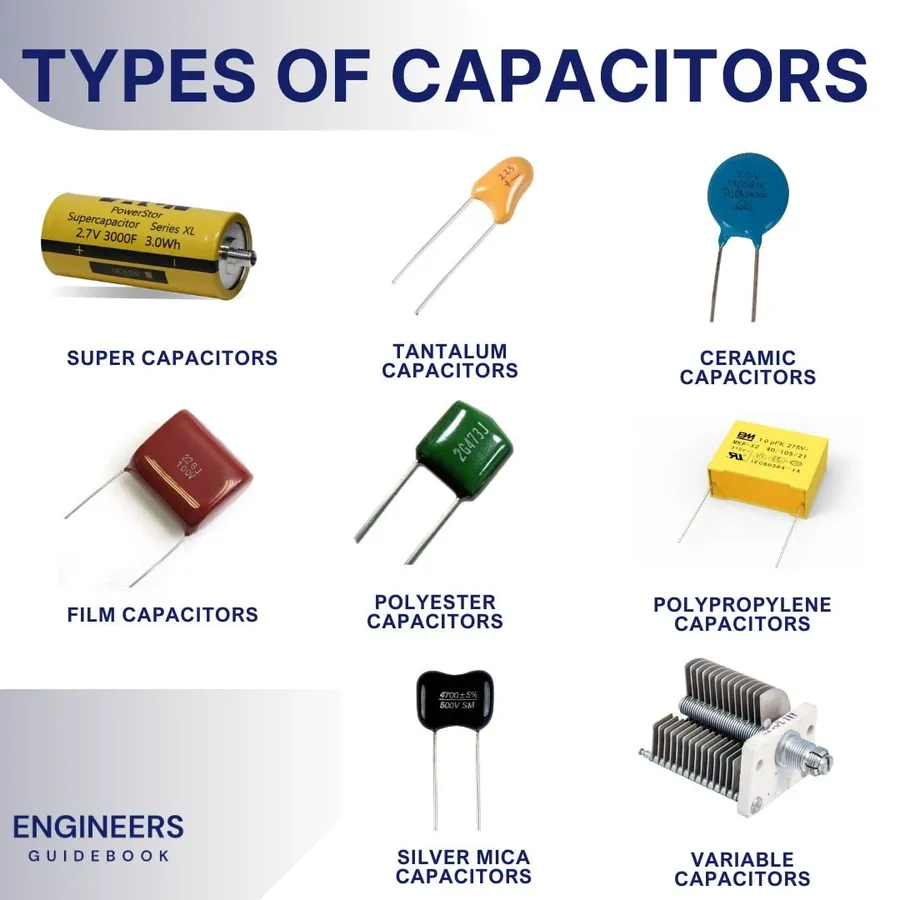
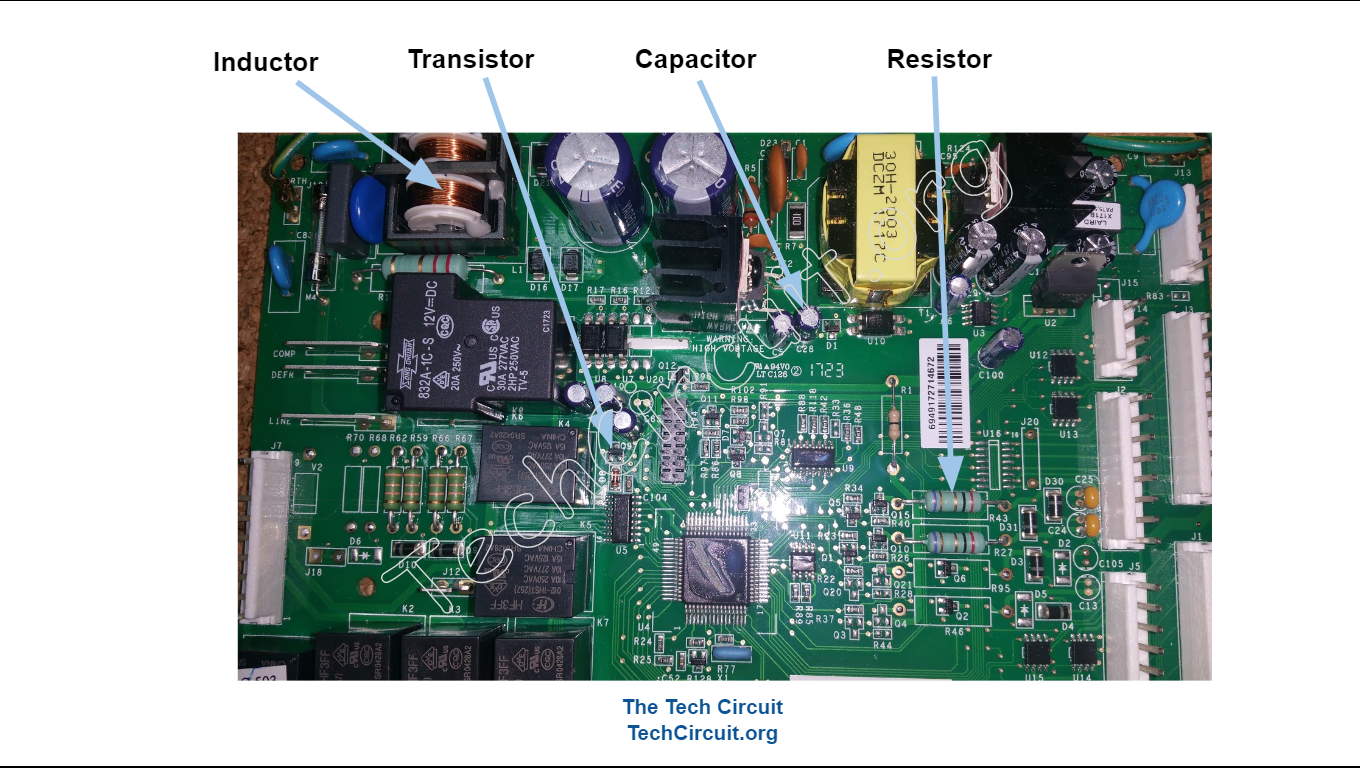
Capacitors are one of the unsung heroes of a computer's motherboard. They come in various shapes and sizes, ranging from small ceramic capacitors to large electrolytic capacitors. Their primary function is to store and filter electrical energy, ensuring that the computer's components receive a stable power supply. Capacitors play a vital role in maintaining the computer's circuitry and can be found on different levels, including the motherboard, power supply unit, and graphics card.
Common Symptoms of Capacitor Failure
A failing capacitor can manifest in various ways, making it essential to recognize the symptoms and address the issue before it becomes a significant problem. Some common signs of capacitor failure include:
- System shutdowns and restarts
- Random LEDs and beeps
- Computer slowdowns and instability
- Damage to nearby components
- Bulging or leaking capacitors, which can be visually inspected
Motherboard Capacitor Repair and Upgrade
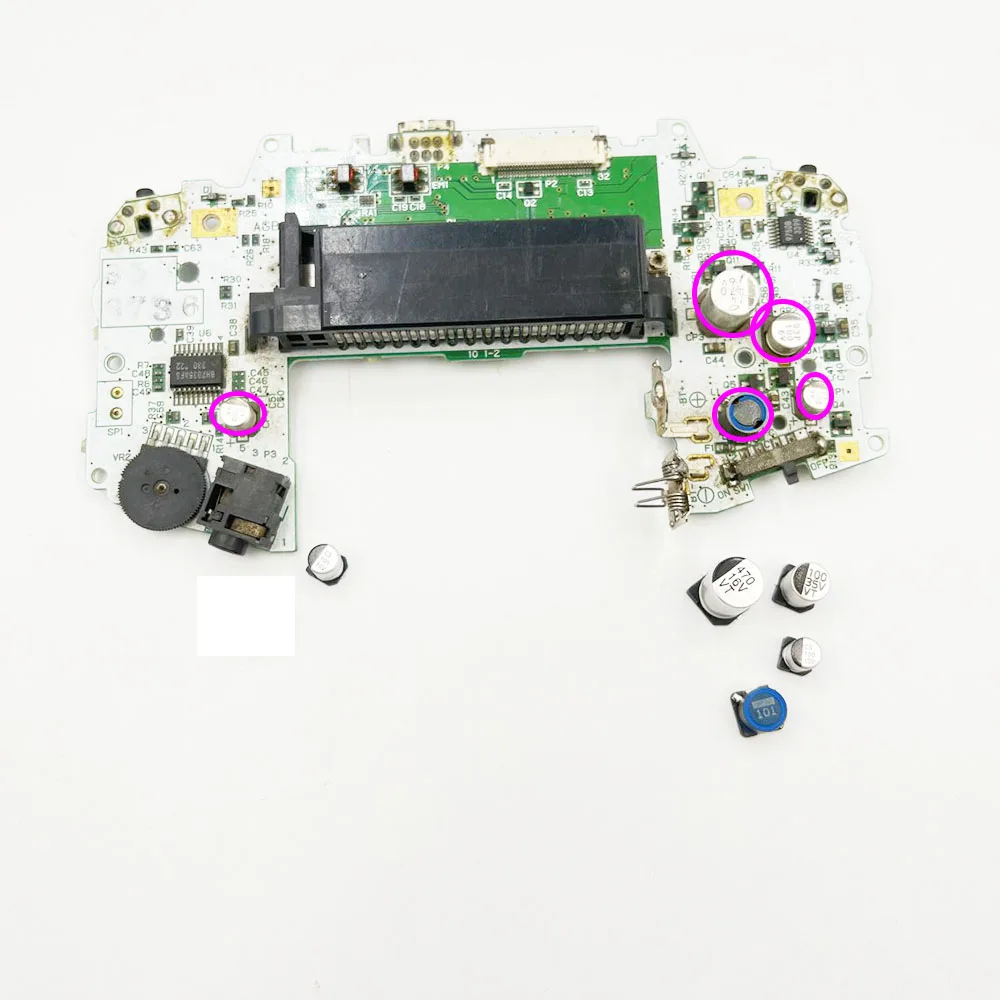
Repairing a faulty capacitor on a motherboard can be a delicate process that requires attention to detail and a good understanding of electronics. If you're not comfortable with DIY repairs, it's recommended to seek professional help from a computer hardware technician. Here's a step-by-step guide to help you repair or upgrade your motherboard capacitors:
Tools needed:
- Soldering iron
- Desoldering pump or wick
- Solder wire
- Flux
- Replacement capacitors
The Repair Process

Repairing a faulty motherboard capacitor involves:
1. Locating the faulty capacitor
2. Disconnecting any nearby electrical connections
3. Removing the faulty capacitor, taking note of the type and value of the capacitor for future reference
4. Cleaning the area around the capacitor mounting hole
5. Applying flux and solder to the new capacitor
6. Soldering the new capacitor into place
Prevention is Better than Repair
While repairing a faulty capacitor can be a cost-effective solution, preventing capacitor failure is often the best approach. To prevent capacitor failure, ensure that your computer is operating within the recommended temperature range, monitor capacitor temperatures, and maintain a clean and dust-free environment. Regular cleaning and maintenance can help extend the lifespan of your motherboard capacitors.
Conclusion
Motherboard capacitors are a crucial component of any computer system, and failing capacitors can cause significant problems. Identifying the symptoms and taking steps to repair or upgrade the capacitors can help maintain system stability and prevent downtime. While repairing a faulty capacitor can be a delicate process, it's often a cost-effective solution compared to replacing the motherboard entirely. By understanding the importance of motherboard capacitors and following the steps outlined in this article, you can keep your computer running smoothly and extend the lifespan of your motherboard.