Laptop Liquid Spill Repair: A Comprehensive Guide
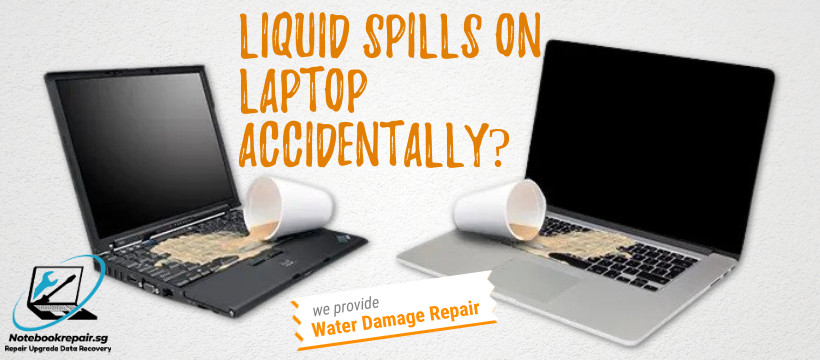
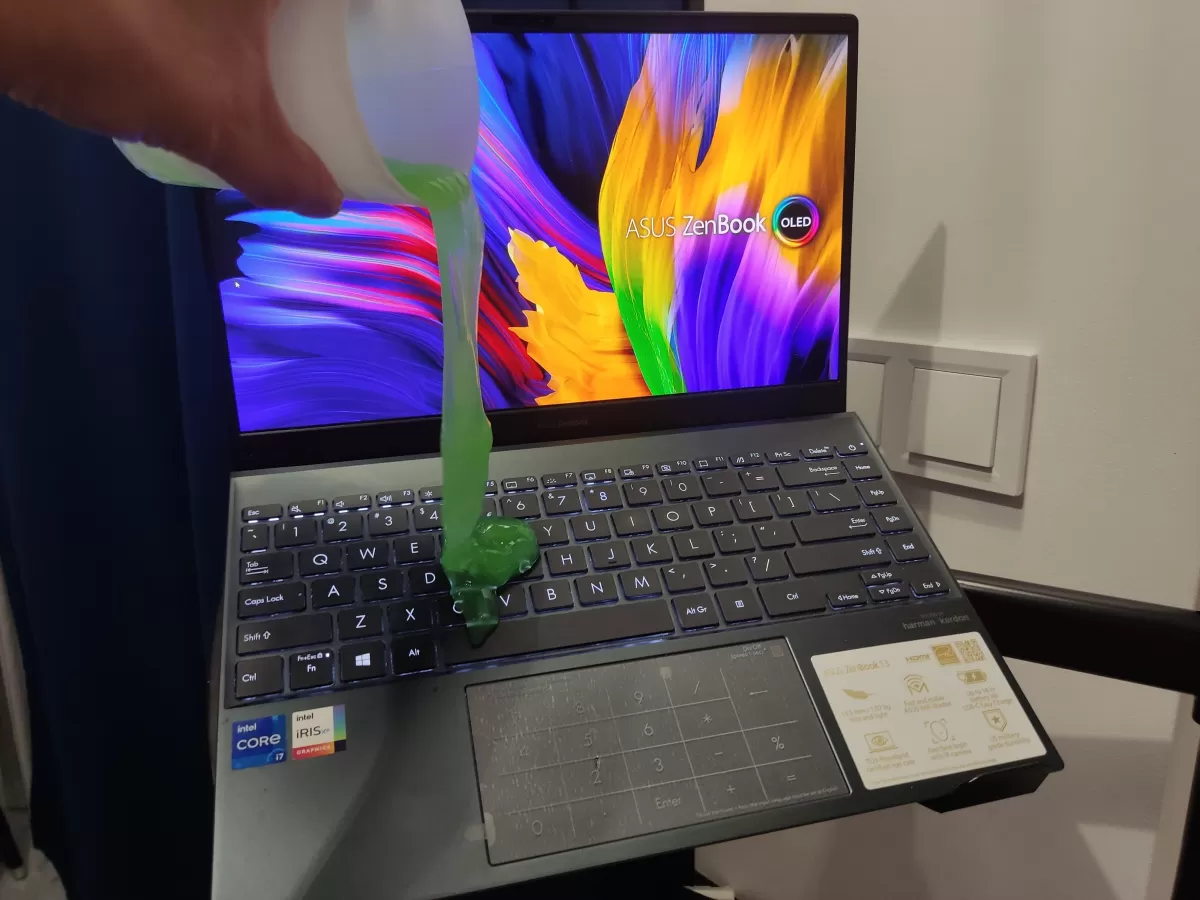
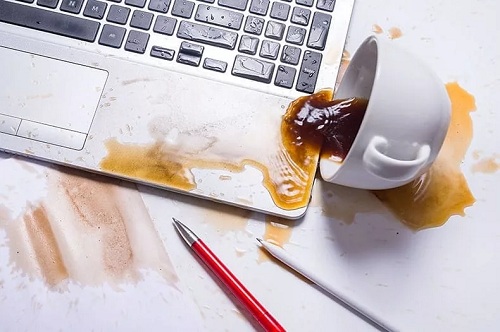
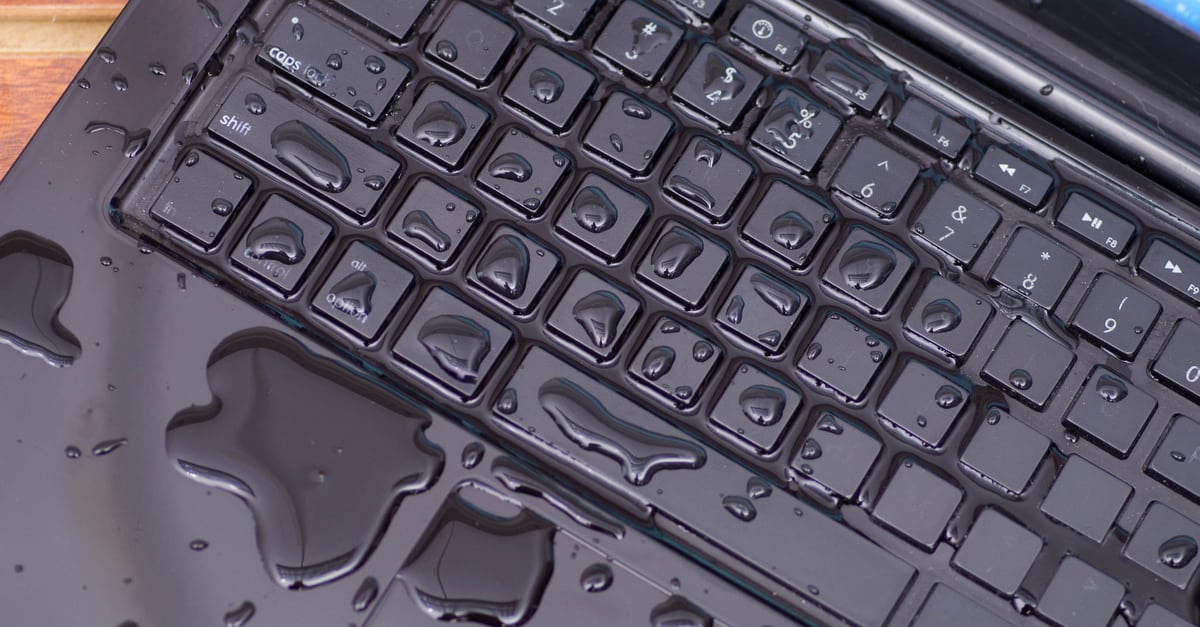
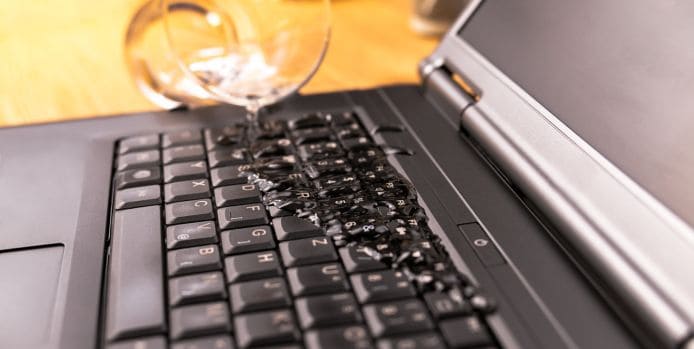
Spilling liquid on your laptop can be a heart-stopping moment, but acting quickly and correctly can save your device. In this article, we will explore the best steps to take after spilling liquid on your laptop, the potential damage it can cause, and highlight technological advancements that are making it possible for some devices to survive even the most catastrophic spills.
Immediate Steps to Save Your Water-Logged Device
When liquid lands on your laptop, it's essential to act fast. The longer you wait, the more damage it can cause. Here are the immediate steps to take:
- Turn off your laptop immediately by pressing and holding the Power button.
- Unplug the charger and remove any connected devices.
- Remove the battery if it's possible to do so.
- Disconnect any external devices, such as USB drives or SD cards.
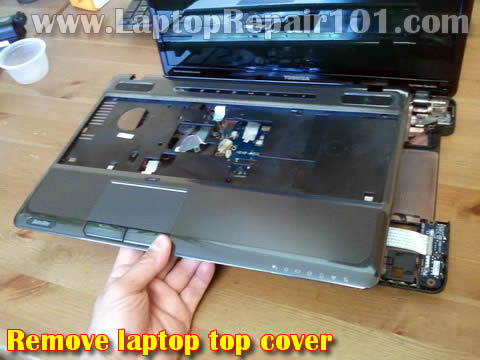
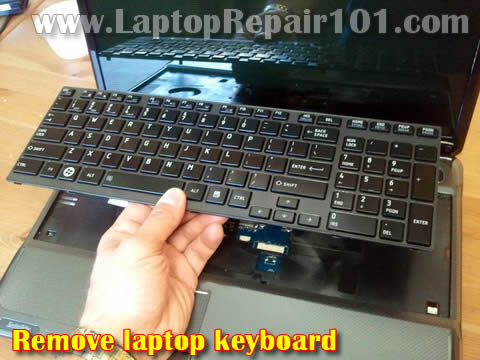
- Open your laptop and inspect the internal components for any signs of liquid damage.
Why Liquid Damage Can Be Harmful to Laptops
Liquid can cause short circuits, corrosion, and permanent damage to your laptop's internal components. If the liquid seeps into the device's circuits, it can cause a short circuit, leading to permanent damage or even a complete failure of the laptop.
Technological Advancements in Laptop Repair
Thanks to technological advancements, some laptops can survive even the most catastrophic spills. Modern laptops often have advanced water-resistant materials and designs that can help prevent liquid damage. Additionally, some repair services use specialized techniques and equipment to clean and repair water-damaged laptops.
How Liquid Spill Repair Works
Successful repair of a water-damaged laptop depends on various factors, including the type and amount of liquid spilled, the electrical damage sustained, and the promptness of the repair service. Here's a general overview of the repair process:
- Inspection: The repair technician inspects the laptop's internal components for signs of liquid damage and assesses the extent of the damage.
- Debridement: The technician uses a specialized tool to remove any debris or residue that may be stuck to the internal components.
- Cleaning: The technician uses ultrasonic cleaning or other methods to clean the internal components and remove any remaining liquid.
- Reassembly: The laptop is reassembled, and the internal components are reconnected.
- Functional test: The laptop is turned on and tested to ensure it's functioning properly.
Precautions to Take After a Liquid Spill
After a liquid spill, it's essential to take precautions to prevent further damage:
- Do not turn on the laptop until it's been inspected and cleaned by a professional.
- Do not attempt to clean or dry the laptop yourself, as this can cause further damage.
- Do not use the laptop until it's been properly repaired and tested.
Conclusion
Liquid spills on laptops can be a serious issue, but with quick action and the right repair service, it's possible to save your device. Remember to turn off your laptop immediately, unplug the charger, and remove any connected devices. If you're unsure about the extent of the damage or how to proceed, seek the help of a professional laptop repair service.
Additional Tips
Here are some additional tips to consider:
- Keep the laptop in a dry, well-ventilated area to prevent further damage.
- Do not use any cleaning solutions or abrasive materials to clean the laptop's exterior or interior.
- Consider backing up your data to an external hard drive or cloud storage service.
- If you're unsure about the type of liquid that spilled on your laptop, inform the repair technician, as this can influence the repair process.