Discover How to Setup Google Analytics for Your Website or App
Are you looking to gain valuable insights into how your website or app is performing? Look no further than Google Analytics. With its extensive features and ease of use, setting up Google Analytics can help you track everything from website traffic and engagement to conversion rates and revenue. In this article, we'll show you how to set up Google Analytics step-by-step.Understanding the Difference Between GA4 and UA
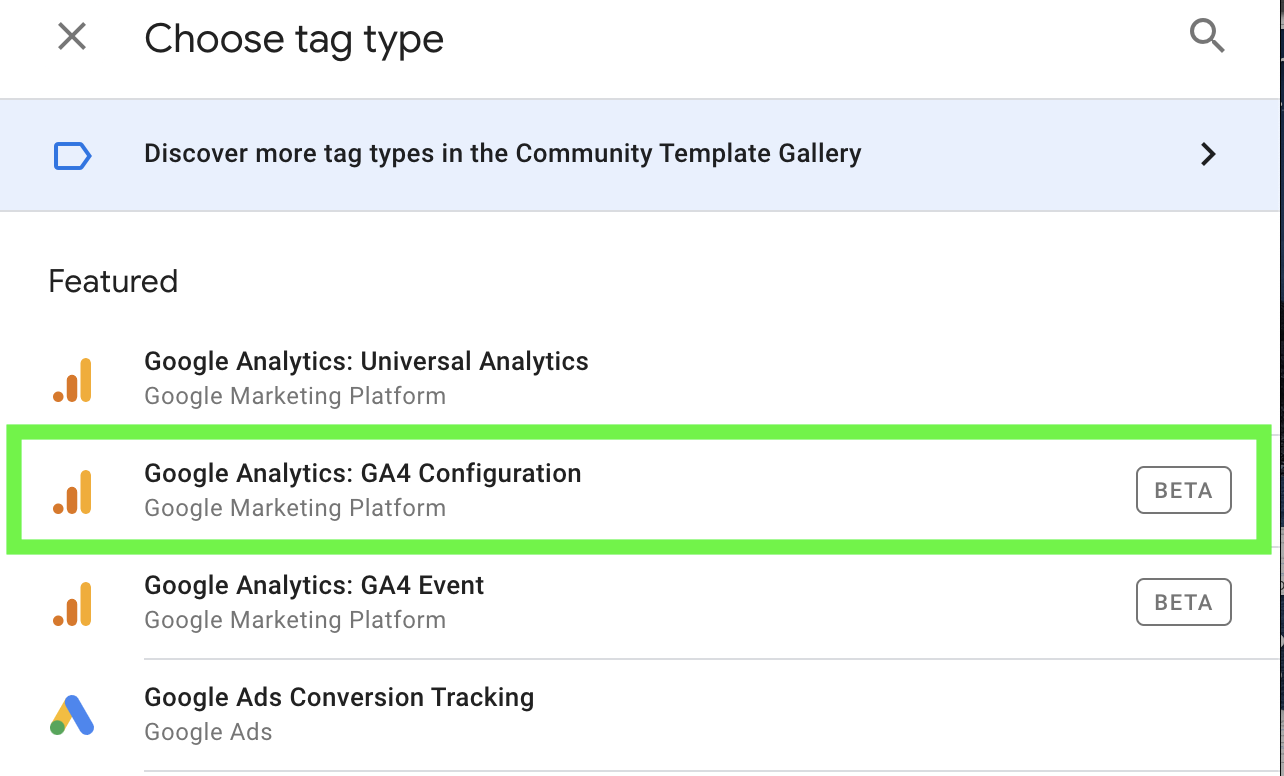
Before we dive into the setup process, it's essential to understand the difference between Google Analytics 4 (GA4) and its predecessor, Universal Analytics (UA). GA4 was introduced in October 2020 and brings several new features, including a more streamlined interface, improved data collection, and better support for mobile apps. While you can still use UA, we recommend switching to GA4 for the latest features and security updates.How to Set Up Google Analytics: Step-by-Step






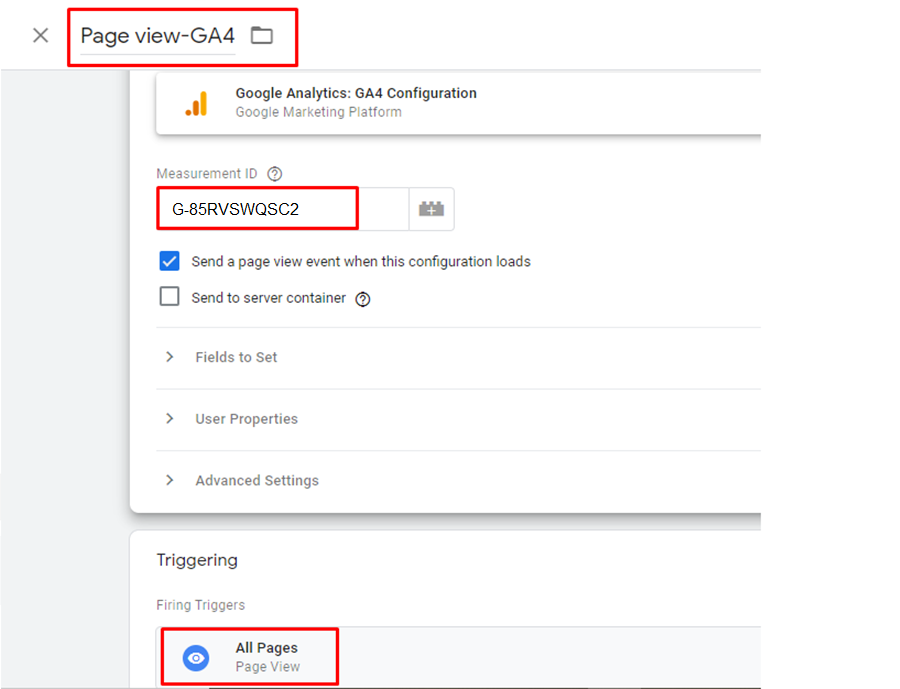

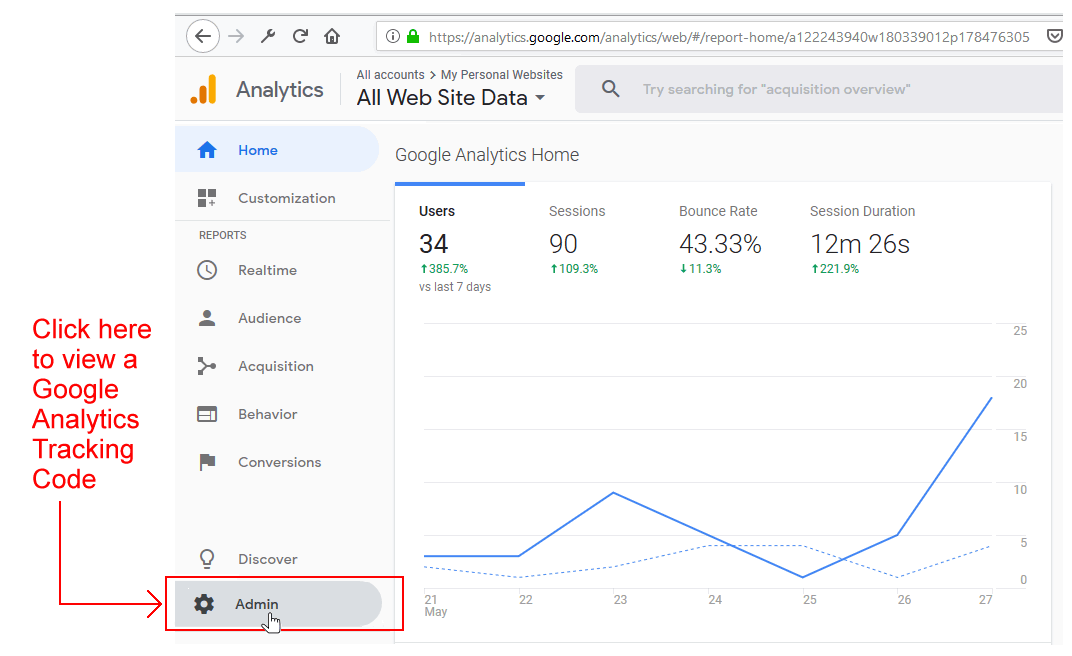


![[SOLVED] How to set up the web tracking code from Google Analytics](https://lh6.googleusercontent.com/uqpad2sdyjOeoTqMcW0XCAKKIMMNf-tyxbAlCMhC9nrpRqZMjHfWXi0h2zIsXQUwyF-M9gL5ESwURFBos_yVWNzlNGAJV8pqrIPxvWplZ754OKQlIpqy9wLoNQjKKOSxWhQfv6Om "[SOLVED] How to set up the web tracking code from Google Analytics")