How to Capture Screenshot on Mac with Arrows
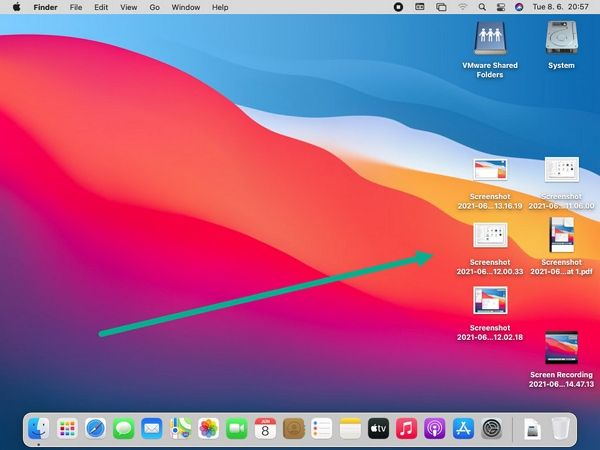
Are you looking for ways to capture a screenshot on your Mac with arrows? Whether you want to highlight a specific object or area in an image, annotate a screenshot, or simply draw attention to a certain feature, the Markup tool in Preview is a great resource.
What is the Markup Tool in Preview?
The Markup tool is a feature in Preview that allows you to add annotations, draws, and other indicators to your screenshots. It's a simple yet powerful tool that lets you engage your audience, communicate more effectively, and even create tutorials.
How to Capture a Screenshot on Mac with Arrows
Here's a step-by-step guide on how to capture a screenshot on your Mac with arrows using the Markup tool in Preview:
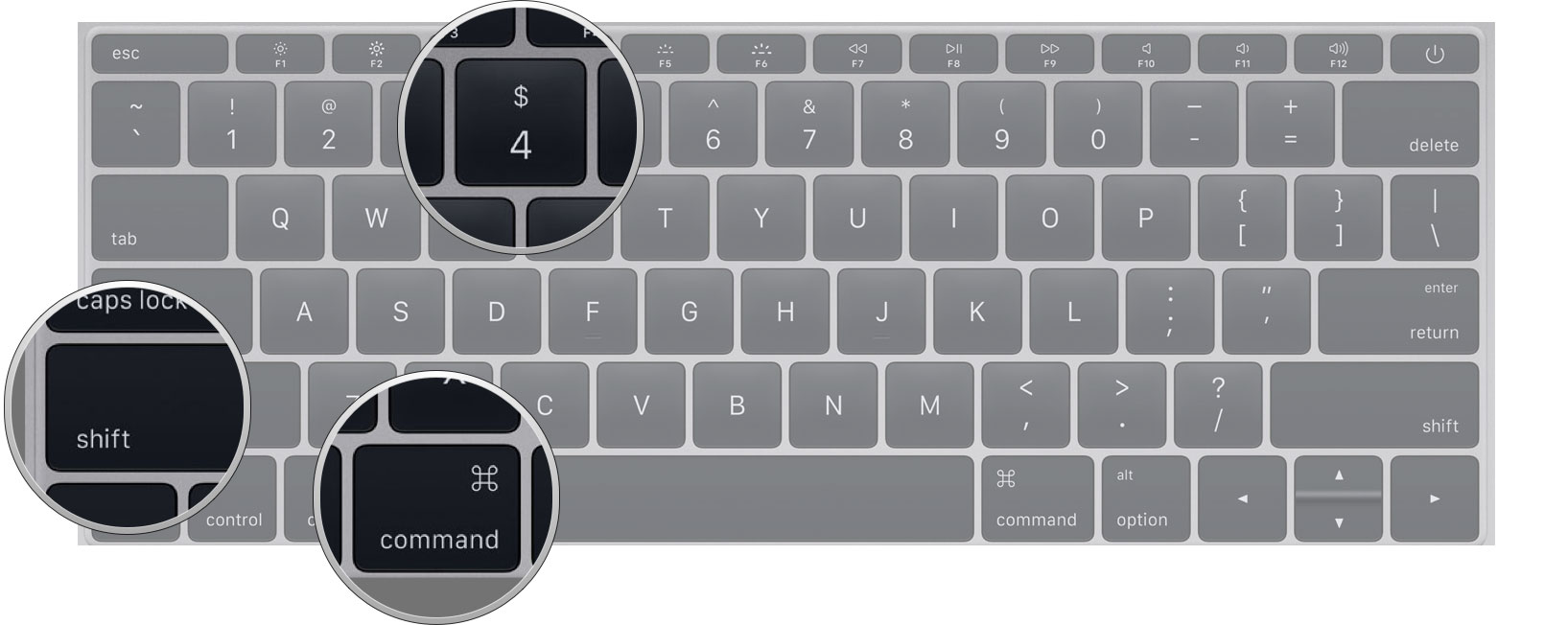
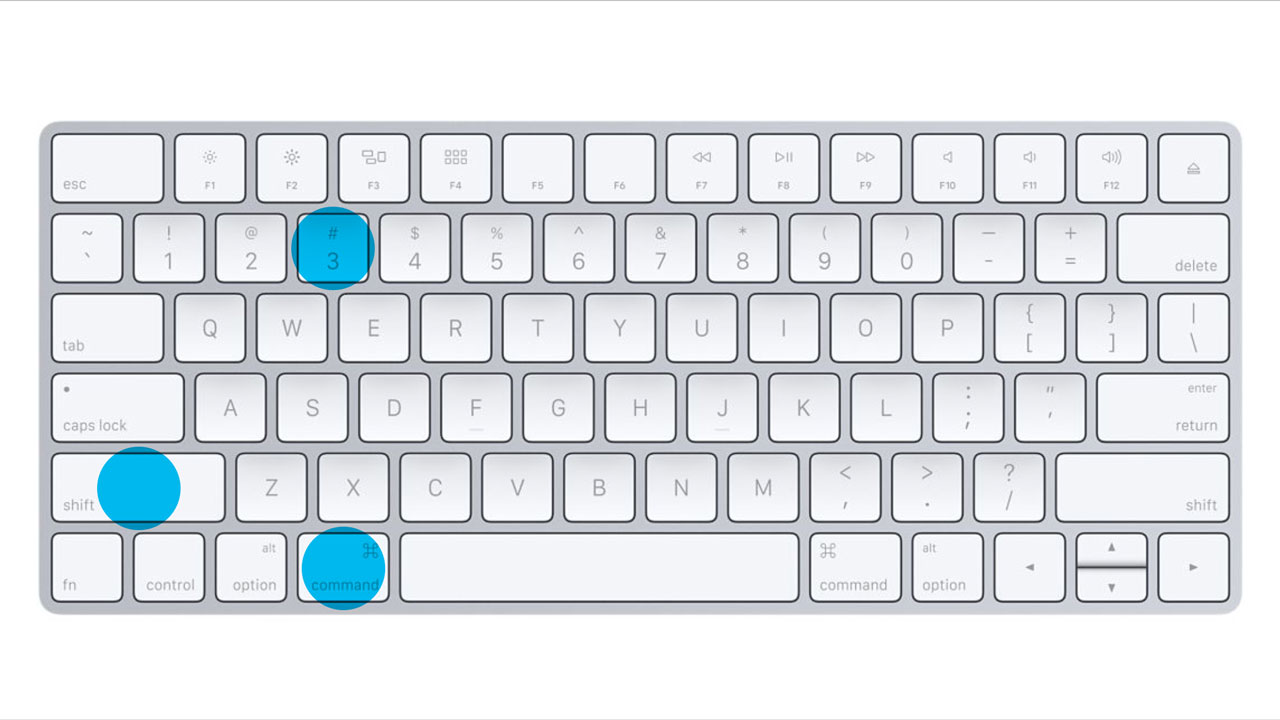
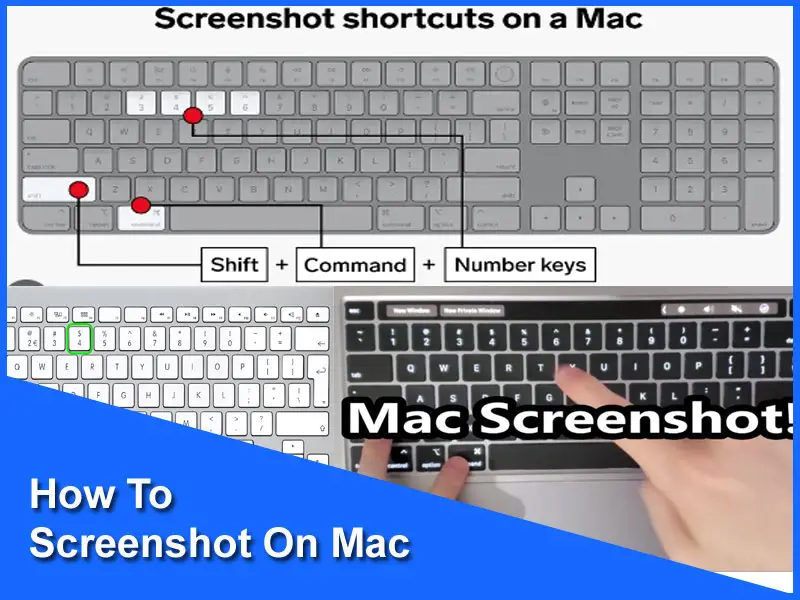
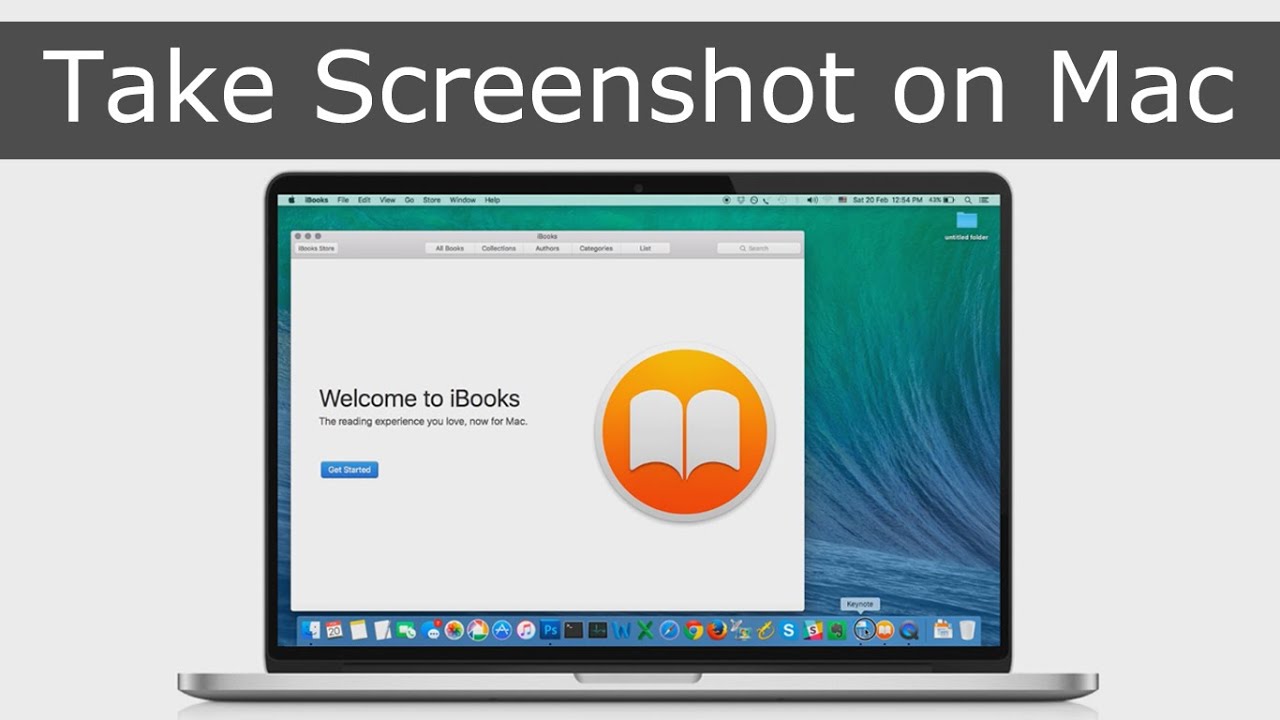
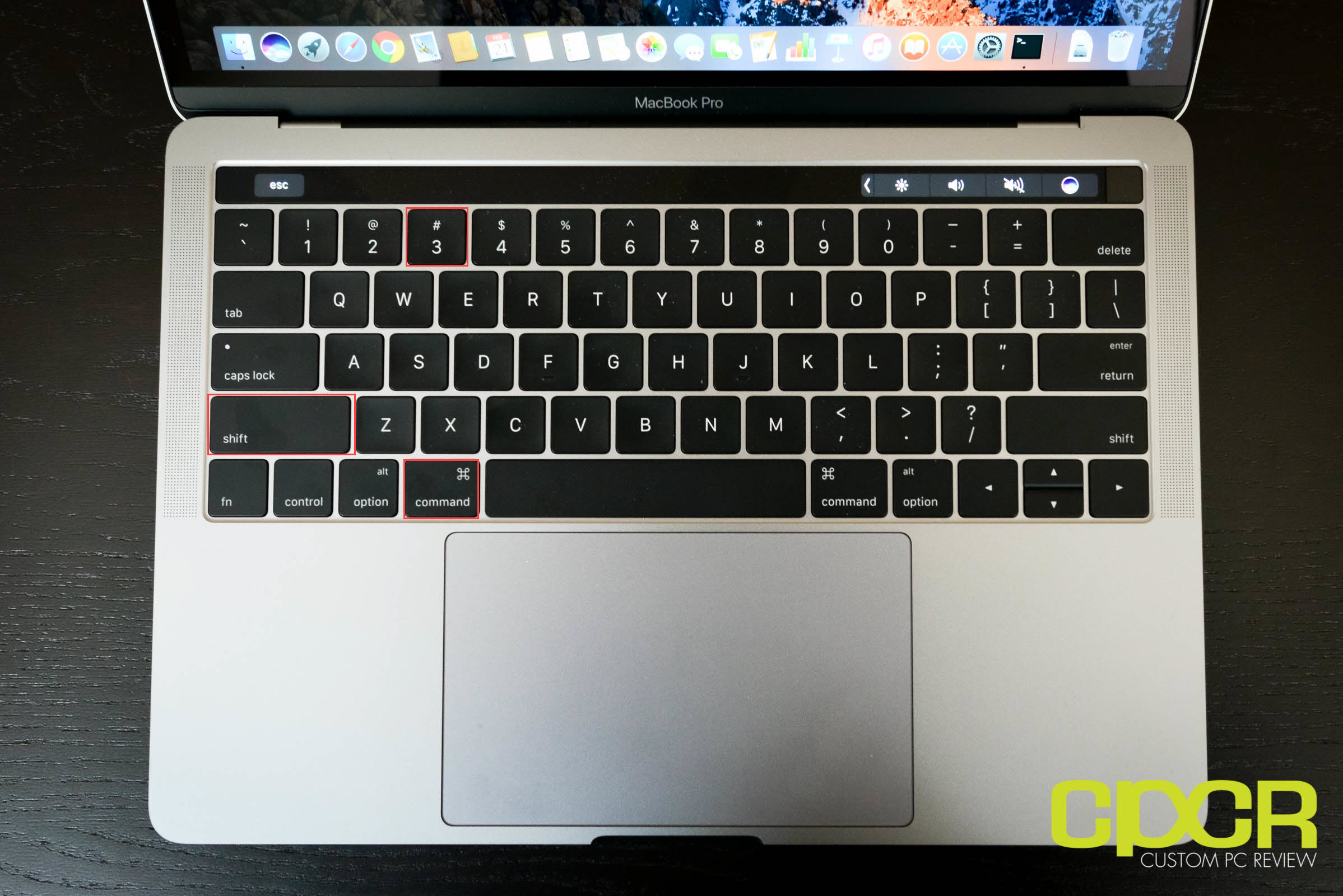
- Take a screenshot of your entire screen, a window, or a portion of the screen using the keyboard shortcuts Command + Shift + 3 or Command + Shift + 4.
- Open the screenshot in Preview by double-clicking on the thumbnail in the corner of your screen or by clicking on it and selecting "Open with" > "Preview".
- Click on the "Markup" icon in the toolbar or use the shortcut Command + Shift + I to open the Markup tool.
- Choose a pen or a highlighter from the Markup tool's toolbar, and then click and draw directly on your screenshot to add arrows, shapes, text, or other indicators.
- Customize your annotation by changing the color, size, and type of pen or highlighter, and even add more than one annotation to your screenshot.
- Once you've finished annotating your screenshot, click "Done" to save your changes or select "Save" to save your annotated screenshot as a new image.
How to Add Arrows to a Screenshot on Mac
If you want to add arrows to a screenshot on your Mac, follow these steps:
- Take a screenshot using the keyboard shortcut Command + Shift + 3 or Command + Shift + 4.
- Open the screenshot in Preview by double-clicking on the thumbnail in the corner of your screen or by clicking on it and selecting "Open with" > "Preview".
- Click on the "Markup" icon in the toolbar or use the shortcut Command + Shift + I to open the Markup tool.
- Choose a pen from the Markup tool's toolbar, and then click and draw an arrow on your screenshot by creating a line using the pen's "straight line" feature or by creating a freehand arrow using the pen's "freehand" feature.
- Customize your arrow by changing its color, size, and direction, and even add more than one arrow to your screenshot.
- Once you've finished annotating your screenshot, click "Done" to save your changes or select "Save" to save your annotated screenshot as a new image.
Recording and Annotating Screenshots on Mac
But what if you want to take a video recording of your screen and annotate it with arrows, shapes, and text? You can use a third-party screen recording app like Snagit or Lightshot, or even use built-in macOS tools like QuickTime Player or Preview.
Conclusion
Adding arrows, shapes, text, and other indicators to your screenshots on Mac has never been easier than with the Markup tool in Preview. Follow these simple steps, and you'll be able to capture and annotate high-quality screenshots that showcase your message to your audience.