Protect Your Computer Security from Phishing: A Comprehensive Guide
May 21, 2025phishingis currently the most common and successful type of cyber-attack. This guide aims to educate you on how to identify and defend against those attacks, using critical thinking skills and tools to stay safe online.
What is Phishing?
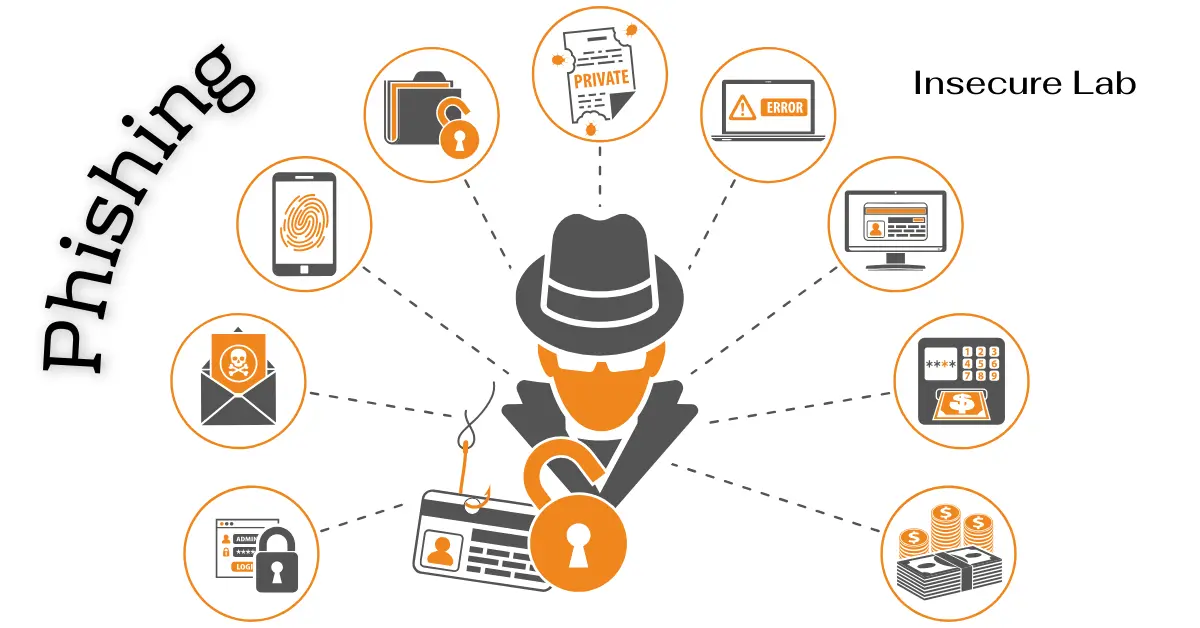
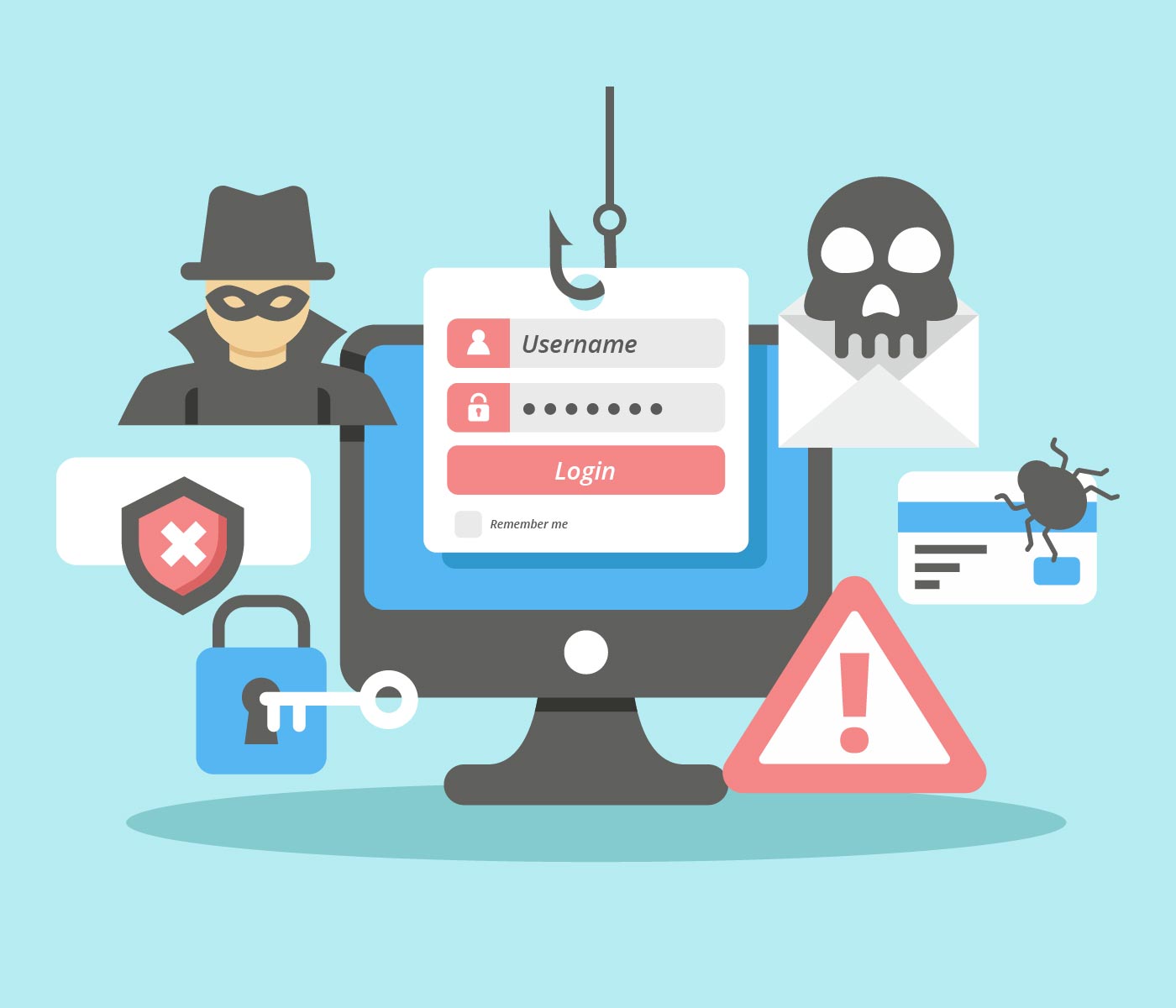
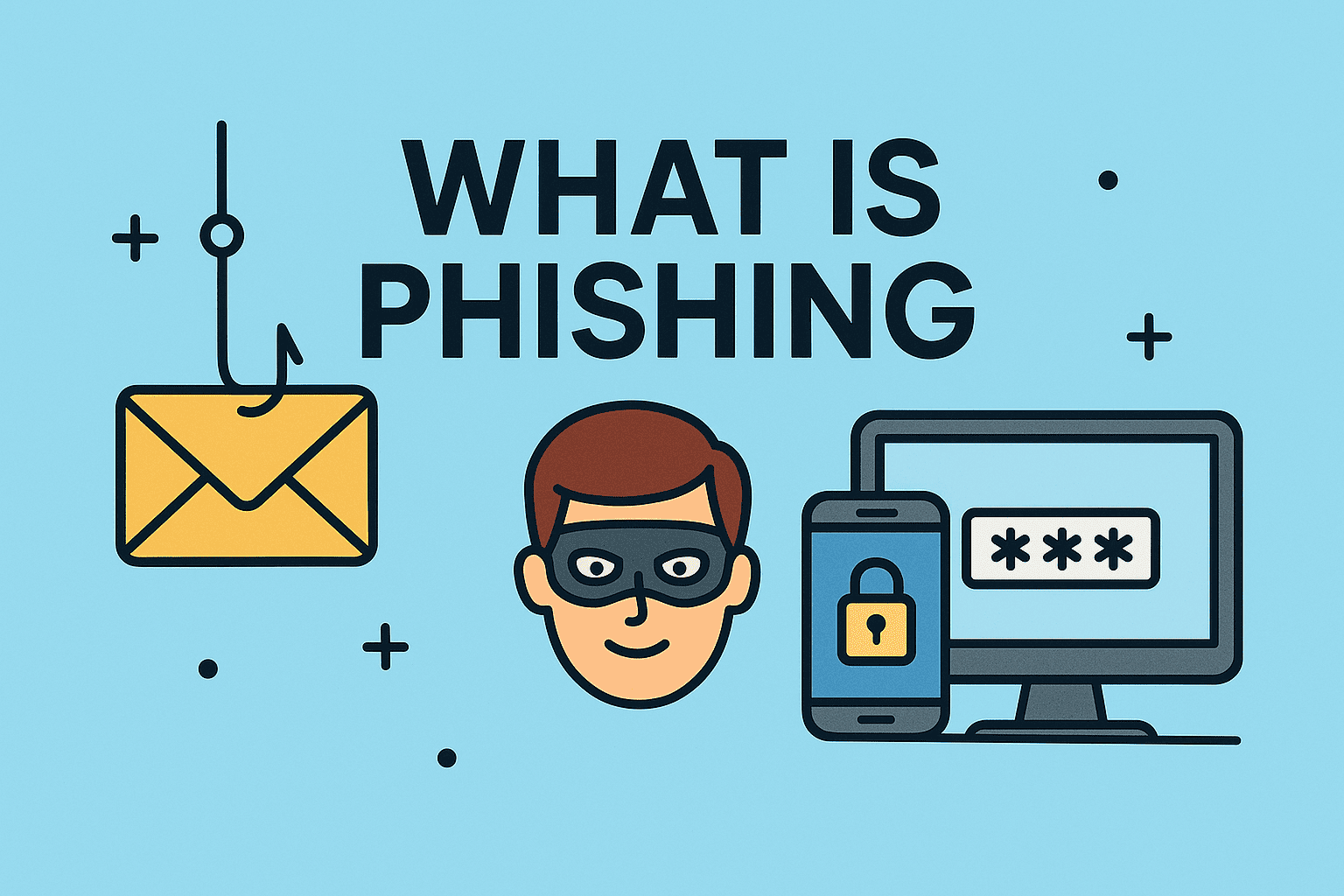
phishingis a type of cyber-attack that involves sending emails or text messages that appear to be from a legitimate source, aiming to trick people into revealing sensitive data such as passwords, credit card numbers, or Social Security numbers. Scammers use various tactics to manipulate individuals into taking actions that could compromise their security and compromise their personal information.
Types of Phishing Attacks
- Business Email Compromise (BEC): Targeting employees who handle finances, to trick them into transferring large sums of money to the attacker's account.
- Spear Phishing: Customized attacks on specific individuals or groups, using information gathered from social media or other online sources.
- Whaling: Targeting high-level executives or decision-makers with tailor-made phishing attacks.
- Pharming: Redirecting users to fake websites that mimic legitimate sites, to steal sensitive data.
How to Identify Phishing Scams?
Be cautious of emails or messages that:
- Ask for sensitive information such as passwords or credit card numbers.
- Use a sense of urgency or create a false sense of scarcity.
- Contain spelling or grammatical errors.
- Request payment or funds via wire transfer.
- Have poor grammar, formatting, or random characters.
Protecting Your Computer Security from Phishing
Use the tips below to stay safe fromphishingattacks:
- Regularly update youroperatingsystem,antivirus, and other software.
- Use strong, unique passwords and enable two-factor authentication.
- Be wary of unsolicited emails or messages.
- Verify the sender's identity before clicking on links or providing information.
- Keep yourbackupsoftwaredatabase up to date.
- Practice safe browsing habits and always use reputable sources.
- Use avalidantivirusto scan your device for malware.
Prevention is Key
By following these tips and being aware of the various types ofphishingattacks, you can significantly reduce the risk of falling victim to aphishing scam. Always remember to use your critical thinking skills when dealing with unsolicited emails or messages.
Stay Safe Online
Always be cautious and stay up-to-date with the latest information, security software, and knowledge. Computer security from phishing is a continuous process that requires your attention and engagement. Use these simple yet effective tips to protect your computer security from phishing and stay safe online.
Support and Resources
For more information and resources on how to protect your computer security from phishing, we recommend checking the following:
- Microsoft Security Response Center Blog.
- Internet Crime Complaint Center (IC3).
- Microsoft Security Research.