Protecting Your Digital Activity: A Comprehensive Guide
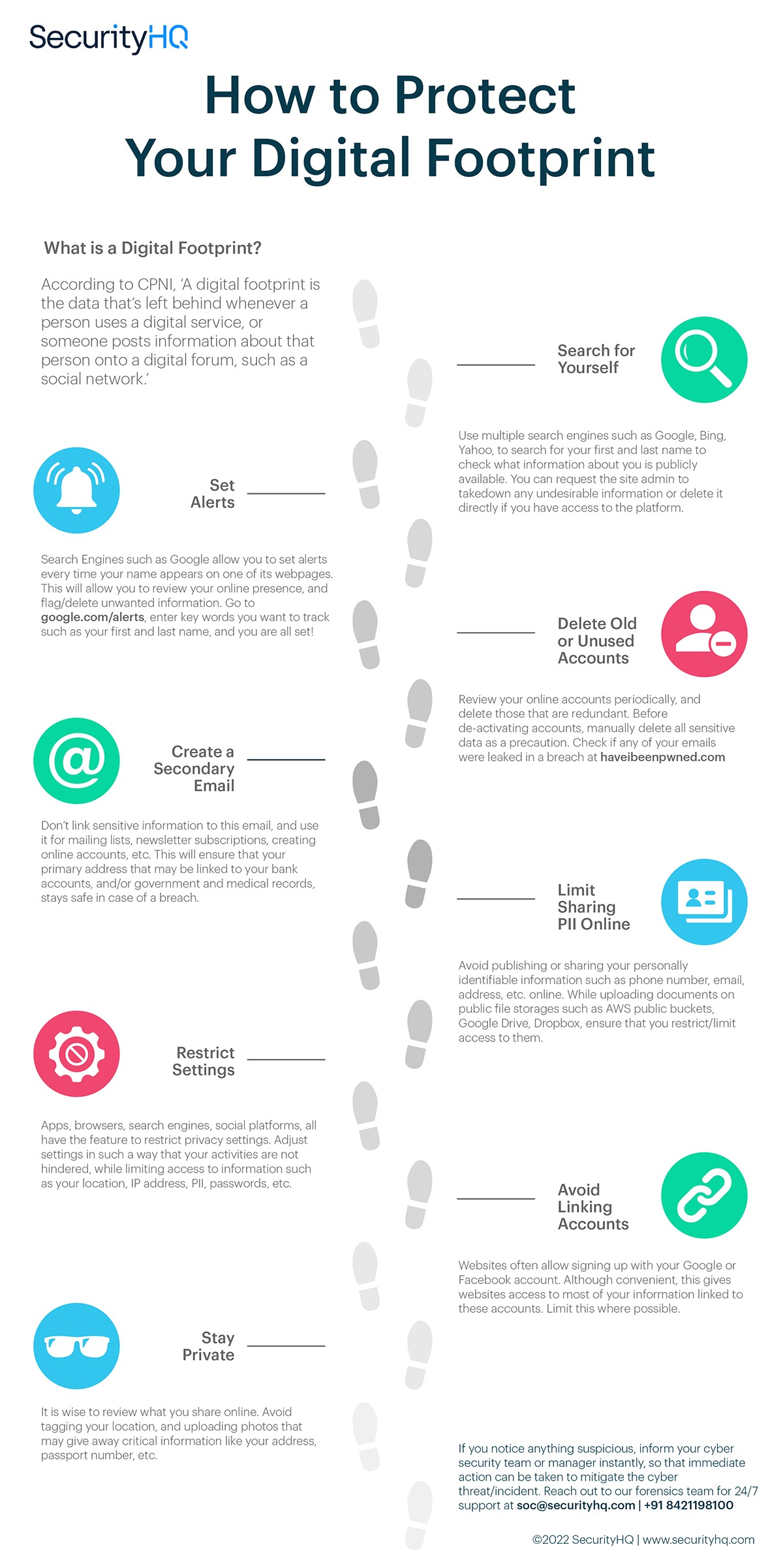
In today's increasingly digital world, our online activities leave behind a trail of data that can be vulnerable to exploitation. Protecting your digital activity is essential to safeguarding your personal data, preventing identity theft, and maintaining your online security. In this article, we'll explore 14 practical and easy-to-follow ways to protect your digital footprint and ensure your online safety.
Understand the Importance of Protecting Your Digital Activity
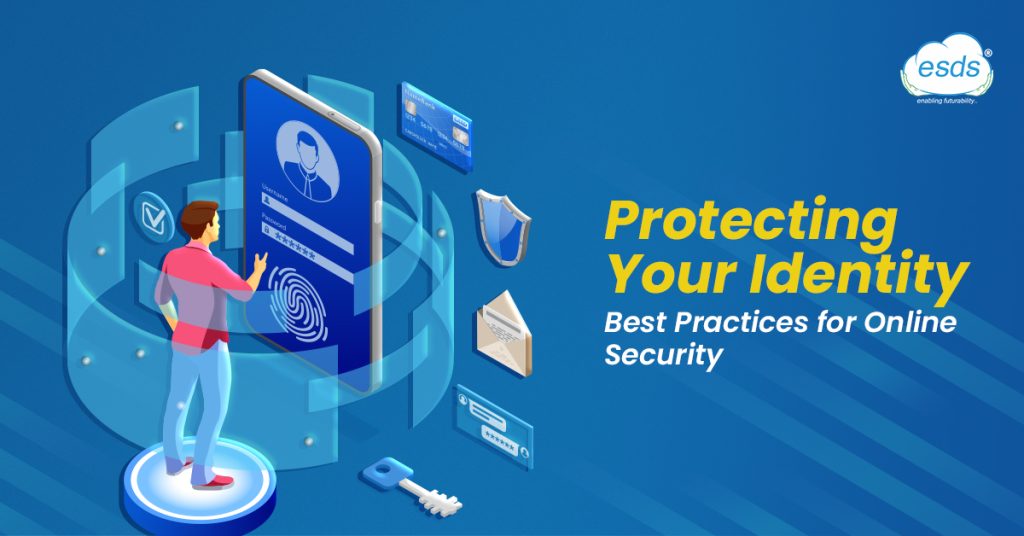
Your digital footprint refers to the trail of data you leave behind as a result of your online activities. This can include your browsing history, search queries, social media activity, and even your device's IP address. By not taking steps to protect your digital activity, you may inadvertently expose sensitive information to hackers, data brokers, and other malicious entities.
1. Use Strong Passwords and Enable Two-Factor Authentication
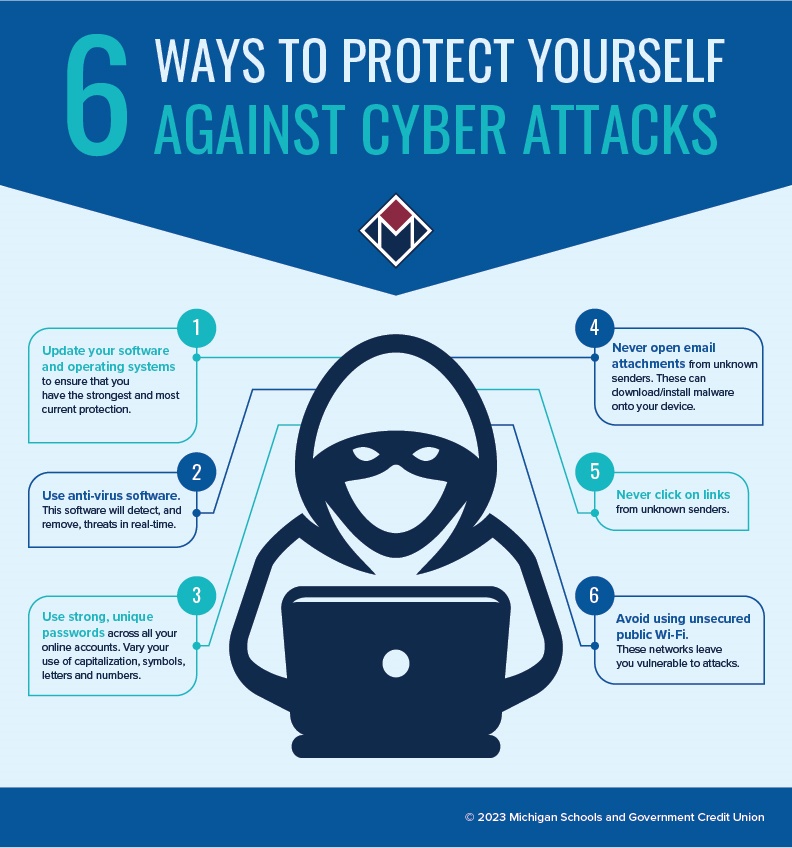
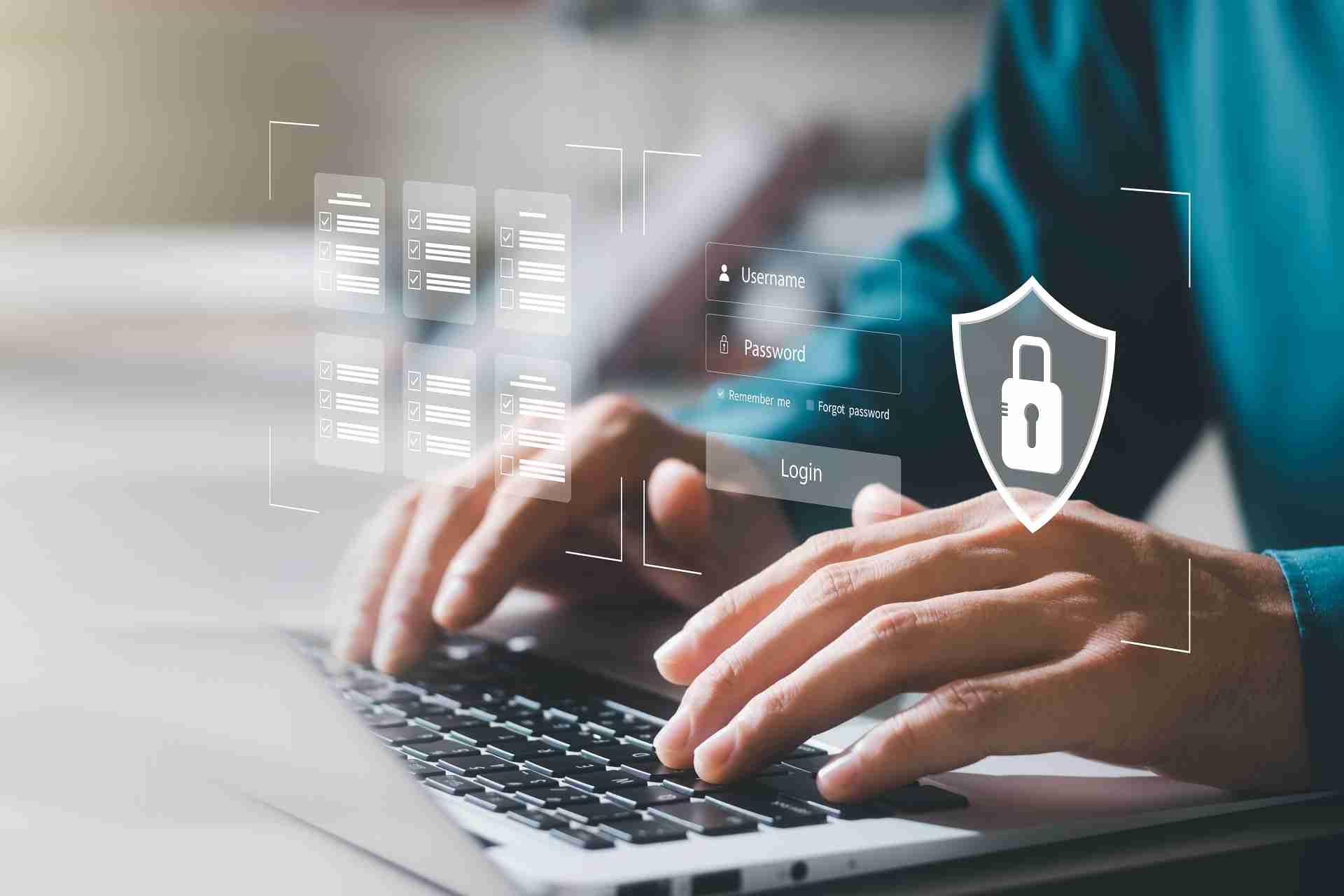
One of the most basic yet effective ways to protect your digital activity is to use strong, unique passwords for each of your online accounts. Additionally, enable two-factor authentication (2FA) wherever possible to add an extra layer of security. This will make it significantly harder for hackers to gain unauthorized access to your accounts.
2. Keep Your Software and Operating System Up-to-Date
Outdated software and operating systems can leave your device vulnerable to exploitation by hackers. Regularly update your software, operating system, and browsers to ensure you have the latest security patches and features.
3. Use a Virtual Private Network (VPN)
A VPN is a powerful tool that can help protect your digital activity by encrypting your internet traffic and masking your IP address. This makes it difficult for hackers to intercept your data or track your online activities.
4. Be Cautious with Public Wi-Fi
Public Wi-Fi networks are notoriously insecure, and using them can put your digital activity at risk. Avoid using public Wi-Fi for sensitive activities like online banking, shopping, or social media browsing.
5. Use a Firewall and Antivirus Software
A firewall can help block malicious traffic, while antivirus software can detect and remove malware from your device. Regularly scan your device for malware and ensure your firewall is enabled.
6. Limit Social Media Sharing
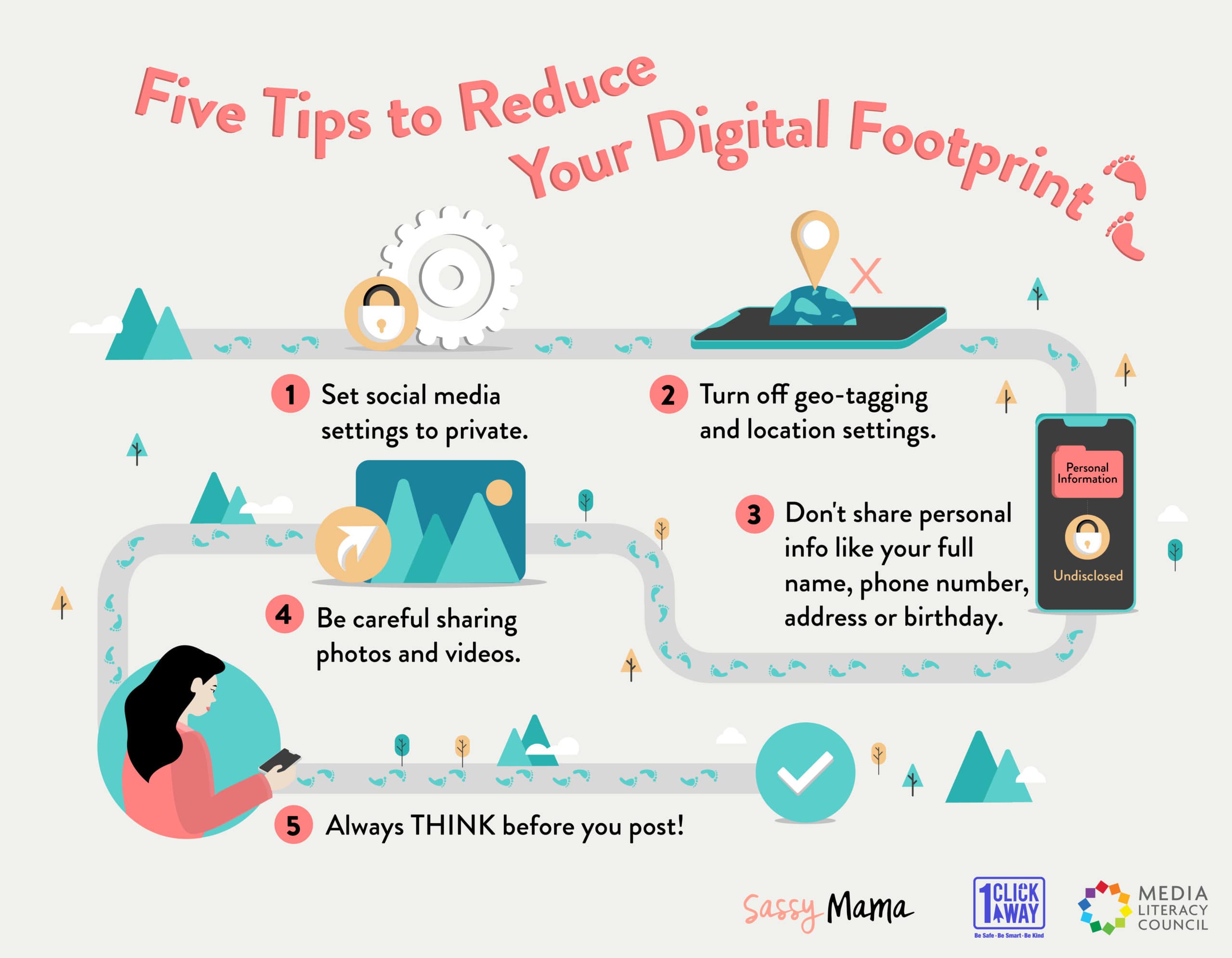
Social media platforms are a treasure trove of personal data just waiting to be exploited. Limit your social media sharing to essential information only, and avoid sharing sensitive data like your address, phone number, or financial information.
7. Monitor Your Credit Report and Scores
Regularly check your credit report and scores to catch any signs of identity theft or credit card fraud. You can request a free credit report from each of the three major credit bureaus once a year.
8. Use Two-Step Verification for Email and Social Media Accounts
Enable two-step verification for your email and social media accounts to add an extra layer of security. This will ensure that even if your password is compromised, hackers will still need to complete a second step to gain access to your accounts.
9. Regularly Back Up Your Data
Regular data backups can help you recover your files in case of a cyber attack or device failure. Use cloud storage services or external hard drives to back up your important files.
10. Use a Password Manager
Password managers can help you generate and store unique, complex passwords for each of your online accounts. This will make it easier to manage your passwords and reduce the risk of password-related security breaches.
11. Exercise Caution with Online Shopping and Banking
Be cautious when using public computers or public Wi-Fi for online shopping and banking. Avoid using public computers for sensitive activities, and consider using a VPN or virtual keyboard to add an extra layer of security.