Protect Your Facebook Account with Security Checkup
Have you ever wondered how secure your Facebook account is? With the rise of online threats and cybercrimes, it's essential to take proactive measures to protect your personal data and account. Facebook's Security Checkup is a tool designed to help you review and enhance the security of your account. In this article, we'll guide you through the features of Facebook Security Checkup and how it can help you protect your account.
What is Facebook Security Checkup?
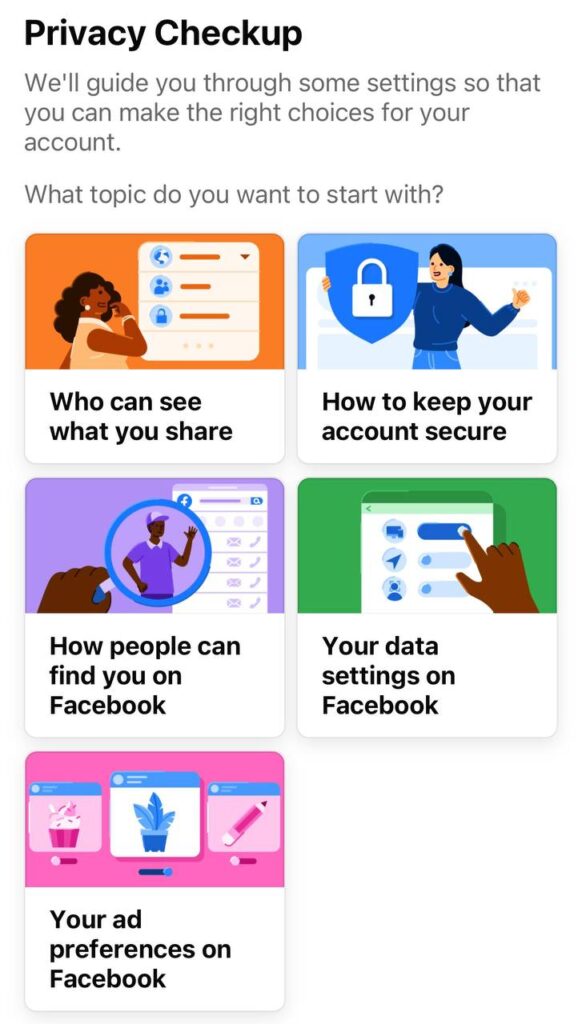
Facebook Security Checkup is a feature that reviews your account and recommends security actions to help you protect your account from potential threats. It's a simple and easy-to-use tool that can be accessed from your Facebook app or website. Once you initiate the Security Checkup, it will review your account settings and provide recommendations for improving security.
How Does Facebook Security Checkup Help?
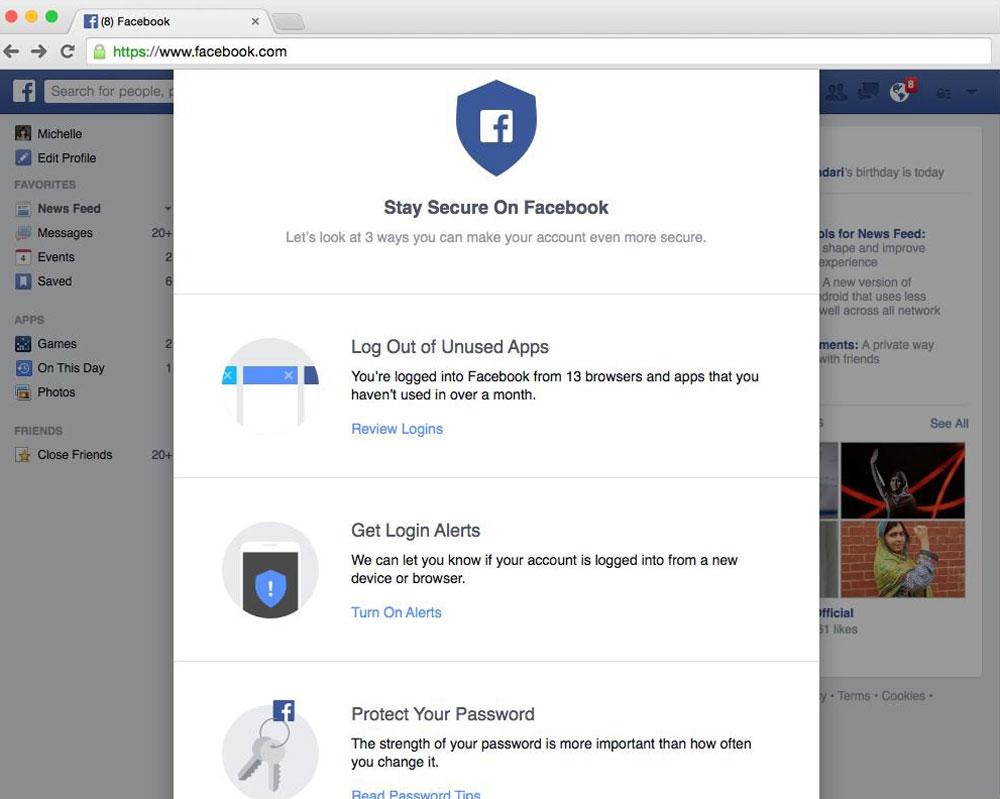
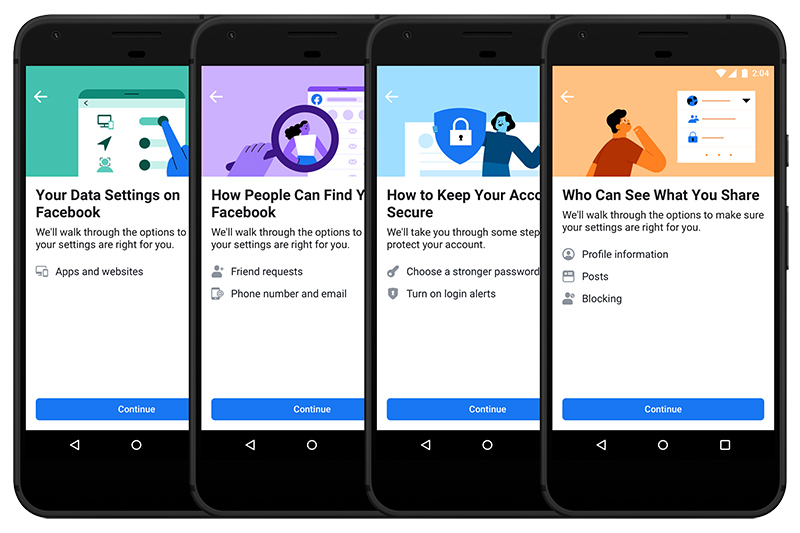
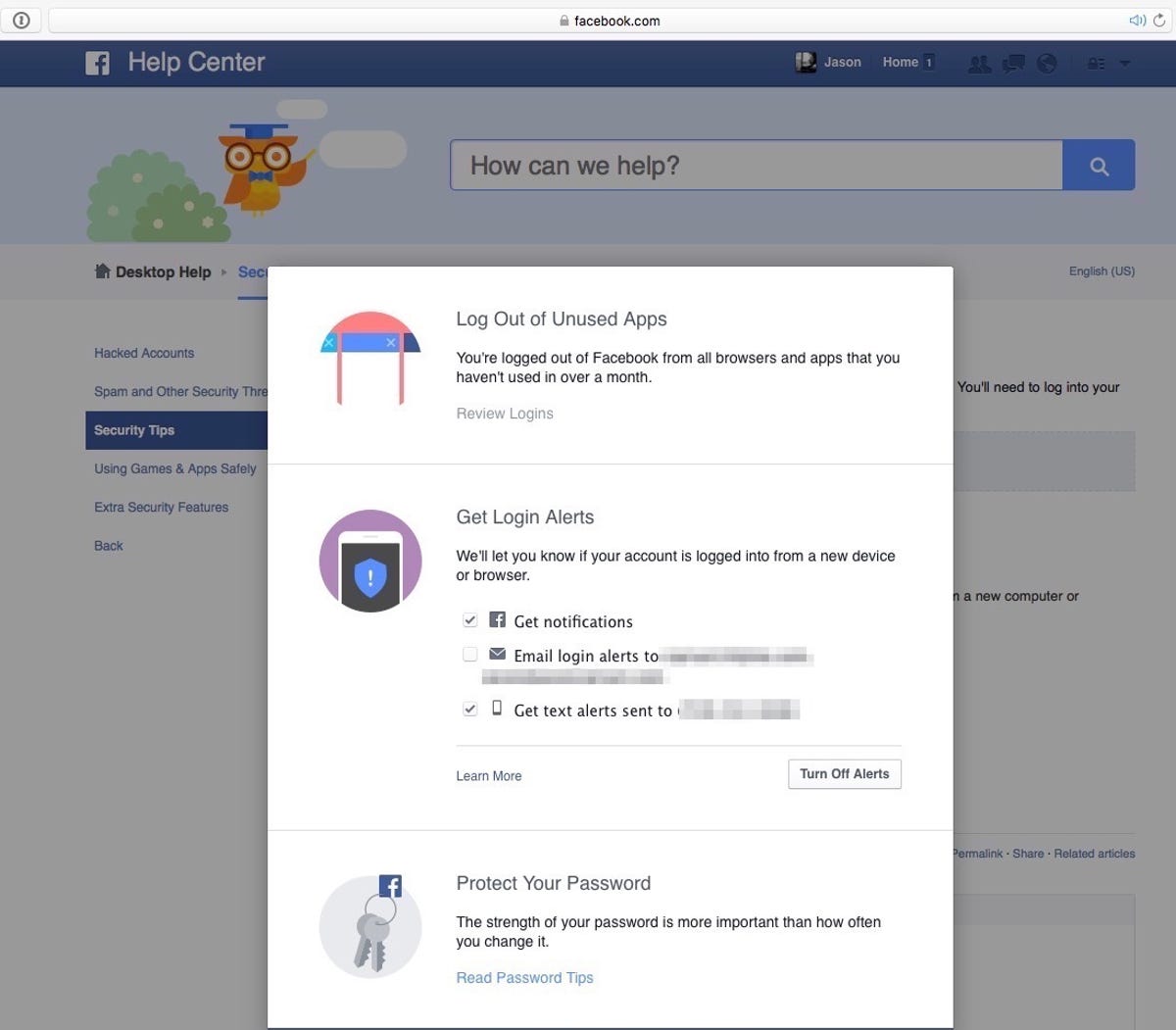
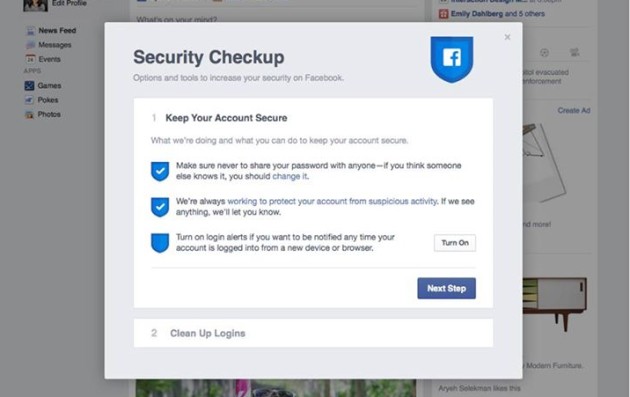
- Reviews your Facebook account and recommends security actions like updating your password or enabling two-factor authentication and login alerts.
- Provides alerts when someone tries logging into your account from an unrecognized computer or mobile device.
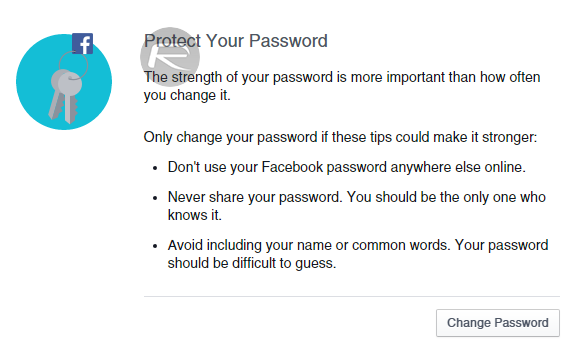
- Helps you learn how to protect your password and maintain account security.
Security Features in Facebook
Facebook has built-in security features like login alerts and two-factor authentication to help you add an extra layer of protection to your account. You can also review and update your security settings at any time. These features are designed to keep your account secure and prevent unauthorized access.
Benefits of Using Facebook Security Checkup
- Enhanced account security: Facebook Security Checkup helps you review and improve your account security settings, reducing the risk of unauthorized access.
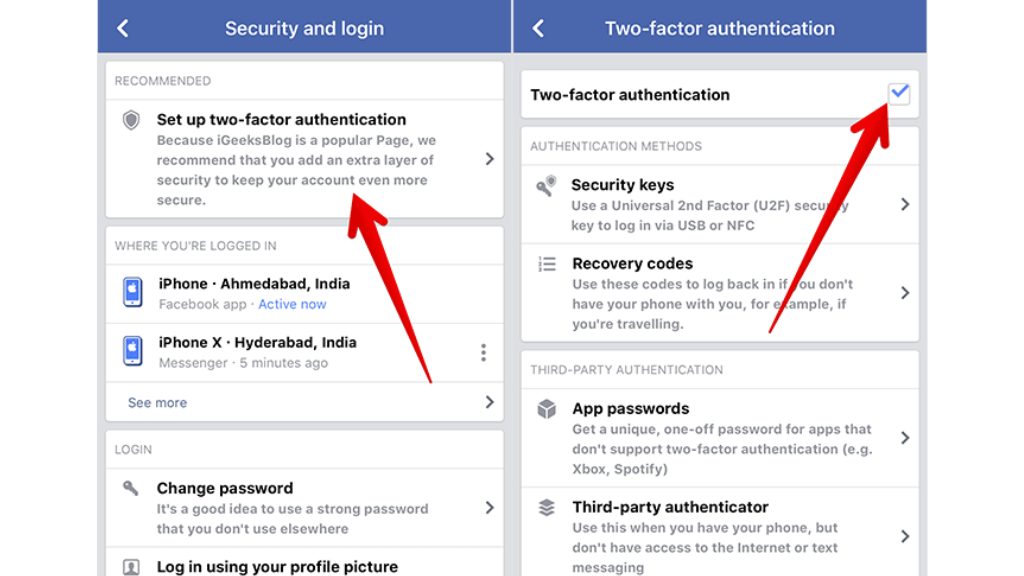
- Improved password security: The tool provides recommendations for updating your password and enabling two-factor authentication, making it more difficult for hackers to gain access to your account.
- Alerts for suspicious activity: Facebook Security Checkup provides alerts when someone tries logging into your account from an unrecognized device, helping you detect and respond to potential security threats.
How to Use Facebook Security Checkup
To use Facebook Security Checkup, simply log into your Facebook account and follow these steps:
- Go to your Facebook account settings.
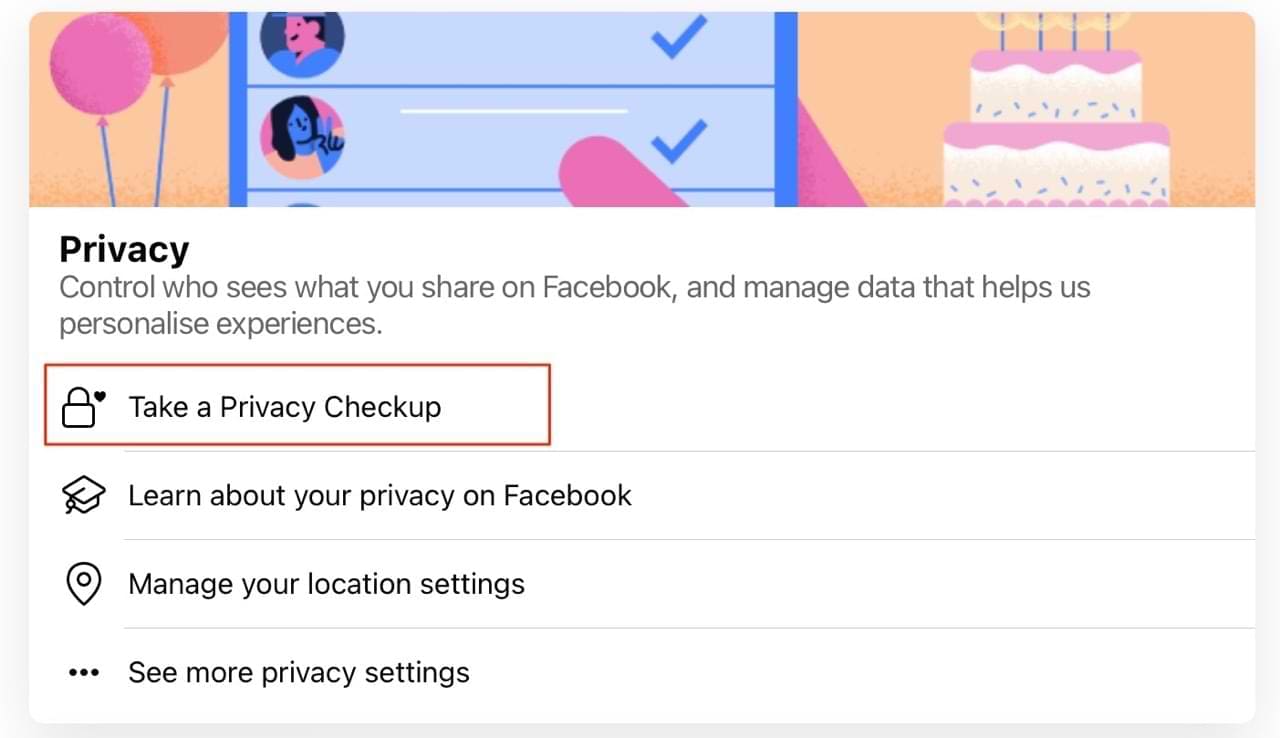
- Click on "Security and Login" and then select "Security Checkup."
- Follow the prompts to review and enhance your account security settings.
Conclusion
Facebook Security Checkup is a valuable tool that helps you review and improve your account security settings. By using this feature, you can reduce the risk of unauthorized access, enhance password security, and receive alerts for suspicious activity. Take the first step towards protecting your Facebook account today by using the Security Checkup tool.
Additional Tips for Account Security
Here are some additional tips to help you maintain account security:
- Use a strong and unique password for your Facebook account.
- Enable two-factor authentication to add an extra layer of security.
- Regularly review your account settings and security preferences.
By following these tips and using Facebook Security Checkup, you can ensure that your account is secure and protected from potential threats.
/cdn.vox-cdn.com/uploads/chorus_asset/file/15379892/Security_Checkup___Clean_Up_Logins.0.0.1432730990.png "Using Security Checkup to add security to your Facebook account")