Dual Screen Setup with Laptop: Boost Your Productivity and Efficiency
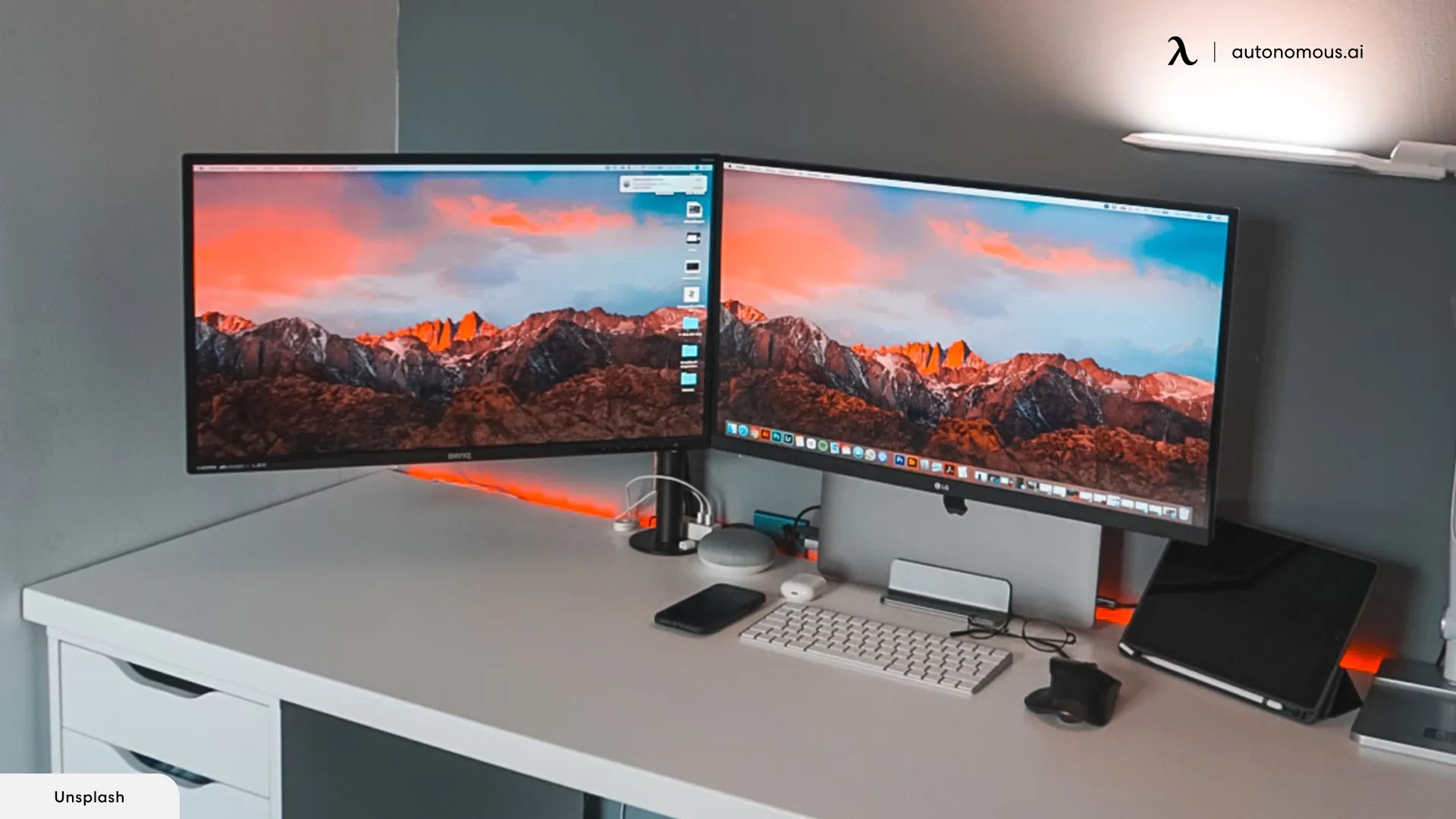
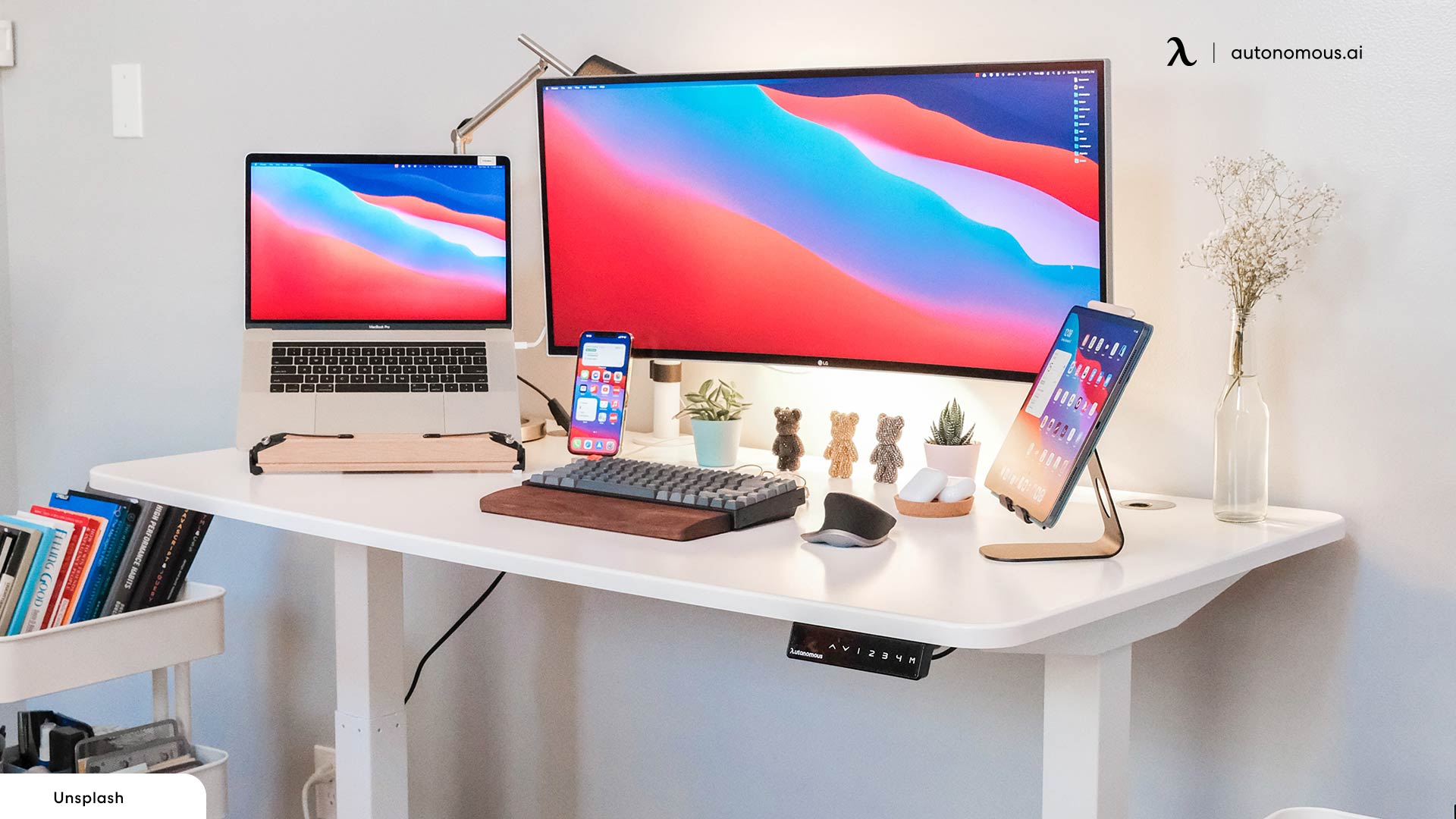
Are you looking to take your productivity and efficiency to the next level? Consider setting up a dual screen setup with your laptop. This setup can help you work more efficiently, increase your productivity, and provide a more engaging experience for various tasks. In this article, we'll guide you through the process of setting up a dual monitor setup with your laptop and explore its benefits.
Why Use a Dual Monitor Setup with Your Laptop?
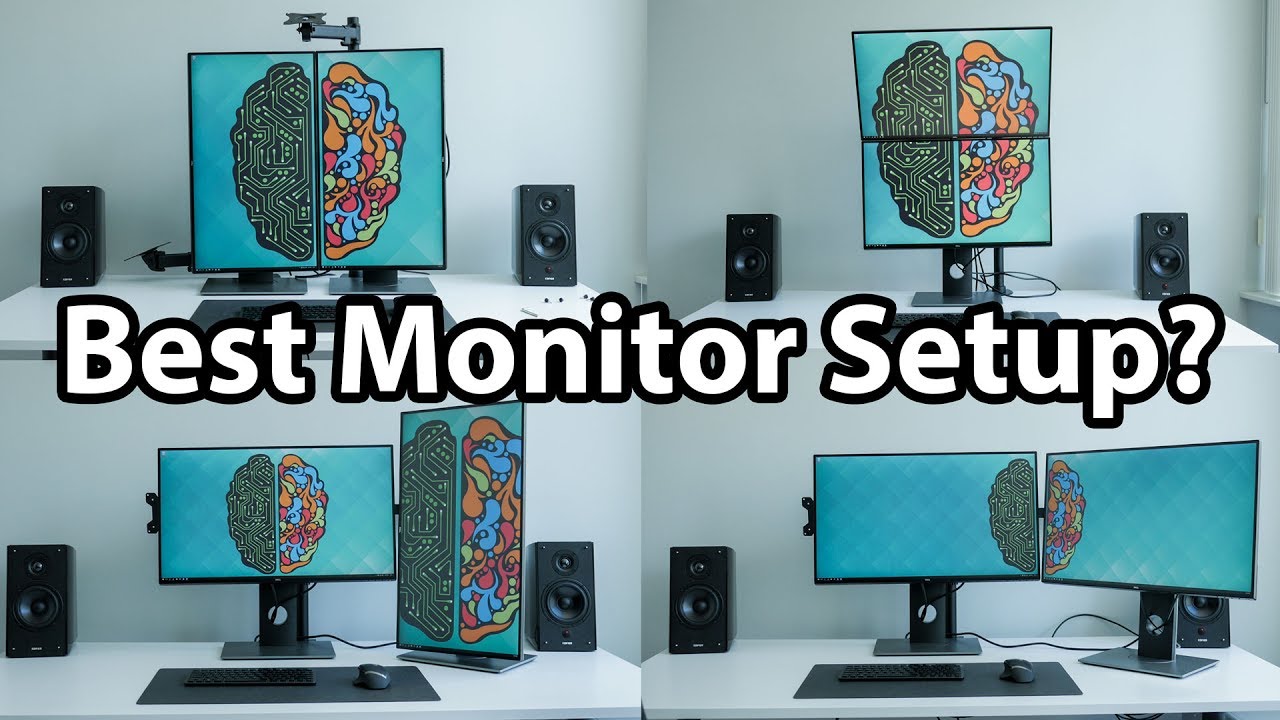
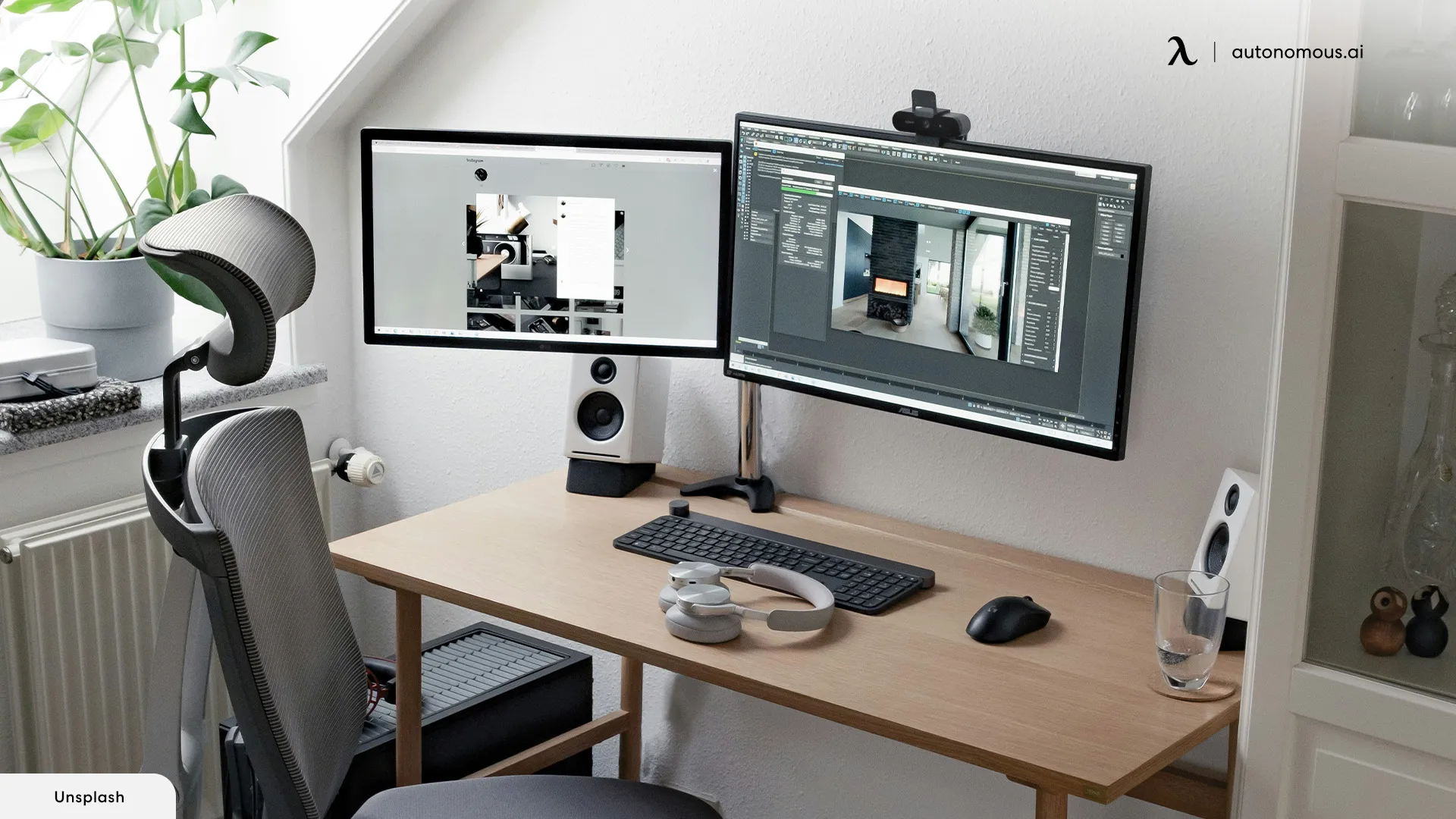
- Increased Screenspace: A dual monitor setup allows you to view multiple applications or documents side by side, increasing your productivity and multitasking capabilities.
- Enhanced Multitasking: Dual monitors support workflows that require simultaneous access to multiple applications, emails, or social media platforms.
- Improved Ergonomics: A dual monitor setup can help you maintain a comfortable working position, reducing eye strain and fatigue.
Setting Up a Dual Monitor Setup with Your Laptop
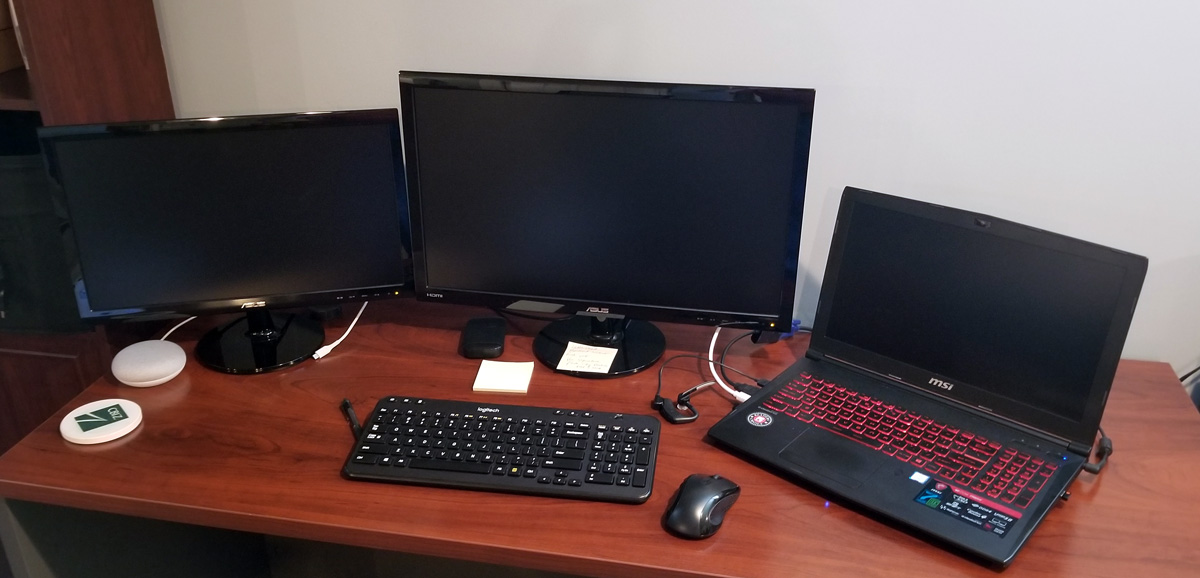
Setting up a dual monitor setup with your laptop is a relatively straightforward process. You'll need to connect your second monitor to your laptop using a compatible cable, such as HDMI or DisplayPort.
Step 1: Connect Your Second Monitor
First, locate the HDMI or DisplayPort port on your laptop and connect it to the corresponding port on your second monitor. Make sure the cable is securely connected to both devices.
Step 2: Adjust the Display Settings
Next, open the display settings on your laptop and select the Extend option to expand your desktop to the second monitor. You can also adjust the resolution, color depth, and display style to suit your preferences.
Step 3: Configure Your Second Monitor
Now, configure your second monitor by selecting the display mode and resolution. You can choose to mirror the image on your first monitor or use it as a separate display.
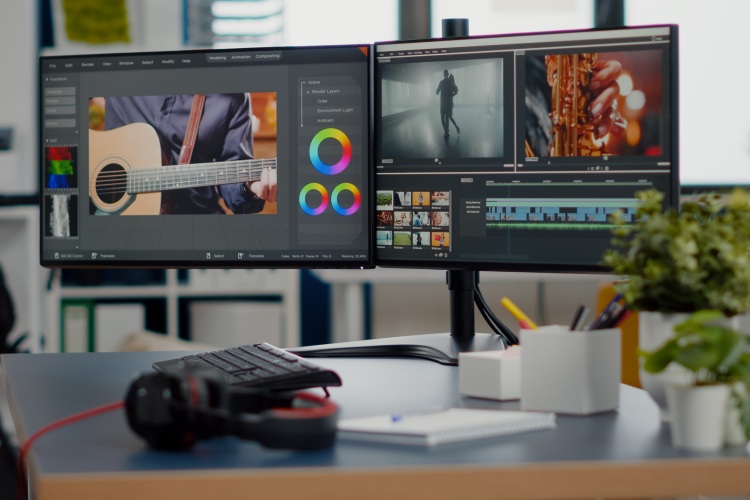
Benefits of a Dual Monitor Setup
A dual monitor setup offers numerous benefits, including:
- Increased productivity and multitasking capabilities.
- Improved ergonomics and reduced eye strain.
- Enhanced workspace organization and workflow.
- Support for multiple applications and documents.
Choosing the Right Monitor for Your Dual Setup
When selecting a second monitor for your dual setup, consider the following factors:
- Resolution: Choose a monitor with a high resolution, such as 4K or QHD, for a more immersive experience.
- Size: Opt for a monitor that complements the size of your laptop and provides an optimal viewing experience.
- Connectivity: Ensure the monitor has the correct ports, such as HDMI or DisplayPort, to connect it to your laptop.
- Color accuracy: Select a monitor with excellent color accuracy, particularly if you work in graphic design or video editing.
Conclusion
Setting up a dual monitor setup with your laptop can significantly boost your productivity and efficiency. By following the steps outlined in this article, you can set up a dual monitor setup that meets your needs and enhances your workspace experience. Remember to choose the right monitor for your dual setup, considering factors such as resolution, size, connectivity, and color accuracy.
Stay Productive with the Right Tools
Take your productivity to the next level with the right tools and accessories. Explore our selection of monitor docking stations, portable monitors, and desktop risers to enhance your dual monitor setup.
Whether you're a gamer, graphic designer, or simply looking to boost your productivity, a dual monitor setup can help you achieve your goals. Stay organized, stay focused, and stay productive with the ultimate dual screen setup!