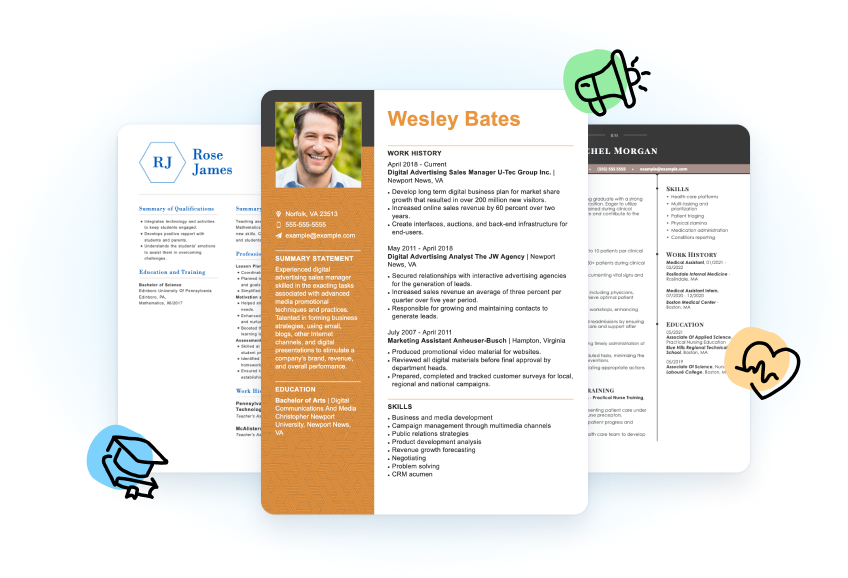
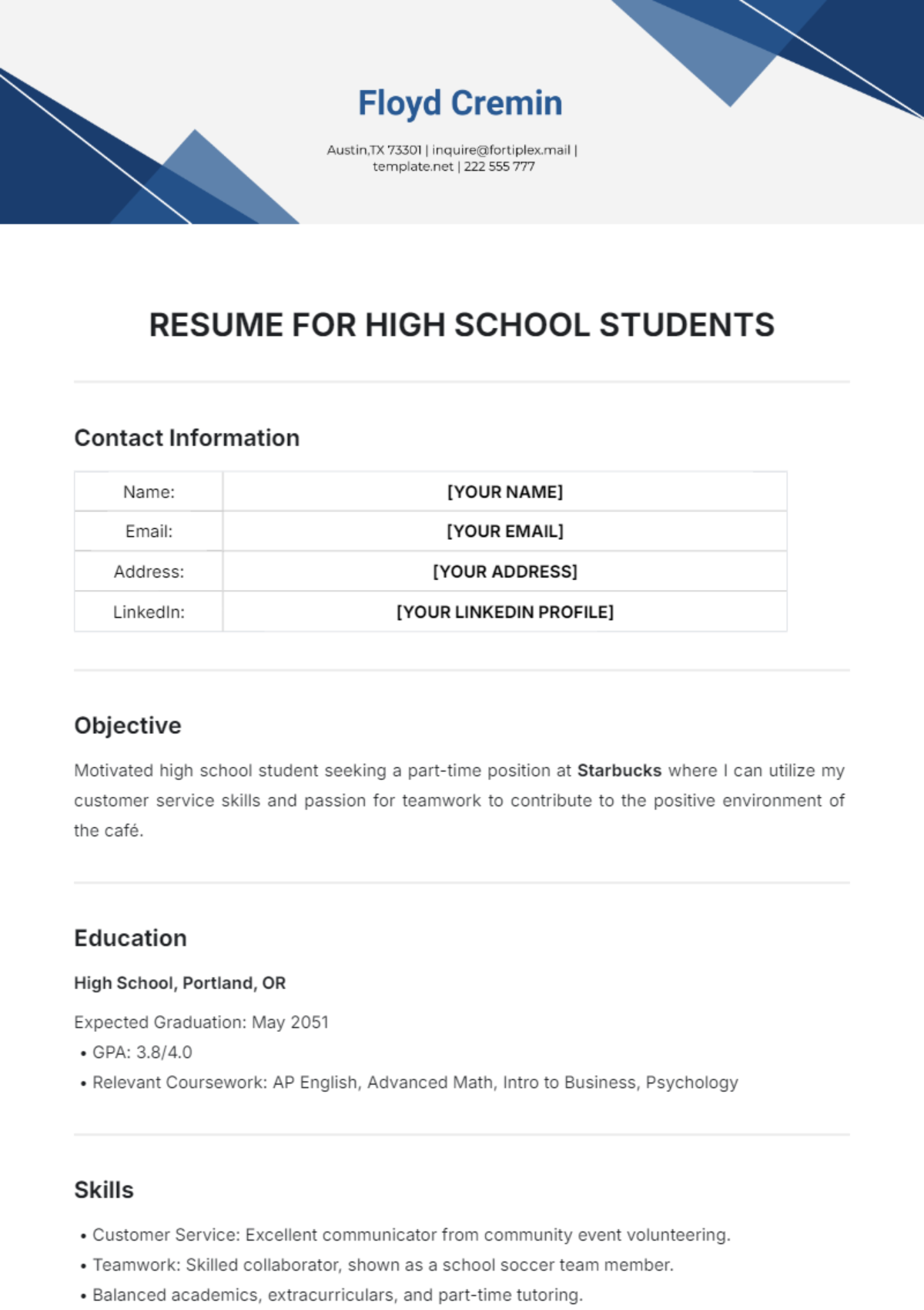
Creating a Resume Template: A Step-by-Step Guide
Are you tired of creating a new resume from scratch every time you apply for a job? Do you want to make a great impression on potential employers with a professional-looking resume? If so, you're in luck! Creating a resume template can save you time and effort, while also helping you to stand out in a crowded job market.
Why Create a Resume Template?
A resume template can provide a starting point for your resume, allowing you to customize it to fit your needs and style. With a template, you can quickly and easily fill in the blanks with your own information, ensuring that your resume looks polished and professional. Additionally, a template can help you to organize your thoughts and present your skills and experiences in a clear and concise manner.
Choosing a Resume Template
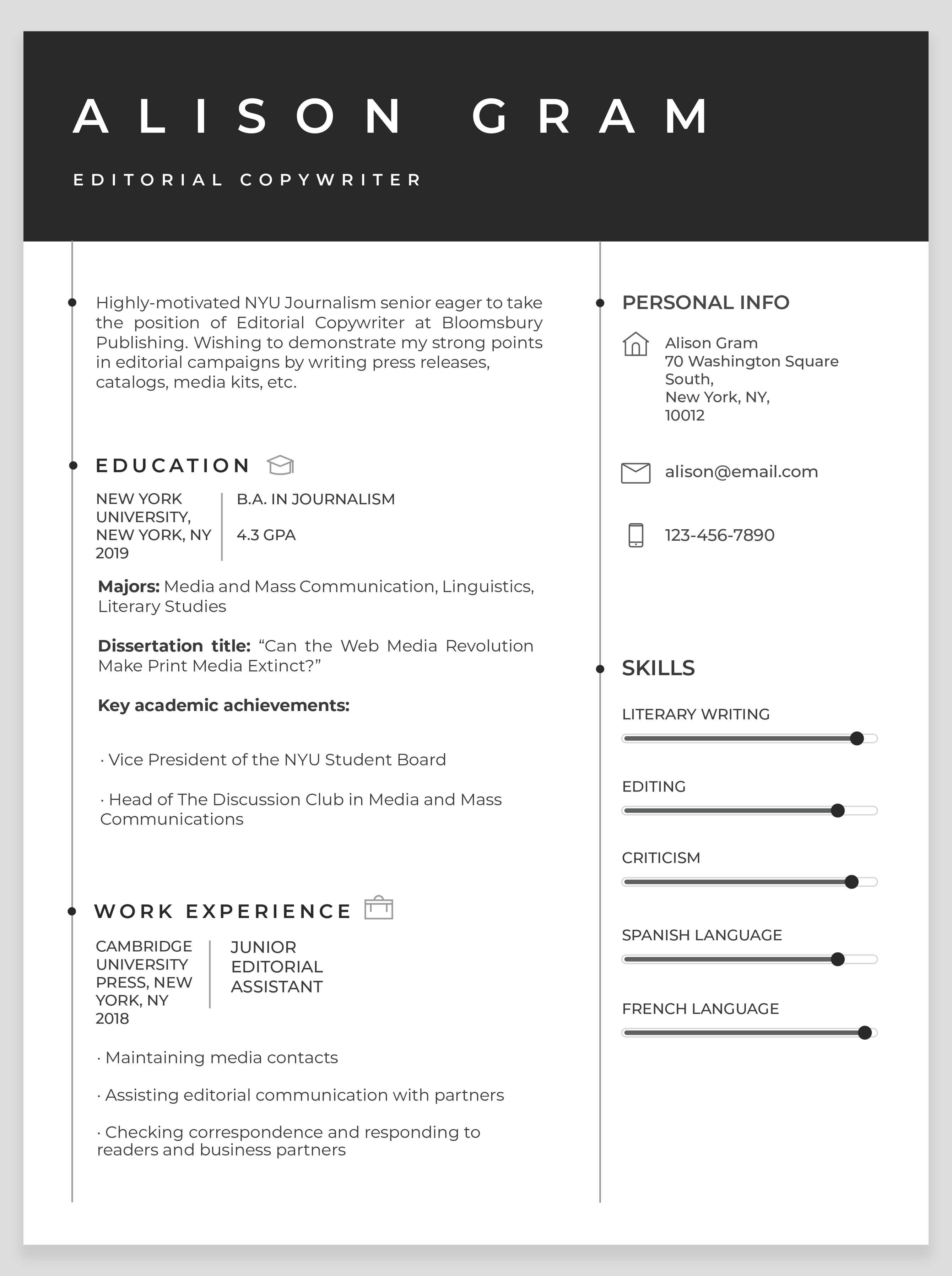
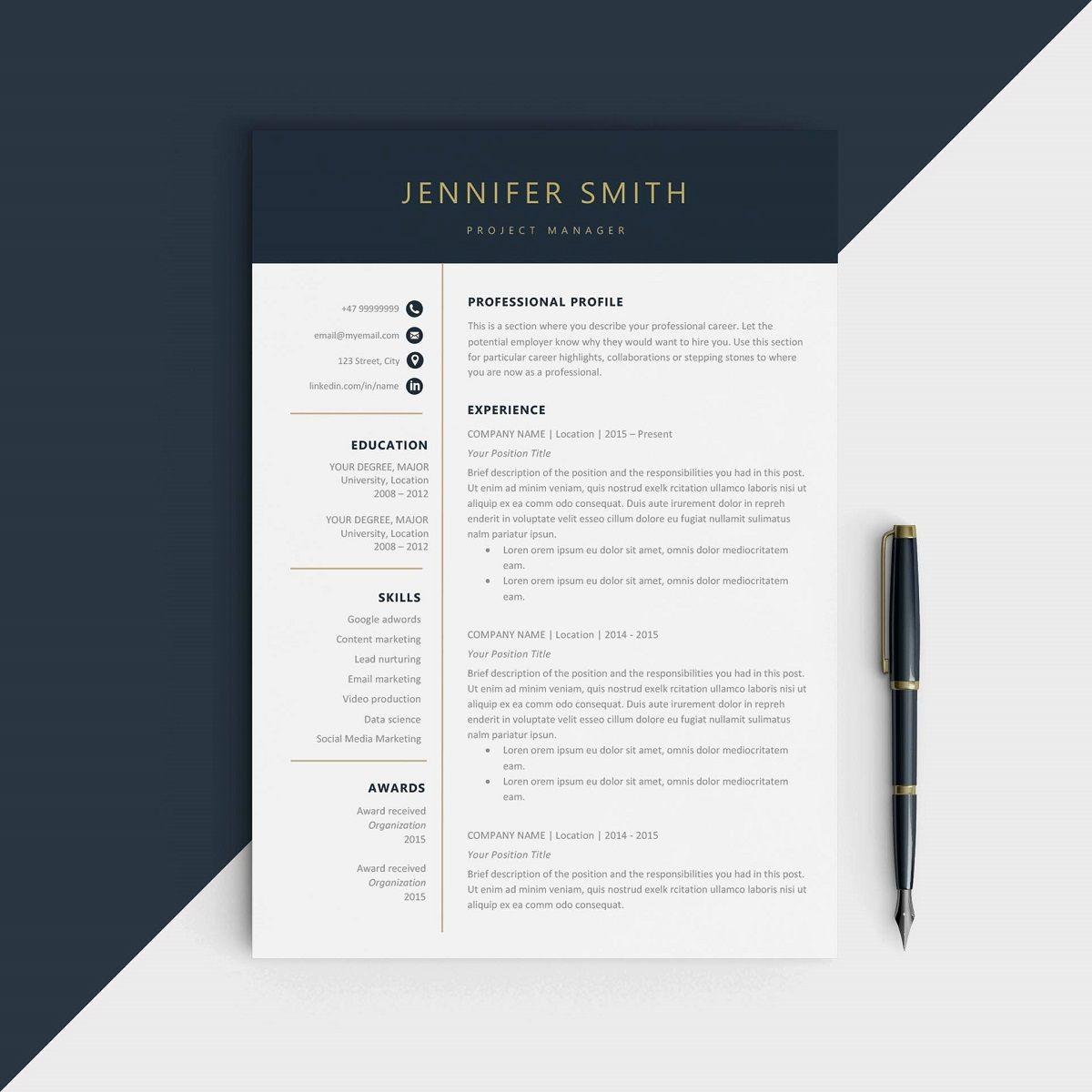
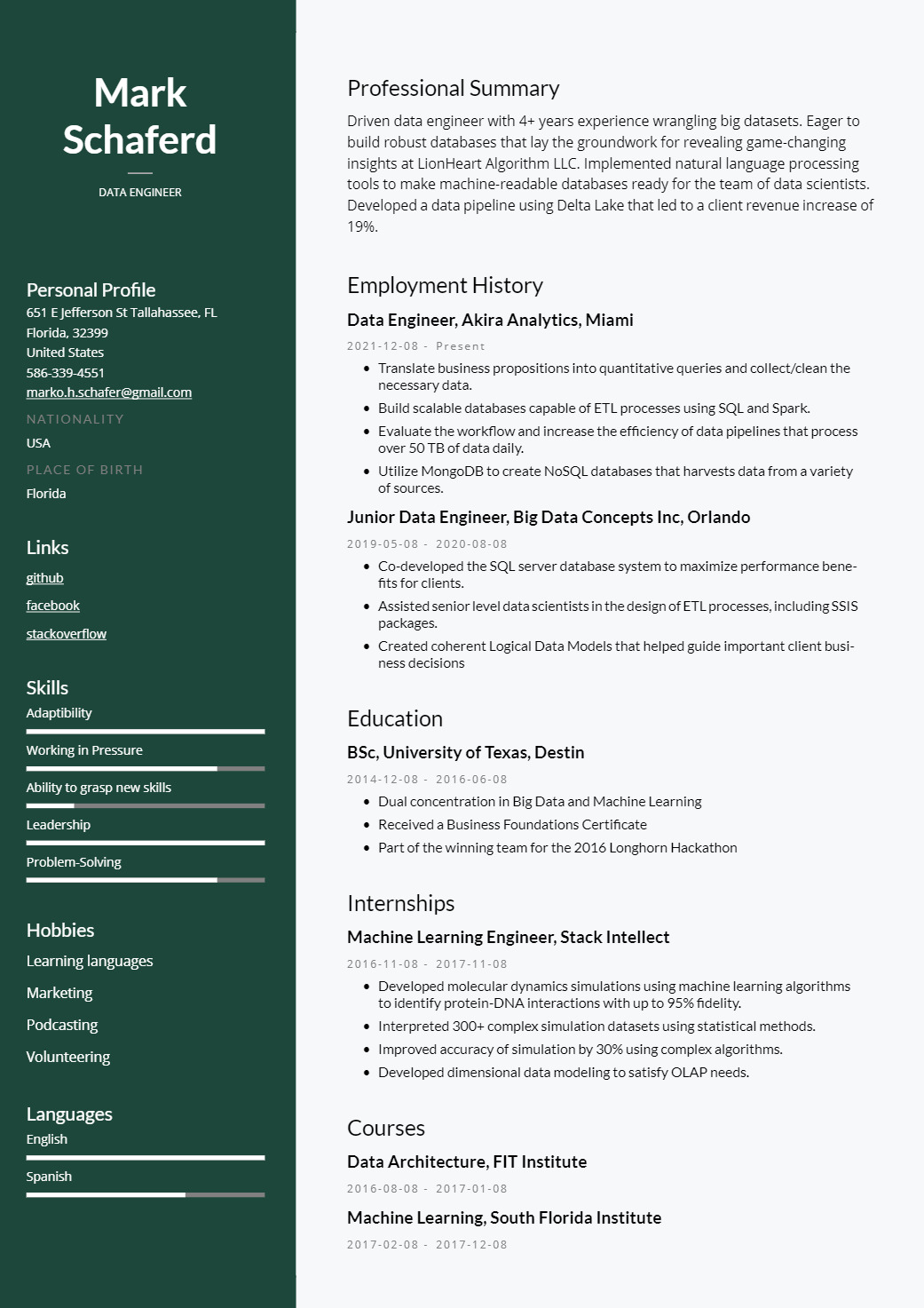
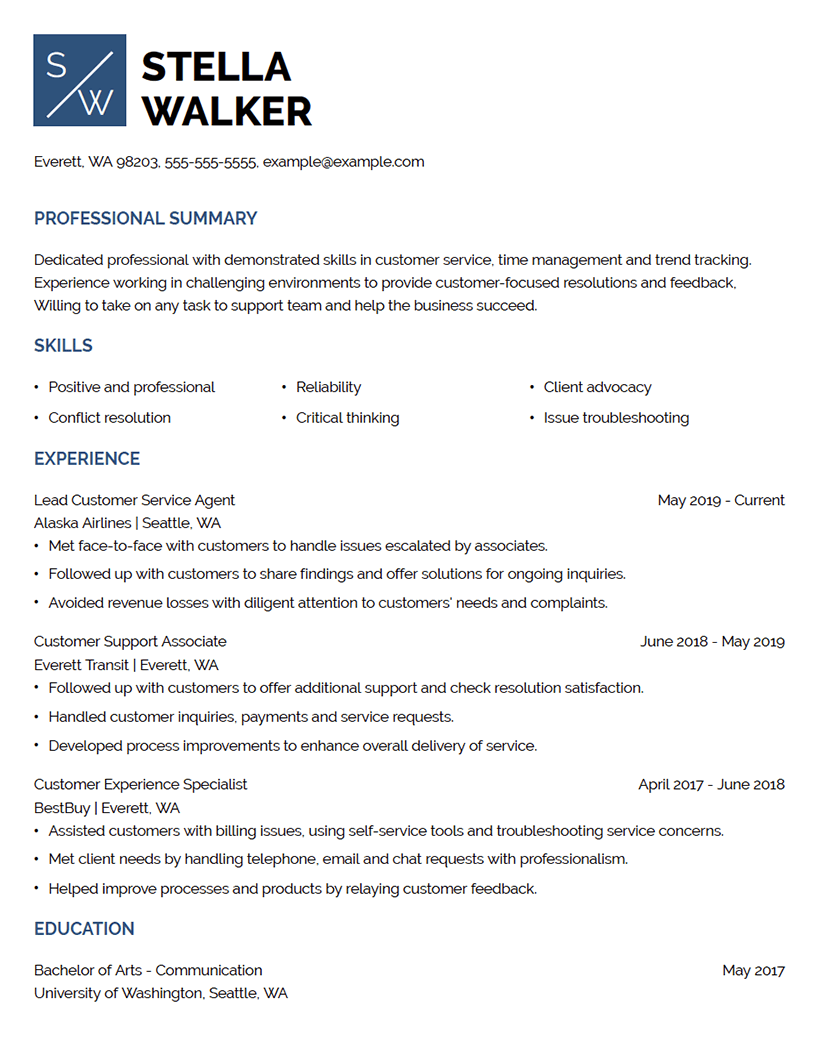
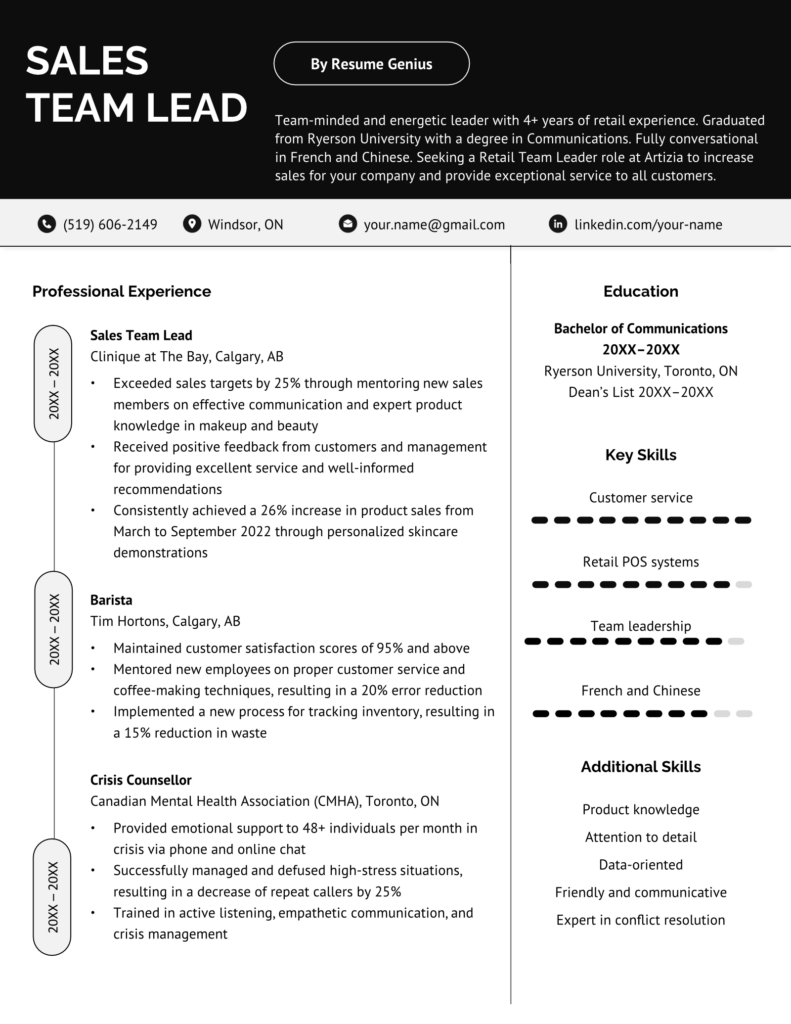
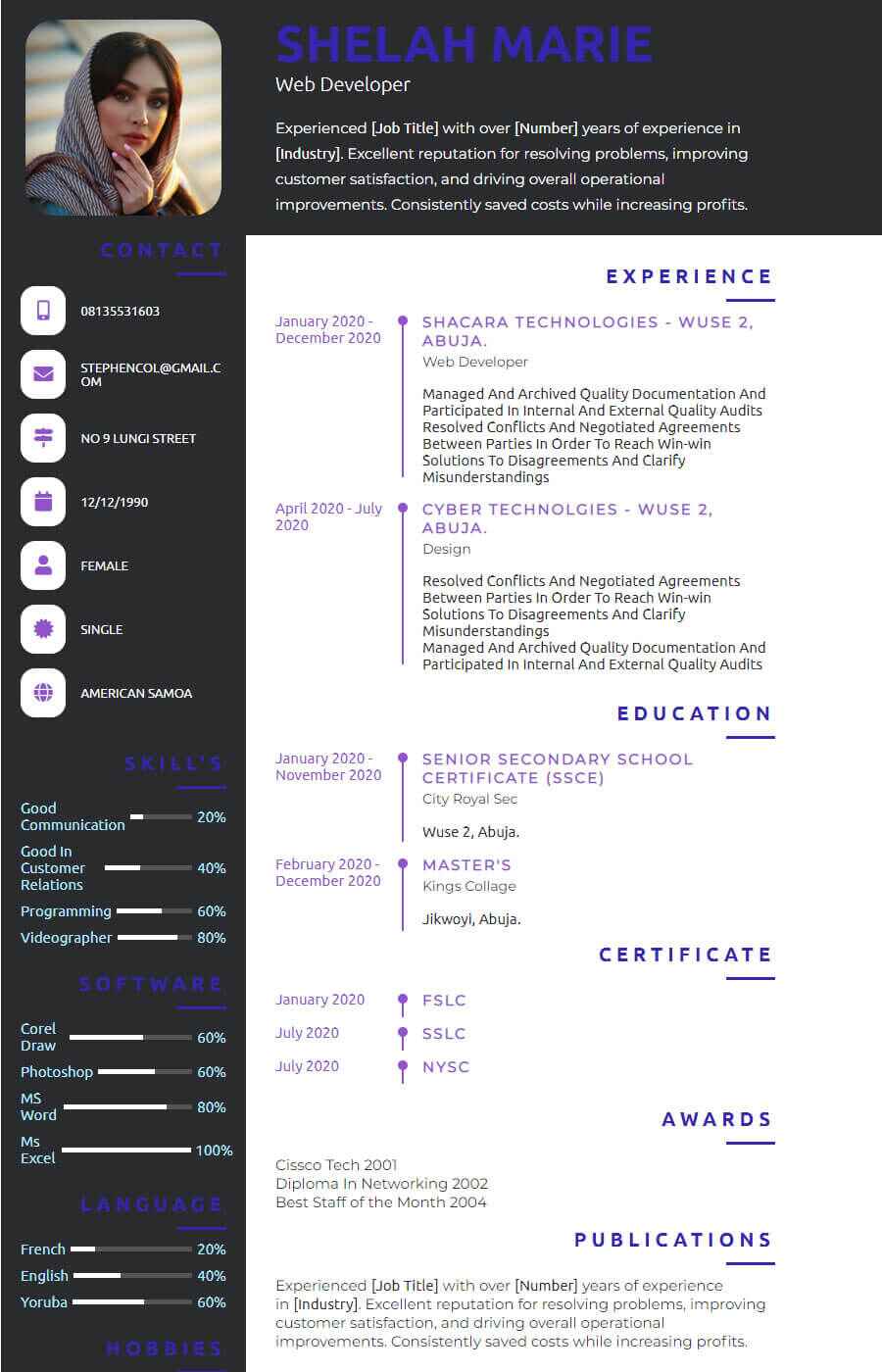
There are many resources available for creating a resume template, including Canva's free resume builder and Microsoft Word templates. When choosing a template, consider the following factors:
- Job description: Tailor your resume to the specific job you're applying for by choosing a template that matches the industry or job requirements.
- Design: Select a template that is visually appealing and easy to read.
- Customization: Choose a template that is easy to customize and allows you to add or remove sections as needed.
- Compatibility: Select a template that is compatible with the software or platform you plan to use to create your resume.
Designing Your Resume Template
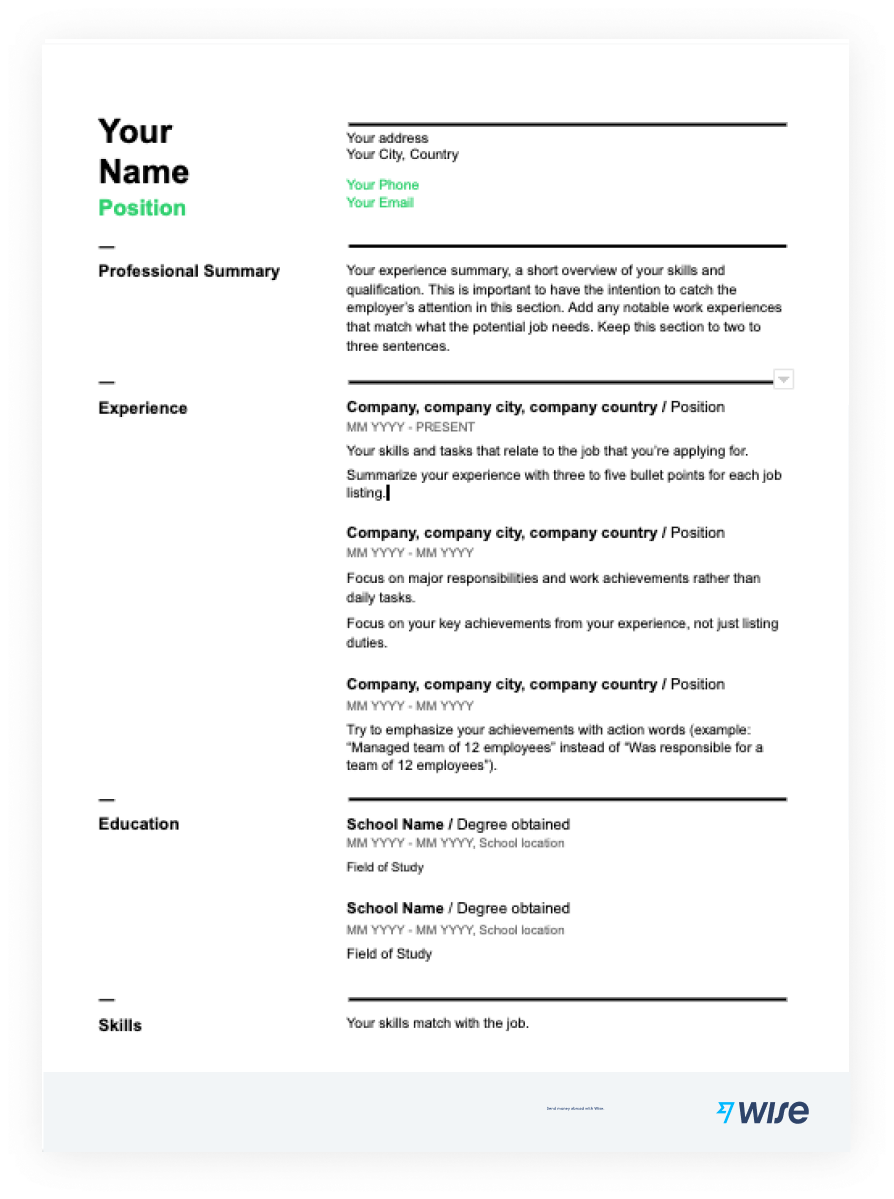
Once you've chosen a template, it's time to start designing your resume. Here are some tips to keep in mind:
- Keep it simple: Avoid cluttering your resume with too many sections or font styles.
- Use a clean and easy-to-read font: Choose a font that is easy to read and doesn't distract from the content of your resume.
- Highlight your skills: Use bolding or italics to highlight your most relevant skills and experiences.
- Use action verbs: Use action verbs such as "managed," "created," and "developed" to describe your experiences and skills.
Customizing Your Resume Template
Once you've created your resume template, it's time to customize it with your own information. Here are some tips to keep in mind:
- Fill in the blanks: Fill in the basic information such as your name, contact information, and job title.
- Add relevant sections: Add relevant sections such as a summary, education, work experience, skills, and certifications.
- Tailor your resume: Tailor your resume to the specific job you're applying for by highlighting your relevant skills and experiences.
- Proofread: Proofread your resume multiple times to catch any spelling or grammar errors.
Conclusion
CreatinCreating a resume template can save you time and effort, while also helping you to stand out in a crowded job market. By following these steps, you can create a professional-looking resume that showcases your skills and experiences. Remember to choose a template that is visually appealing and easy to read, and customize it with your own information. With a well-designed resume template, you'll be one step closer to landing your dream job!
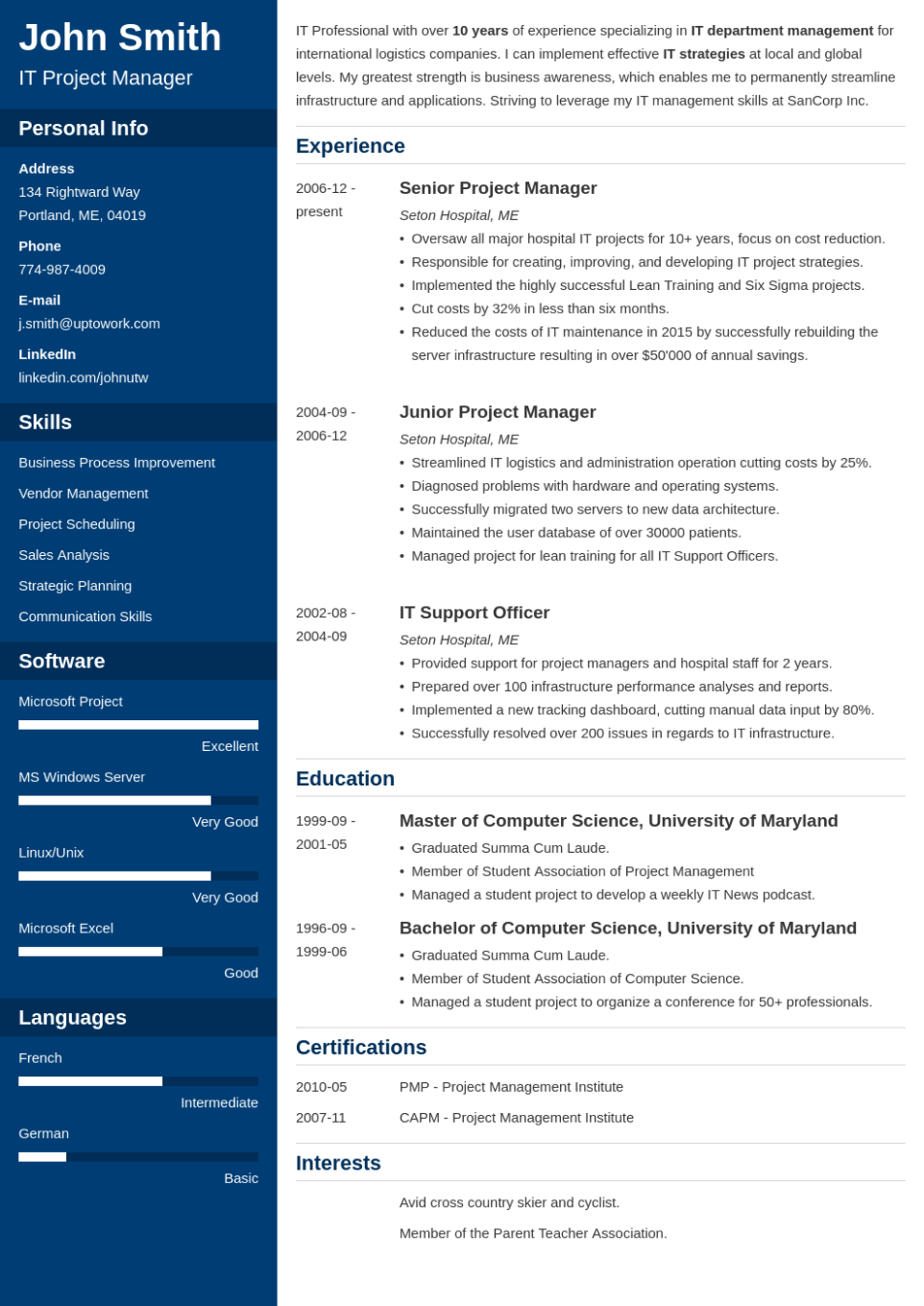
![Free Resume Templates for 2026 [Download Now] - ResumeBuilder.com](https://resumesector.com/wp-content/uploads/2024/10/Modern-Resume-Template-Free-Download-MS-Word.jpg "Free Resume Templates for 2026 [Download Now] - ResumeBuilder.com")
![The Easiest Online Resume Builder [Free] — Resume Genius](https://good-resume.com/wp-content/uploads/2018/08/Free-Modern-Resume-Template-in-Word-DOCX-Format.jpg "The Easiest Online Resume Builder [Free] — Resume Genius")


![Free Resume Templates [Customize & Download]](https://www.infiniteresume.com/_next/image?url=%2Fassets%2Ftemplates%2Fexecutive-stanford.webp&w=3840&q=75 "Free Resume Templates [Customize & Download]")